受蘋果 Aqua 介面影響,立體水晶風格曾風靡一時。本文將手把手教你用 Java 2D 繪製極具質感的水晶按鈕、水晶球,並整合進 Swing 組件,證明 Java 同樣能做出「驚艷」的視覺效果。
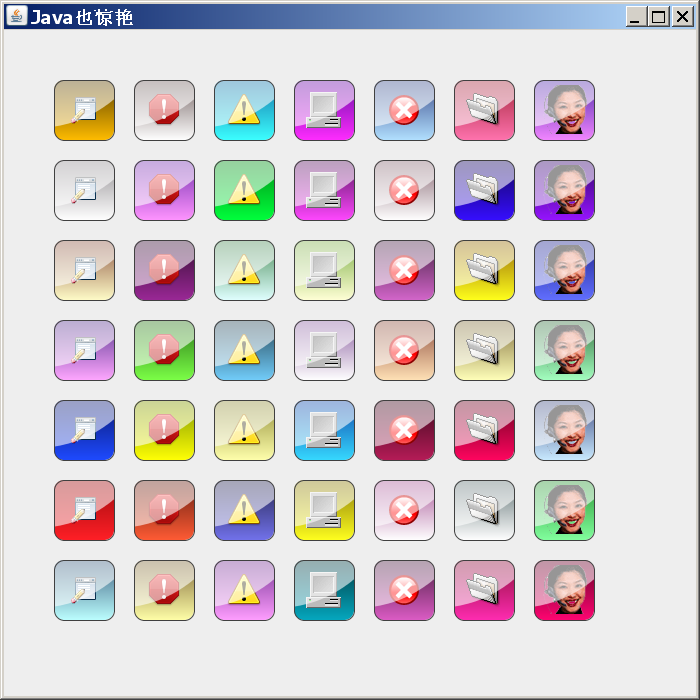
Color color = TWaverUtil.getRandomColor();
RoundRectangle2D body = new RoundRectangle2D.Float(x, y, size, size, size/3, size/3);

// 1. 基礎漸變:深->亮 模擬光照
GradientPaint paint = new GradientPaint(x, y, color.darker(),
                                        x, y + size, color.brighter().brighter());
g2d.setPaint(paint);
g2d.fill(body);

// 2. 繪製圖標(受形狀裁剪)
g2d.setClip(body);
Image image = TWaverUtil.getImage("/glass/" + i + ".png");
g2d.drawImage(image, x + (size - image.getWidth(null))/2,
                     y + (size - image.getHeight(null))/2, null);
g2d.setClip(null);

// 3. 高光區域:左上大圓與按鈕形狀相交
Shape highlightArea = createHighlightShape(x, y, size, body);
g2d.setColor(new Color(255, 255, 255, 150)); // 半透明白
g2d.fill(highlightArea);

// 4. 邊框
g2d.setColor(Color.darkGray);
g2d.draw(body);
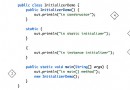
private static Shape createHighlightShape(int centerX, int centerY, int size, Shape body) {
    double myRadius = size * 4;
    double x = centerX - size * 2.3;
    double y = centerY - size * 3.2;
    Ellipse2D.Double circle = new Ellipse2D.Double(x, y, myRadius, myRadius);
    Area area = new Area(circle);
    area.intersect(new Area(body)); // 關鍵:相交運算
    return area;
}
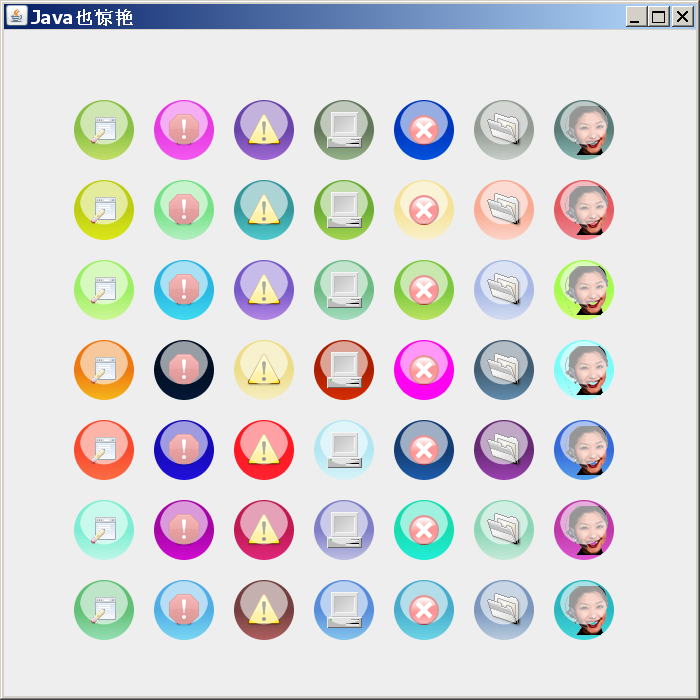
形狀改為圓形,高光計算改用雙圓相交模擬球面反光:
private static Shape createHighlightShape(int centerX, int centerY, int radius) {
    double myRadius = radius * 0.8;
    double x = centerX - myRadius;
    double y1 = centerY - myRadius - myRadius/5;
    double y2 = centerY - myRadius - myRadius/5*2;

    Ellipse2D.Double circle1 = new Ellipse2D.Double(x, y1, myRadius*2, myRadius*2);
    Ellipse2D.Double circle2 = new Ellipse2D.Double(x, y2, myRadius*2, myRadius*2);

    Area area = new Area(circle1);
    area.intersect(new Area(circle2)); // 雙圓相交形成月牙高光
    return area;
}
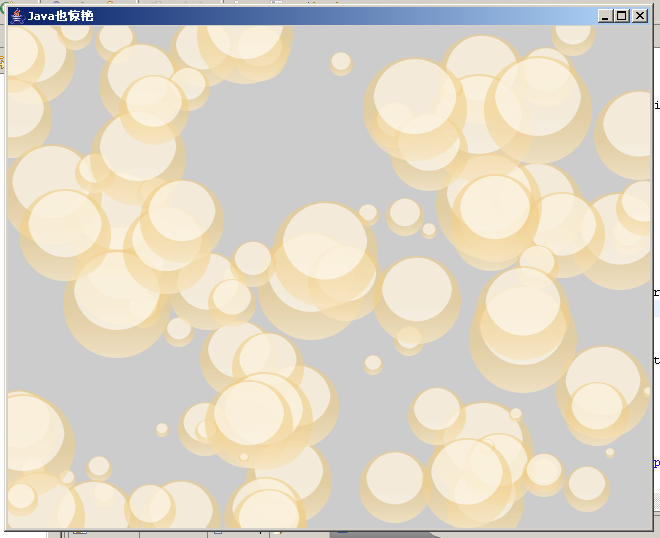
引入循環 + 隨機大小/位置/顏色,可生成動態「吹肥皂泡」效果:
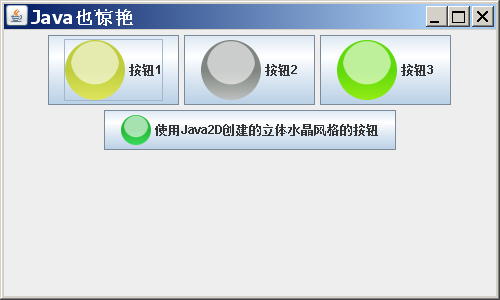
將 Java 2D 繪圖結果輸出為 BufferedImage,封裝為 ImageIcon 賦予 JButton:
public static Image createImageIcon(Image phantom, int size) {
    BufferedImage bi = new BufferedImage(size, size, BufferedImage.TYPE_INT_ARGB);
    Graphics2D g2d = bi.createGraphics();
    g2d.setRenderingHint(RenderingHints.KEY_ANTIALIASING, RenderingHints.VALUE_ANTIALIAS_ON);
    int center = size / 2;
    int radius = center;
    // 此處執行上述繪圖邏輯...
    g2d.dispose();
    return bi;
}

// 使用示例
JButton btn = new JButton("水晶按鈕", new ImageIcon(createImageIcon(null, 60)));
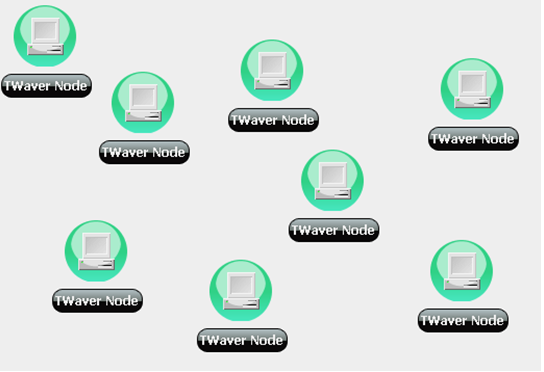
同樣技術應用於 TWaver 網絡拓撲圖,效果驚艷:
嘗試用上述技術實現此效果: