在專案開發中需要使用 RichTextBox 進行富文本編輯時,從 CodeProject 發現一個封裝完善的擴展控件(CSExRichTextBox),支援多種格式定義與圖片插入,測試介面效果良好:
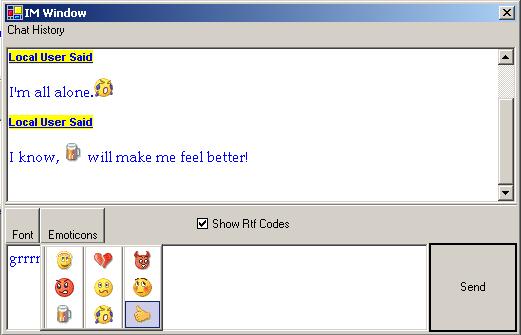
但在實際使用中發現,透過程式碼插入中文內容時會出現亂碼問題。經過研究與測試,整理出兩種有效解決方案。
這是一種較為「取巧」但有效的方法:建立一個臨時的原生 RichTextBox 實例,設定字體與文字內容,然後取得其自動生成的 RTF 格式字串,再傳遞給擴展控件的 AppendRtf 方法。
RichTextBox rtb = new RichTextBox();
rtb.Font = _font;
rtb.Text = _text;
AppendRtf(rtb.Rtf);
將上述代碼替換原 InsertTextAsRtf 方法中 this.SelectedRtf = _rtf.ToString(); 即可。完整修改後的方法如下:
public void InsertTextAsRtf(string _text, Font _font, RtfColor _textColor, RtfColor _backColor) {
    StringBuilder _rtf = new StringBuilder();
    _rtf.Append(RTF_HEADER);
    _rtf.Append(GetFontTable(_font));
    _rtf.Append(GetColorTable(_textColor, _backColor));
    _rtf.Append(GetDocumentArea(_text, _font));
    // this.SelectedRtf = _rtf.ToString();
    RichTextBox rtb = new RichTextBox();
    rtb.Font = _font;
    rtb.Text = _text;
    AppendRtf(rtb.Rtf);
}深入研究 RTF 格式規範後發現,問題根源在於控件預設的 RTF 標頭與字體表僅支援英文(ASCII/代碼頁 1252),導致中文字符無法正確解析。參考資料:
原標頭:
private const string RTF_HEADER = @"{\rtf1\ansi\ansicpg1252\deff0\deflang1033";修改為支援簡體中文(代碼頁 936)與中文語系(2052):
private const string RTF_HEADER = @"{\rtf1\ansi\ansicpg936\deff0\deflang1033\deflangfe2052";標頭說明:\rtf1 RTF 版本、`\ansi` 字符集、`\ansicpg936` 簡體中文代碼頁、`\deff0` 預設字體 0、`\deflang1033` 美式英語、`\deflangfe2052` 中文語系。
原代碼:
_fontTable.Append(@"\fcharset0 ");修改為中文字符集(134):
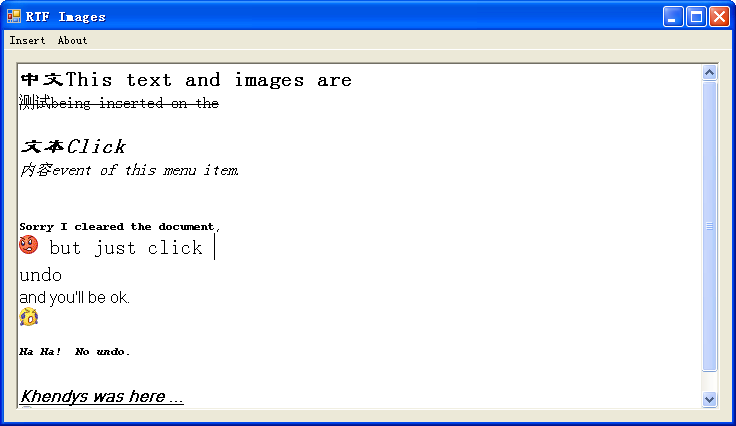
_fontTable.Append(@"\fcharset134 ");調整後測試效果正常,中文顯示無亂碼:
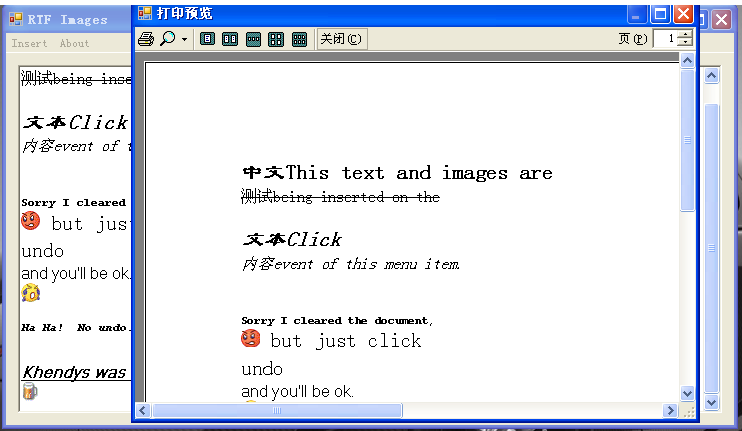
此外,在解決亂碼基礎上,整合了列印功能代碼,進一步擴充控件能力:
本文配套完整原始碼可供下載參考。