Ctrl+Shift+B,可設置多個Debug As → Java Application,進入 Debug 透視圖F5:步入(進入方法內部)F6:步過(不進入方法)F7:步出(返回調用者)F8:恢復運行到下一斷點Ctrl+S),Eclipse 自動熱代碼替換(部分結構變更需重啟)File → Export → General → Archive File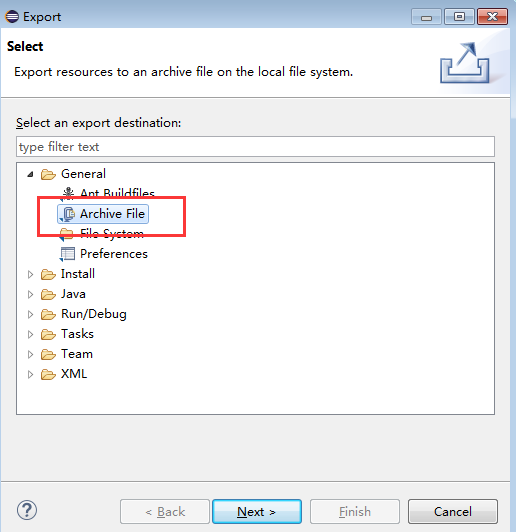
BookStore.zip)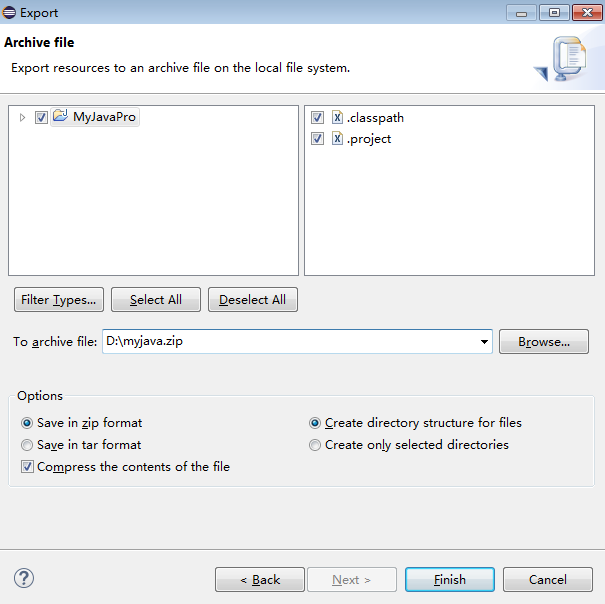
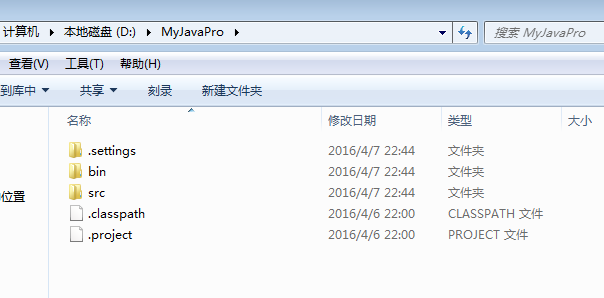
File → Import → General → Existing Projects into Workspace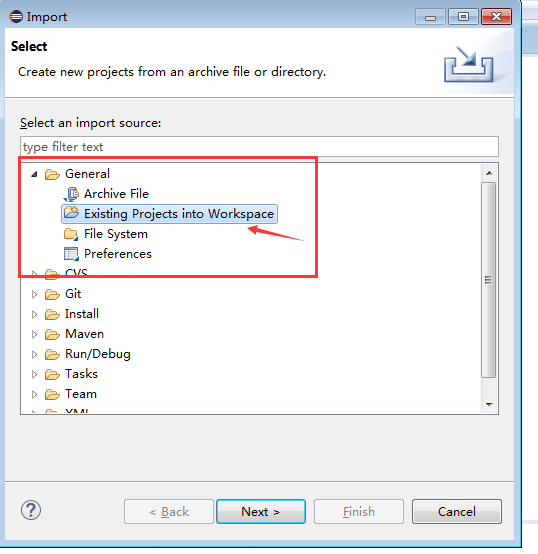
Select archive file 指向剛導出的 ZIP,或 Select root directory 指向解壓目錄
Copy projects into workspace 會在工作區創建副本;不勾選則直接引用原目錄右鍵項目 → Delete → 勾選 Delete project contents on disk 徹底刪除物理文件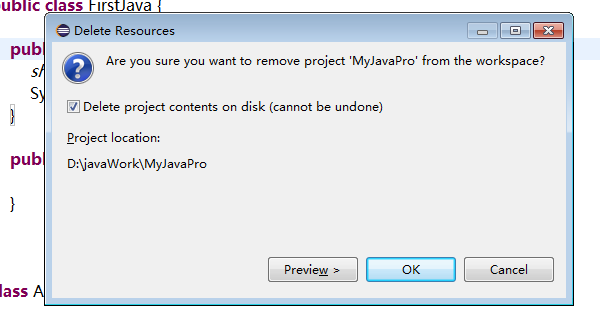
Package Explorer 中右鍵項目 → Copy → 在空白處 Paste → 彈出對話框輸入新項目名 → 即可獲得獨立副本