Web 系統常見需求:使用者需一次導出多份 Excel 報表。若逐一下載體驗極差,最佳解法是伺服器端生成多個 Excel、打包成 ZIP、單一請求下載。本文基於 AEAI DP 低代碼平台實戰案例,完整記錄從模板設計、資料拼裝、Excel 導出、ZIP 壓縮、瀏覽器下載、暫存檔清理的全流程實作。
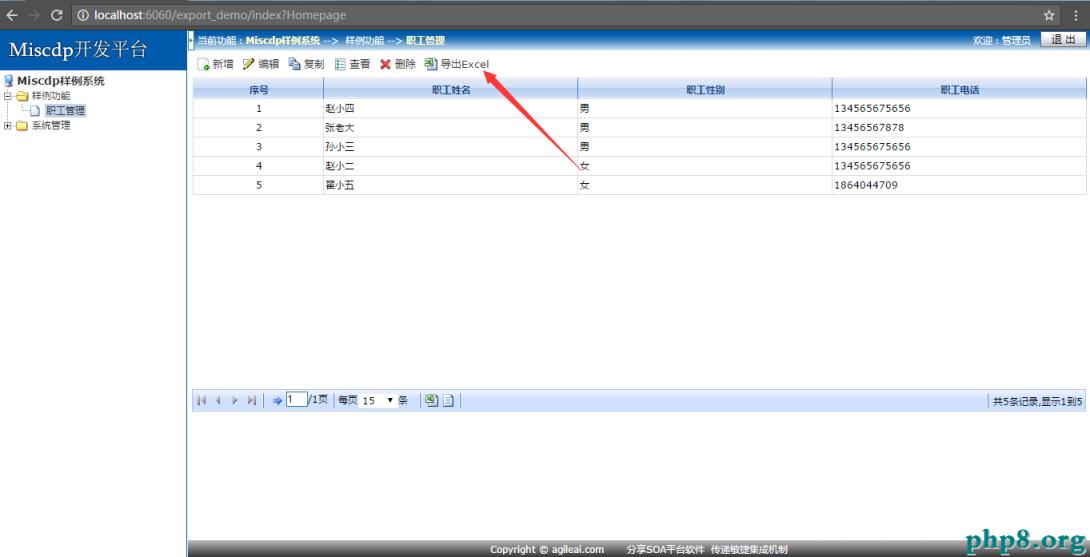
export_demo,初始化資料庫employee,對應實體類在 EmployeeManageList.jsp 列表頁加入按鈕並綁定 JS 事件:
<input type="button" value="導出 Excel" onclick="exportExcel()" />

<script>
function exportExcel() {
    // 呼叫後端 Handler 導出方法
    window.location.href = "${ctx}/employee/exportExcel";
}
</script>

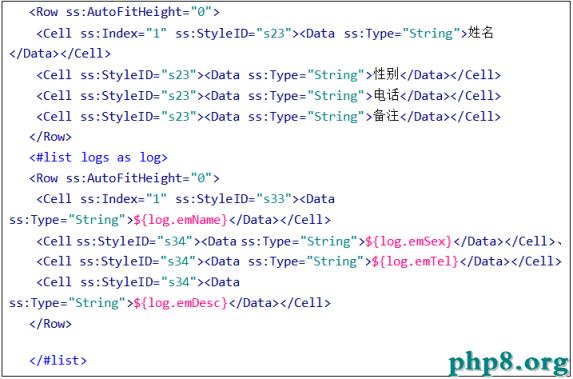
建立 EmployeeInfos.ftl,定義 Excel 結構與資料綁定:
<#-- EmployeeInfos.ftl -->
<table>
  <tr><th>員工編號</th><th>姓名</th><th>部門</th><th>職位</th><th>薪資</th></tr>
  <#list employees as emp>
  <tr>
    <td>${emp.id}</td>
    <td>${emp.name}</td>
    <td>${emp.deptName}</td>
    <td>${emp.position}</td>
    <td>${emp.salary}</td>
  </tr>
  </#list>
</table>
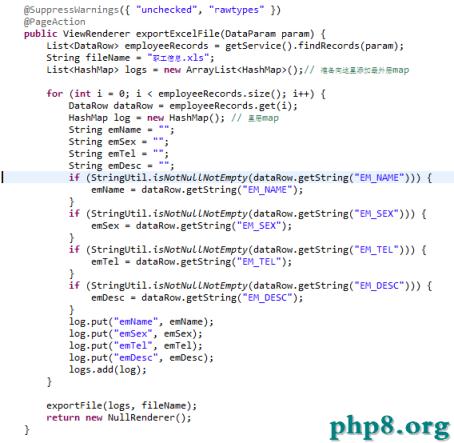
public class EmployeeManageListHandler extends BaseHandler {
    // 導出 Excel 主入口
    public void exportExcelFile() {
        // 1. 查詢導出資料(可加條件篩選)
        List employees = employeeService.queryAll();

        // 2. 準備模板資料模型
        Map model = new HashMap<>();
        model.put("employees", employees);
        model.put("exportTime", new SimpleDateFormat("yyyy-MM-dd HH:mm").format(new Date()));

        // 3. 呼叫平台工具導出 Excel 到暫存目錄
        String tempDir = FileExportHelper.exportFile(
            "EmployeeInfos.ftl",  // 模板路徑
            model,                // 資料模型
            "員工資料_" + System.currentTimeMillis() + ".xls", // 檔名
            getRequest(), getResponse()
        );

        // 4. 壓縮為 ZIP(此處示範單檔,多檔案傳 List)
        List filePaths = Arrays.asList(tempDir);
        String zipPath = ZipHelper.doZip(filePaths, "員工資料導出_" + System.currentTimeMillis() + ".zip");

        // 5. 下載 ZIP 到瀏覽器
        ZipHelper.downZip(zipPath, getResponse());

        // 6. 清理暫存檔(非同步或排程清理更佳)
        ZipHelper.deleteZip(zipPath);
        // 同步刪除 Excel 暫存檔...
    }
}
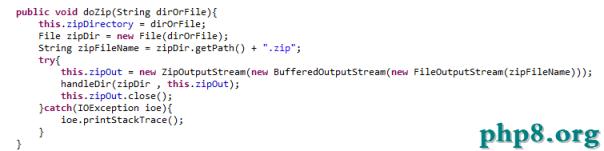
public class ZipHelper {
    // 壓縮多個檔案為 ZIP
    public static String doZip(List srcFiles, String zipName) {
        String zipPath = TEMP_DIR + zipName;
        try (ZipOutputStream zos = new ZipOutputStream(new FileOutputStream(zipPath))) {
            for (String filePath : srcFiles) {
                File file = new File(filePath);
                try (FileInputStream fis = new FileInputStream(file)) {
                    ZipEntry entry = new ZipEntry(file.getName());
                    zos.putNextEntry(entry);
                    byte[] buffer = new byte[1024];
                    int len;
                    while ((len = fis.read(buffer)) > 0) {
                        zos.write(buffer, 0, len);
                    }
                    zos.closeEntry();
                }
            }
        } catch (IOException e) {
            throw new RuntimeException("壓縮失敗", e);
        }
        return zipPath;
    }

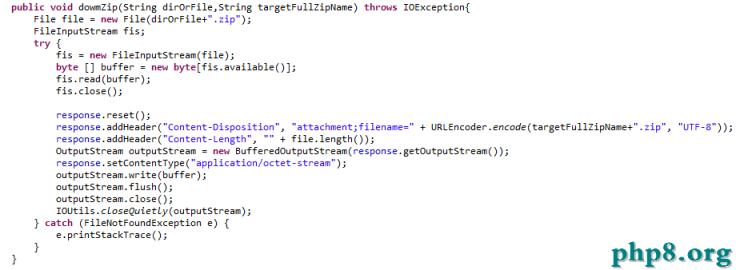
    // 輸出 ZIP 到瀏覽器
    public static void downZip(String zipPath, HttpServletResponse response) {
        File file = new File(zipPath);
        response.setContentType("application/zip");
        response.setHeader("Content-Disposition", "attachment; filename=" + URLEncoder.encode(file.getName(), "UTF-8"));
        response.setContentLengthLong(file.length());
        try (FileInputStream fis = new FileInputStream(file);
             ServletOutputStream sos = response.getOutputStream()) {
            byte[] buffer = new byte[4096];
            int len;
            while ((len = fis.read(buffer)) > 0) {
                sos.write(buffer, 0, len);
            }
            sos.flush();
        } catch (IOException e) {
            throw new RuntimeException("下載失敗", e);
        }
    }

    // 刪除暫存 ZIP
    public static void deleteZip(String zipPath) {
        new File(zipPath).delete();
    }
}

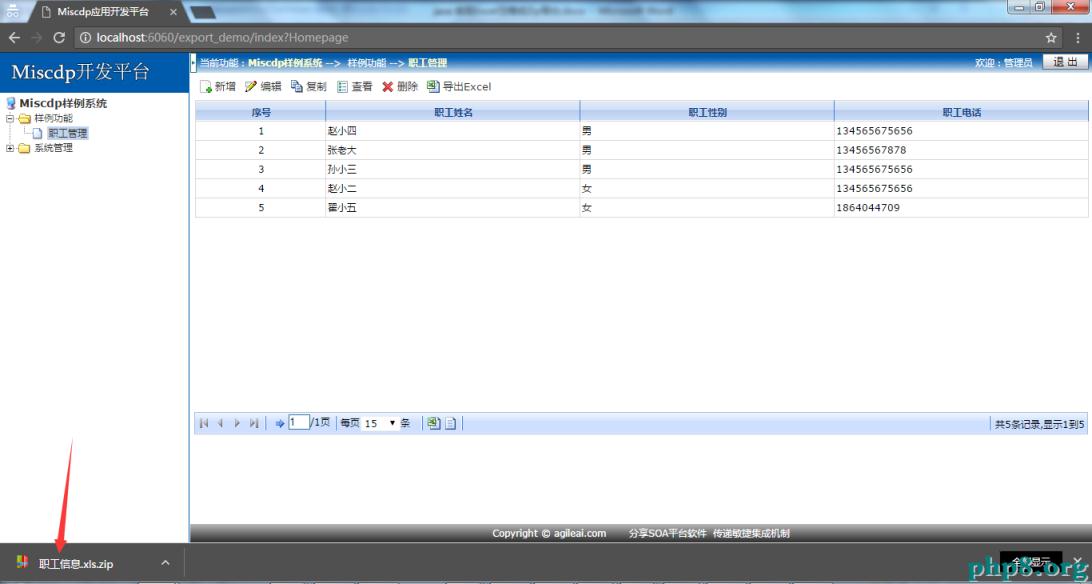
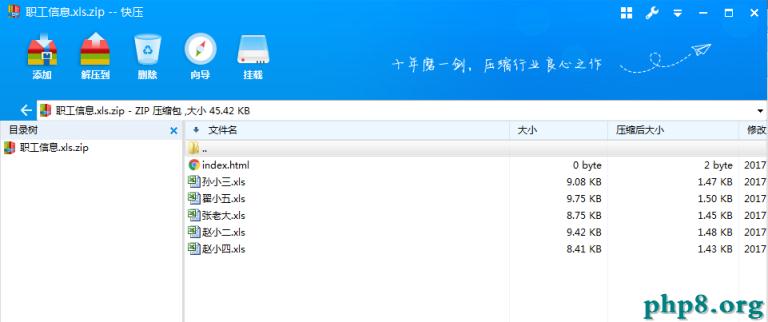
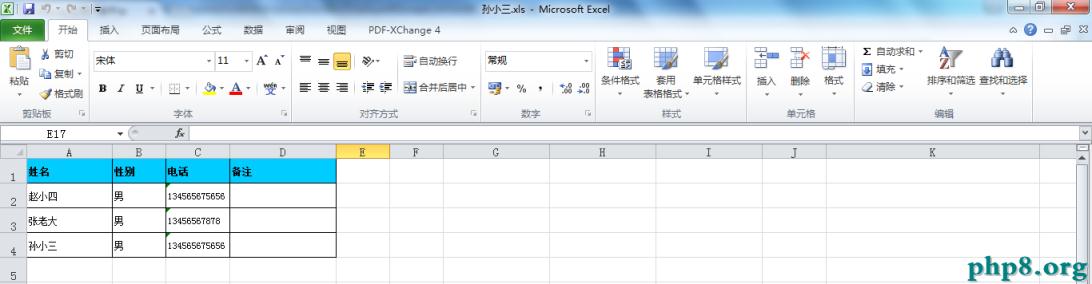
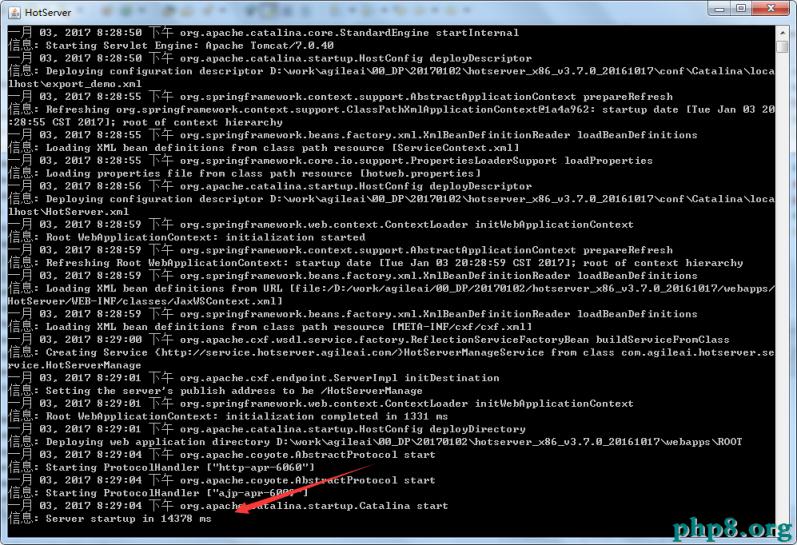
https://localhost:6060/export_demo/index?Homepage (admin/admin)員工資料導出_123456789.zip員工資料_123456789.xls,用 Excel 開啟資料完整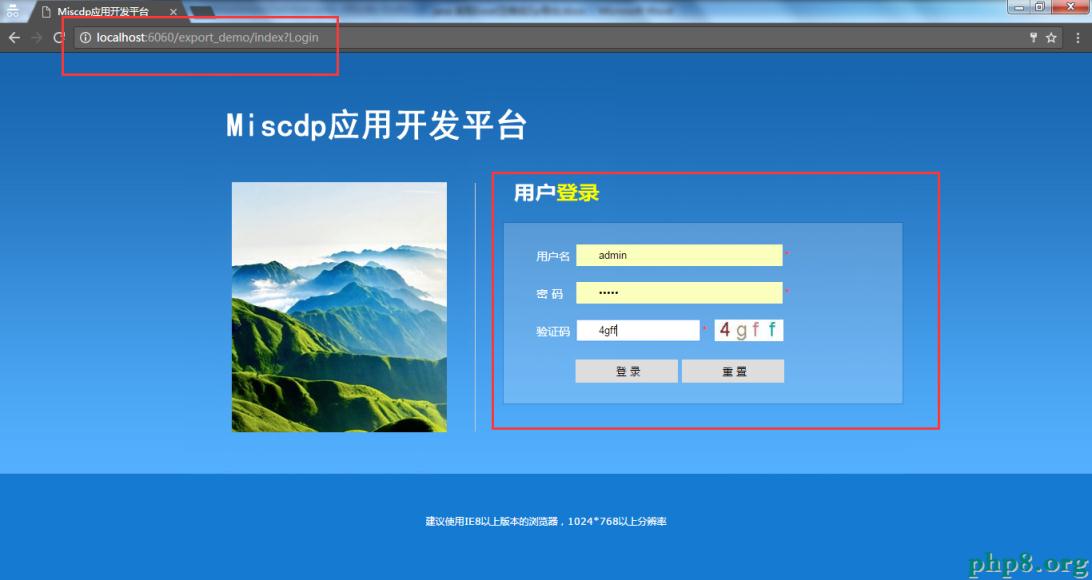
export,執行 export_mysql.sql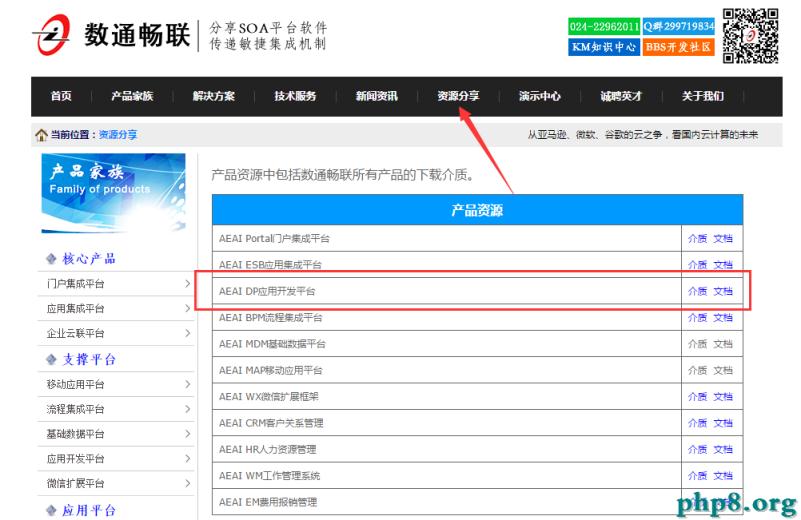
// Spring Boot 通用版本
@RestController
@RequestMapping("/export")
public class ExportController {
    @Autowired EmployeeService employeeService;
    @Autowired ExcelExportService excelExportService; // 封裝 POI/EasyExcel
    @Autowired ZipService zipService;

    @GetMapping("/employees")
    public void exportEmployees(HttpServletResponse response) throws IOException {
        List data = employeeService.findAll();

        // 1. 生成多個 Excel (ByteArrayOutputStream)
        Map excelMap = new LinkedHashMap<>();
        excelMap.put("員工基本資料.xlsx", excelExportService.export(data, "basic"));
        excelMap.put("員工薪資明細.xlsx", excelExportService.export(data, "salary"));

        // 2. 記憶體中壓縮 ZIP
        ByteArrayOutputStream zipBaos = zipService.zip(excelMap);

        // 3. 直接輸出
        response.setContentType("application/zip");
        response.setHeader("Content-Disposition", "attachment; filename=employee_export.zip");
        response.setContentLengthLong(zipBaos.size());
        response.getOutputStream().write(zipBaos.toByteArray());
    }
}
URLEncoder.encode(fileName, "UTF-8") 解決中文檔名亂碼「多 Excel 打包 ZIP 下載」是提升使用者體驗的經典模式。核心流程為:資料查詢 → 模板渲染生成 Excel → 記憶體/磁碟壓縮 ZIP → HTTP 響應輸出 → 暫存清理。掌握此模式並根據資料量選擇記憶體或磁碟策略,即可優雅解決批量導出需求。