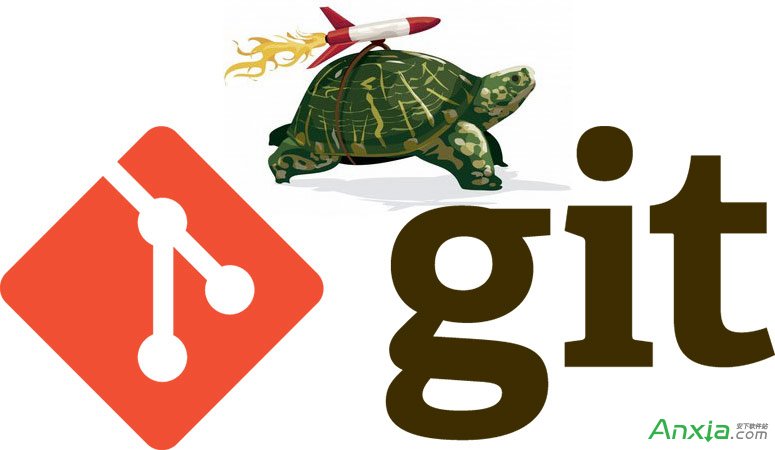
Git 雖擁有本地倉庫優勢,但 pull、push 等遠端交互仍高頻發生。若覺得從遠端拉取或推送代碼耗時過長,試試透過 SSH 連線多路複用(Connection Multiplexing)大幅提速。
編輯 ~/.ssh/config,加入以下配置:
ControlMaster auto
ControlPath /tmp/git@github.com:22
ControlPersist yes| 參數 | 作用 |
|---|---|
ControlMaster auto | 啟用多路複用:多個 SSH 會話共享單一 TCP 連線;若無現存連線則自動創建主連線。 |
ControlPath | 指定控制套接字路徑。%r=遠端用戶(通常為 git),%h=目標主機,%p=端口。建議針對常用代碼託管平台單獨配置。 |
ControlPersist yes | 保持主連線長期存活(背景持久化),後續會話無需重新握手,極大降低延遲。 |
# GitHub
ControlPath /tmp/git@github.com:22
# Gitee (開源中國)
ControlPath /tmp/git@gitee.com:22
# GitCafe
ControlPath /tmp/git@gitcafe.com:22git pull/push 速度通常提升 5 倍左右(受網路環境影響)。提示: 首次連線會建立主連線,後續操作即可體驗「秒級」響應。Windows 用戶請確保 Git Bash 或 WSL 環境下配置生效。