BinaryWriter 依序附加寫入合併程式E:\VS.NET項目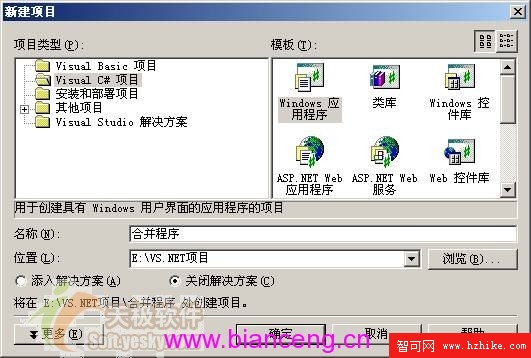
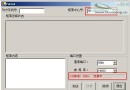
從工具箱拖曳至 Form1:
OpenFileDialog:選擇任一分割檔案ProgressBar:顯示合併進度TextBox:選取檔案路徑、輸出合併檔名LabelButton:「選擇檔案」、「執行合併」| 元件 | 名稱 | 屬性 | 值 |
|---|---|---|---|
| Button | button1 | FlatStyle | Flat |
| Text | 執行 | ||
| Button | button2 | FlatStyle | Popup |
| Text | ... | ||
| Form | Form1 | Text | 合併程式 |
| MaximizeBox | False | ||
| MinimizeBox | True | ||
| FormBorderStyle | FixedSingle | ||
| Label | label1 | Text | 請選擇大小: |
| Label | label2 | Text | 選擇檔案: |
| TextBox | textBox1 | Text | (空) |
| TextBox | textBox2 | Text | (空) |

完整合併邏輯程式碼實作與執行驗證。