本節講解如何為 Silverlight 遊戲製作精美的迷你地圖。迷你地圖分兩種:右上角的迷你雷達(導航)地圖,與全景迷你尋路地圖。先講導航雷達地圖,主要功能:導航主角前進方向、呈現周圍怪物、NPC、傳送點等物件,可擴充近距離尋路等進階功能。
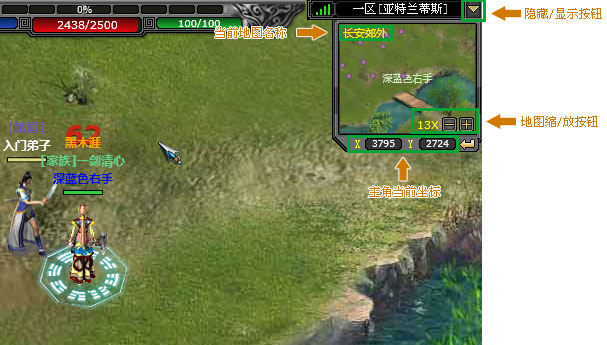
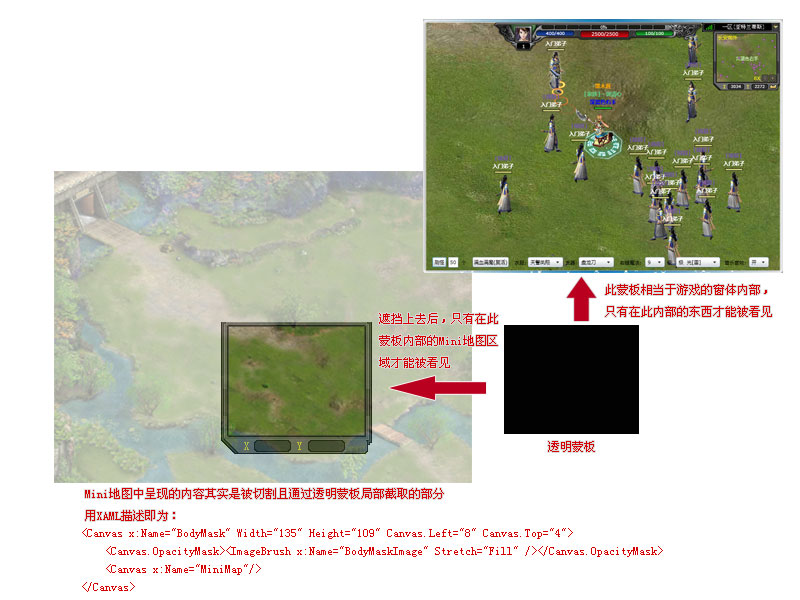
Visibility。對效能影響巨大——雷達地圖相當於遊戲視窗縮小副本,更新元素多,關閉可停止相關運算與呈現,大量刷怪時關閉能釋放 CPU,提升流暢度。<MiniMap Scaling="8" MinScaling="1" MaxScaling="30" />Scaling 值。曾嘗試依主角位置動態載入切片、或 WriteableBitmap 合成整圖再縮放,但前者瞬間效能消耗大,後者違背按需下載原理。最終方案效能高、資源少、雷達與尋路地圖共用素材,堪稱完美。
UIElement,發揮想像美化:主角用綠色文字,怪物用粉色描邊圓矩形等。if (sprite == Leader) {
miniMap.MiniMap.Children.Add(new TextBlock() {
Name = string.Format("Obj{0}", sprite.Name),
Text = Leader.VSName,
FontSize = 10,
Foreground = new SolidColorBrush(Color.FromArgb(255, 206, 241, 190))
});
} else {
miniMap.MiniMap.Children.Add(new Rectangle() {
Name = string.Format("Obj{0}", sprite.Name),
Width = 6, Height = 6, RadiusX = 3, RadiusY = 3,
Fill = new SolidColorBrush(Color.FromArgb(255, 184, 105, 167)),
StrokeThickness = 1, Stroke = new SolidColorBrush(Color.FromArgb(255, 88, 88, 88))
});
}可為每個物件矩形加上 ToolTip,滑鼠懸停顯示名稱。
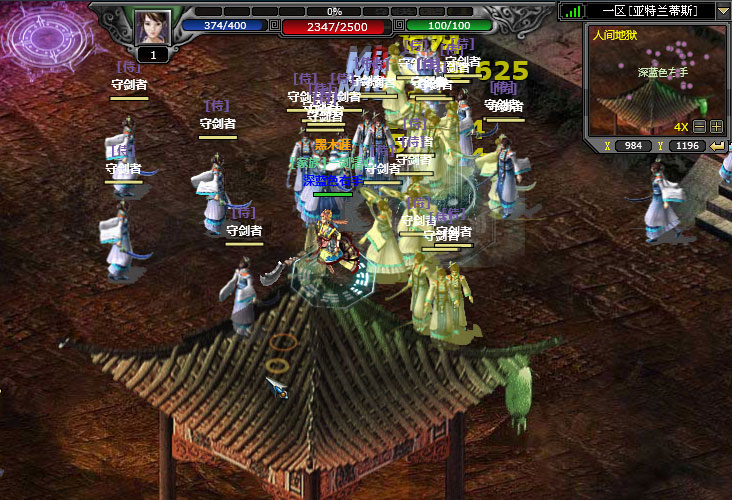
下一節將講解全景迷你尋路地圖製作。敬請關注。