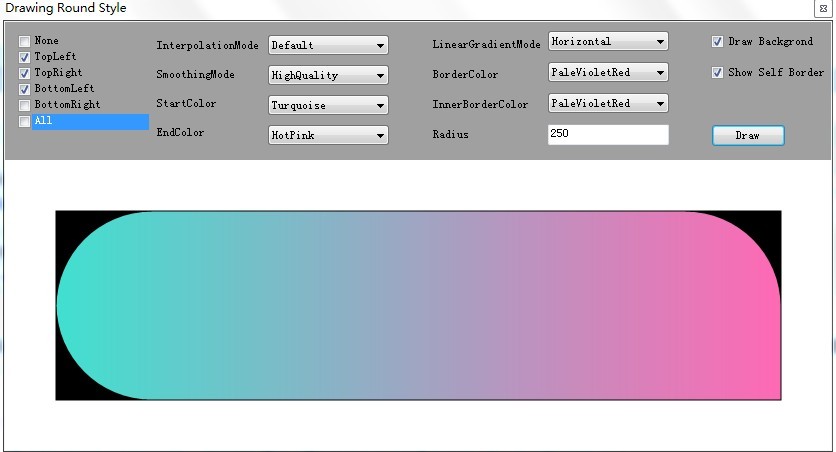
GDI+ 讓開發者直接控制繪圖邏輯,是自繪控件美化的關鍵。本文示範如何以 GraphicsPath 繪製各種圓角組合的矩形,並巧妙運用 [Flags] 列舉與位元運算管理圓角狀態。
[Flags]
public enum RoundStyle
{
    None = 0,
    TopLeft = 1,
    TopRight = 2,
    BottomLeft = 4,
    BottomRight = 8,
    All = TopLeft | TopRight | BottomLeft | BottomRight
}
透過位元或 (|) 組合即可表示任意圓角組合,共 16 種情況 (含無圓角)。
建立 Dictionary<RoundStyle, Action<GraphicsPath, Rectangle, int, int>>,每種組合對應一個繪製委托:
private static IDictionary<RoundStyle, Action<GraphicsPath, Rectangle, int, int>> CreateRoundStylesEventContainer()
{
    var dict = new Dictionary<RoundStyle, Action<GraphicsPath, Rectangle, int, int>>();
    dict.Add(RoundStyle.None, (path, rect, r, adj) => path.AddRectangle(rect));
    dict.Add(RoundStyle.All, AddAllRoundStyle);
    dict.Add(RoundStyle.BottomLeft, AddBottomLeftRoundStyle);
    // ... 其餘 13 種組合
    return dict;
}
AddArc(x, y, width, height, startAngle, sweepAngle):
x, y, width, height:定義橢圓外接矩形。startAngle:從 X 軸 (0 度) 順時針起始角度。sweepAngle:順時針掃過角度。例:左下角圓角
private static void AddBottomLeftRoundStyle(GraphicsPath path, Rectangle rect, int radius, int adj)
{
    AddBottomLeftArc(rect, radius, path, adj);
    AddTopLine(rect, path, adj);
    AddRightLine(rect, path, adj);
}
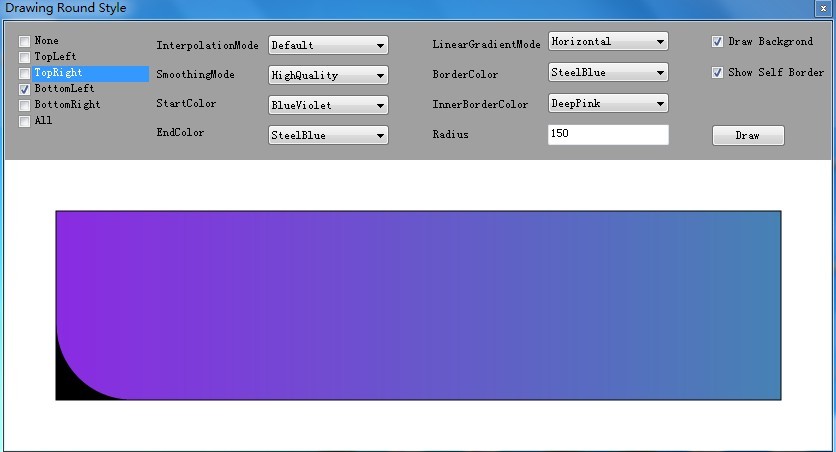
相鄰雙角 (同側) 需繪製連接線;對角雙角需計算偏移線條。
// 對角:右下 + 左上
private static void AddBottomRightAndTopLeftRoundStyle(GraphicsPath path, Rectangle rect, int radius, int adj)
{
    AddBottomRightArc(rect, radius, path, adj);
    AddBottomLineWithRightOffset(path, rect, radius, adj);
    AddTopLeftArc(rect, radius, path, adj);
    AddTopLineWithLeftOffset(path, rect, radius, adj);
}
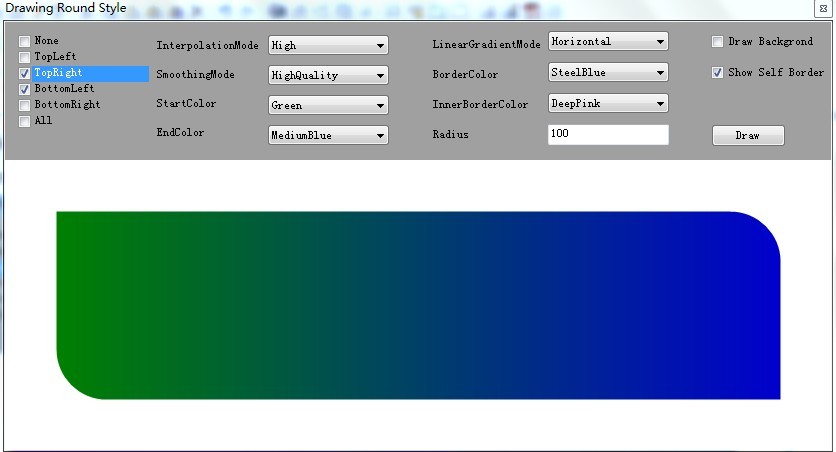
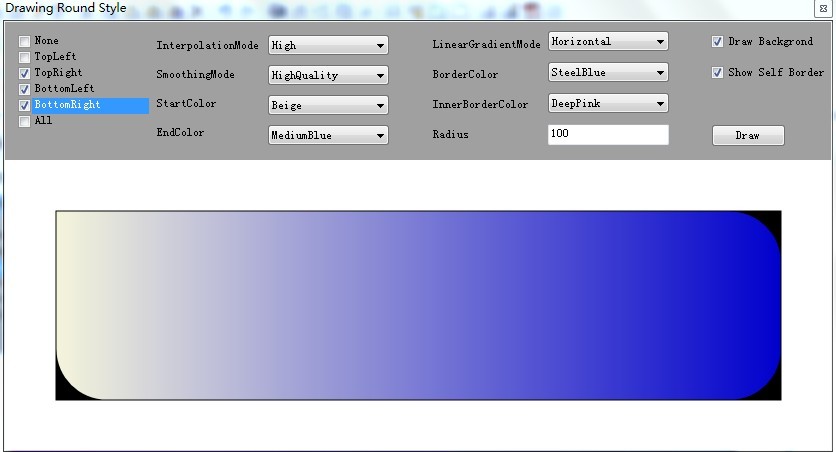
僅一個銳角,路徑順序需繞過三個圓弧。
private static void AddAllRoundStyle(GraphicsPath path, Rectangle rect, int radius, int adj)
{
    AddTopLeftArc(rect, radius, path, adj);
    AddTopRightArc(rect, radius, path, adj);
    AddBottomRightArc(rect, radius, path, adj);
    AddBottomLeftArc(rect, radius, path, adj);
}
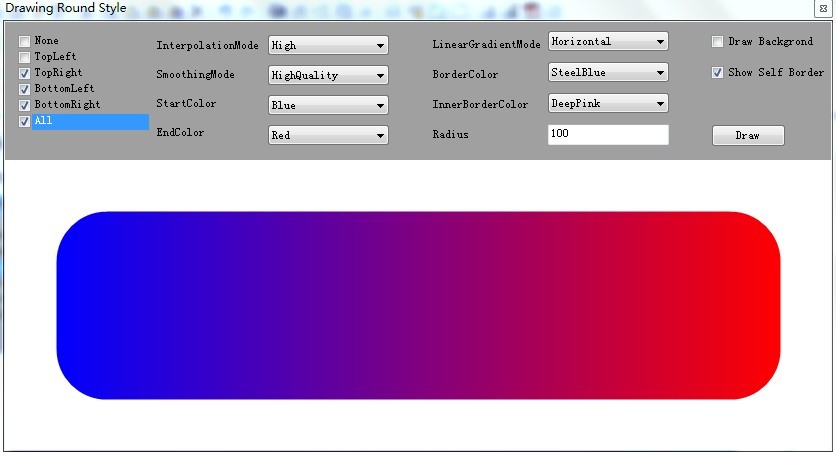
本文透過 [Flags] 列舉 + 字典策略模式,系統化處理 16 種圓角組合,邏輯清晰可擴充。實務上可直接套用於自繪按鈕、面板、ToolTip 等控件邊框美化。
原始碼下載:矩陣圓角繪製原始碼