接續上一篇,我們將透過 HtmlFieldSet Helper 深入探討 EndView() 的呼叫時機。若您有一段 ASP.NET 開發經驗,對 Html.BeginForm 的用法應不陌生——它在 using 陳述式中被呼叫,這與一般 Helper 直接輸出字串的方式截然不同。
新建 ASP.NET MVC 專案時,ChangePassword.aspx 預設會使用 Html.BeginForm:
<% using (Html.BeginForm()) { %>
    <div>
        <fieldset>
            <legend>Account Information</legend>
            <p>
                <label for="currentPassword">Current password:</label>
                <%= Html.Password("currentPassword") %>
                <%= Html.ValidationMessage("currentPassword") %>
            </p>
            <!-- 更多欄位 -->
            <p><input type="submit" value="Change Password" /></p>
        </fieldset>
    </div>
<% } %>
<form action="/Account/LogOn?ReturnUrl=%2fAccount%2fChangePassword" method="post">
    <div>
        <fieldset>
            <legend>Account Information</legend>
            <p>
                <label for="username">Username:</label>
                <input id="username" name="username" type="text" value="" />
            </p>
            <!-- 更多輸入框 -->
            <p><input type="submit" value="Log On" /></p>
        </fieldset>
    </div>
</form>
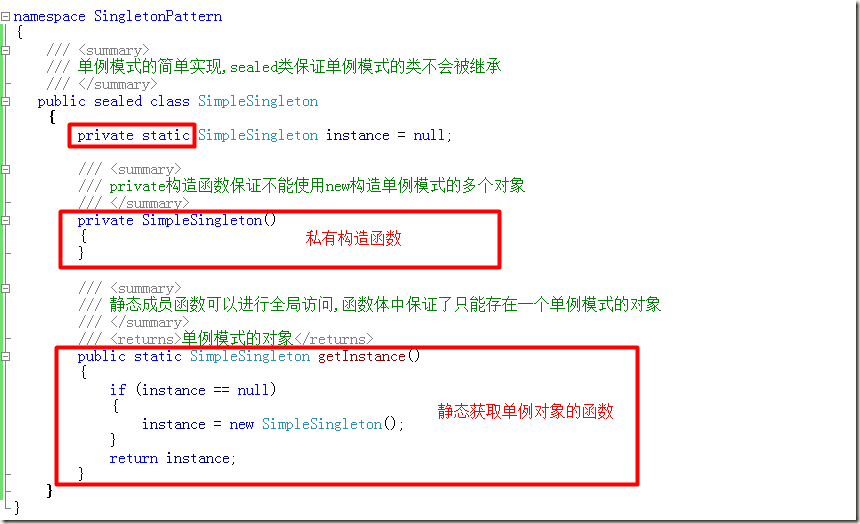
觀察可知,Html.BeginForm 在 using 區塊中執行,進入區塊時輸出 <form> 起始標籤,離開區塊(Dispose 時)輸出 </form> 結尾標籤。這正是 IViewObject 模式的核心:StartView() 輸出開頭,EndView()(在 Dispose 中呼叫)輸出結尾。掌握這個模式,才能開發出支援巢狀結構、生命週期自動管理的優雅 ViewHelper。