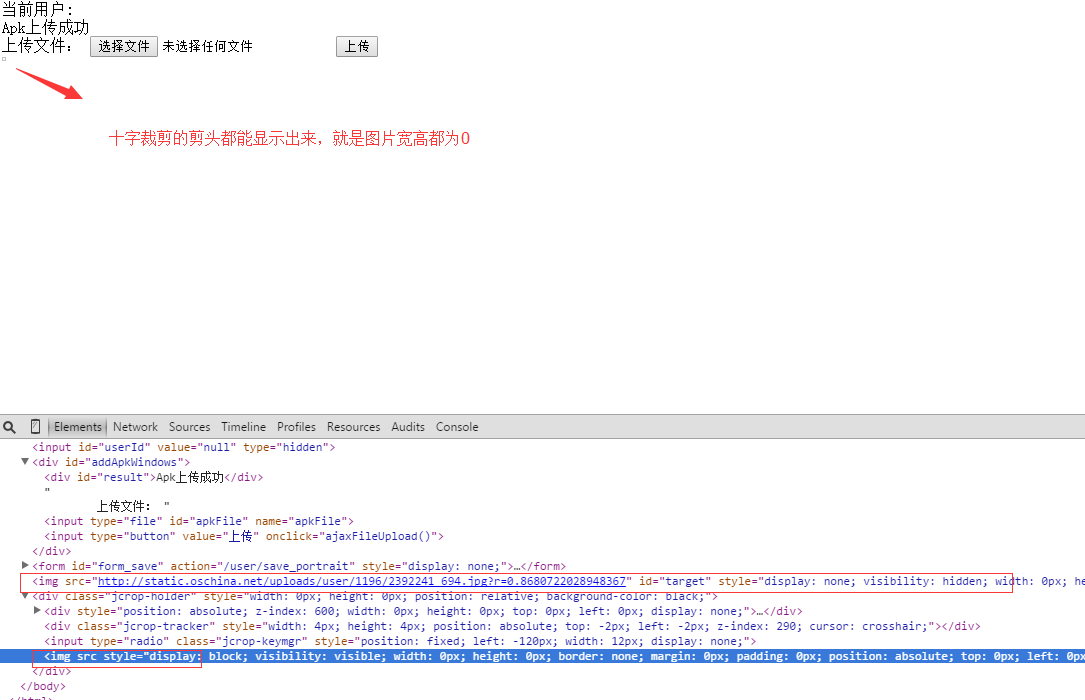
在 onCreate() 中直接調用 textView.getHeight() 返回 0。原因:此時 View 尚未經歷 measure、layout、draw 流程,寬高均為 0。
使用 ViewTreeObserver.OnGlobalLayoutListener 在佈局完成後獲取真實高度:
TextView title = findViewById(R.id.title);
TextView info = findViewById(R.id.info);

ViewTreeObserver vto = title.getViewTreeObserver();
vto.addOnGlobalLayoutListener(new ViewTreeObserver.OnGlobalLayoutListener() {
    @Override
    public void onGlobalLayout() {
        // 此時 View 已完成佈局,可獲取真實高度
        int titleHeight = title.getHeight();
        int infoHeight = info.getHeight();
        int layoutHeight = findViewById(R.id.layout).getHeight();

        Log.d("Height", "title=" + titleHeight + ", info=" + infoHeight + ", layout=" + layoutHeight);

        // 重要:移除監聽器,防止多次觸發
        if (Build.VERSION.SDK_INT >= Build.VERSION_CODES.JELLY_BEAN) {
            title.getViewTreeObserver().removeOnGlobalLayoutListener(this);
        } else {
            title.getViewTreeObserver().removeGlobalOnLayoutListener(this);
        }
    }
});
onGlobalLayout() 在 View 樹佈局完成後調用,可能多次觸發(如鍵盤彈出、方向變化),務必在獲取數據後移除監聽。removeOnGlobalLayoutListener,舊版用 removeGlobalOnLayoutListener。若需程序化設置高度:
TextView v = findViewById(R.id.sometext);
ViewGroup.LayoutParams lp = v.getLayoutParams();
lp.height = 50; // 像素值,或使用 dp 轉換
v.setLayoutParams(lp);
注意:若 View 在 wrap_content 模式下,設置具體高度會將其轉為固定高度模式。
Kotlin 開發者可使用更簡潔的擴展函數:
textView.doOnPreDraw {
    val height = textView.height
    // 使用 height
}
內部同樣基於 ViewTreeObserver,但自動處理了移除監聽邏輯。
獲取 View 高度的核心原則:**在佈局流程結束後讀取**。ViewTreeObserver.OnGlobalLayoutListener 是標準、可靠的方案,適用於所有 Android 版本。切記移除監聽器以避免性能問題和邏輯錯誤。