Windows 安裝 MySQL 5.1 MSI 版完整圖文教程:自定義路徑、字符集 UTF-8、服務註冊與防火牆配置
經典 MySQL 5.1 MSI 安裝精靈逐步解析,適用 Windows XP/2003/2008/Vista/7,含自定義安裝、字符集設定、服務配置、連線測試與常見錯誤排查。
安裝前準備
- 32 位 Windows(NT 核心優先:2000/XP/2003/Vista/7)
- TCP/IP 協議啟用
- 官網下載
mysql-5.1.x-win32.msi,驗證 MD5
- 預留 ≥200MB 磁碟空間
- NTFS 分區支援 >4GB 表
逐步安裝流程(20 步精華版)
- 雙擊 MSI → Next
- 選 Custom(自定義) → Next
- 所有下拉項選 This feature, and all subfeatures, will be installed on local hard drive
- Change 安裝路徑 →
D:\MySQLsetup\(非系統盤)
Data 路徑同理修改
- Next → Install → 等待完成
- 彈出 Configuration Wizard → 勾選 Configure the MySQL Server now → Finish 進入配置
- 選 Detailed Configuration → Next
- Server Type:Developer Machine(開發機,資源佔用少)
- Database Usage:Multifunction Database(預設)
- InnoDB Datafile 路徑:預設或自訂
- Concurrent Connections:Manual Setting → 15(開發機)
- Networking:Port 3306,勾選 Enable Strict Mode、Add firewall exception
- Character Set:Manual Selected → utf8(關鍵!避免中文亂碼)
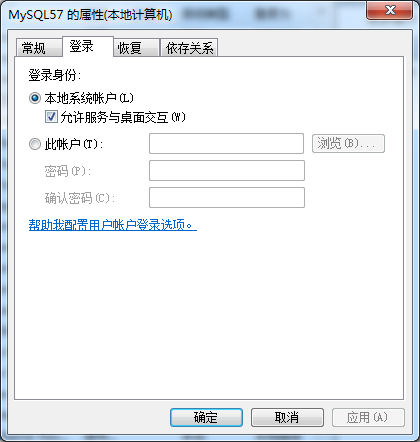
- Windows Options:勾選 Install As Windows Service、Launch automatically、Include Bin Directory in PATH
- Security Options:設定 Root 密碼,勾選 Enable root access from remote machines(如需遠程),不勾選 Create Anonymous Account
- Execute → 配置執行
- Finish 完成
配置檔位置與手動修改
my.ini 位於安裝根目錄(如 D:\MySQLsetup\my.ini)- 記事本開啟可見所有配置參數,手動調整後重啟服務生效
常見安裝失敗排查