錯誤現象
Either the server service or the configuration file could not be found.
Startup variable and service section are there for disabled.
登入後管理功能全灰,提示:This section is only available when connected to localhost。
解決步驟
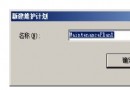
- 開啟 MySQL Administrator,**不要點「登入」**。
- 按住 Ctrl 鍵,右下角「取消」按鈕變為「**Skip**」。
- 點擊 **Skip** 進入**安全配置模式**。
- 在安全配置模式:
- 啟動/建立 MySQL 服務。
- GUI 編輯 my.ini 參數(紅字表示錯誤,需修正)。
- 確認服務路徑、資料目錄、配置檔路徑正確。
- 儲存並啟動服務。
- 若仍異常,**重啟作業系統**後再試。
常見原因
- MySQL 服務未安裝或服務名不匹配(
mysql vs mysqld)。
my.ini 路徑錯誤、參數語法錯誤(紅字提示)。- 權限不足:需以**管理員身分**執行 Administrator。
- 防火牆/防毒軟體阻擋本地連線。
替代工具建議
MySQL Administrator 已停止維護(最後版本 2008),建議改用:
- MySQL Workbench(官方、功能完整、支援 5.7/8.0)。
- DBeaver(跨平台、免費、支援多種資料庫)。
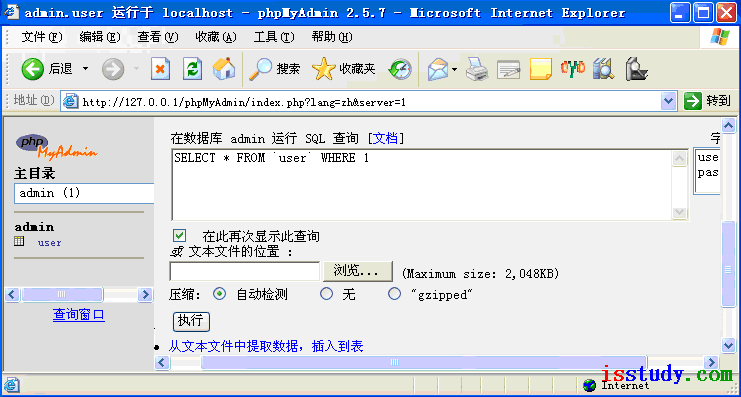
- phpMyAdmin / Adminer(Web 介面、輕量)。