跳過權限表啟動 → 免密登入 → 修改 user 表 → 刷新權限 → 正常重啟。
# Linux
kill `cat /var/lib/mysql/hostname.pid`
# 或
systemctl stop mysqld

# Windows
net stop mysql
# 或任務管理器結束 mysqld.exe
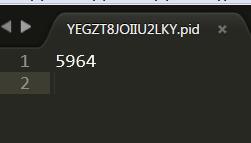
PID 文件位置:datadir/hostname.pid

# Linux
mysqld_safe --skip-grant-tables &

# Windows
mysqld --skip-grant-tables
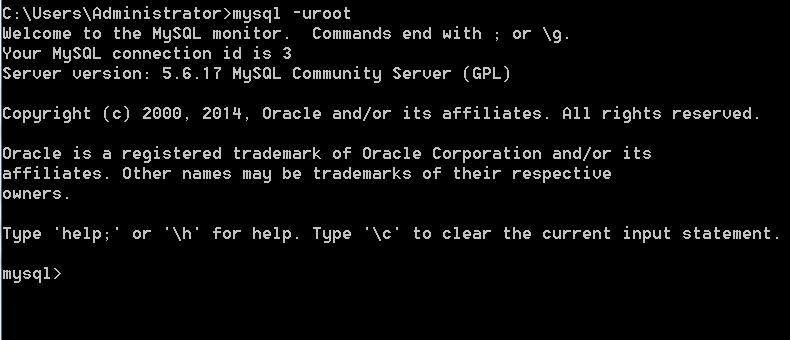
mysql
USE mysql;

-- MySQL 5.7+ 欄位名 authentication_string
UPDATE user SET authentication_string = PASSWORD('new_password') WHERE User = 'root';

-- 5.6 及以下
-- UPDATE user SET password = PASSWORD('new_password') WHERE User = 'root';

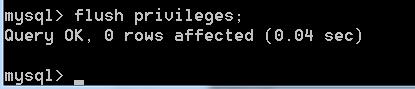
FLUSH PRIVILEGES;

關鍵點:--skip-grant-tables下SET PASSWORD失效,必須直接UPDATE user表。
# 關閉 --skip-grant-tables 進程
# 正常啟動
systemctl start mysqld
# 或
net start mysql

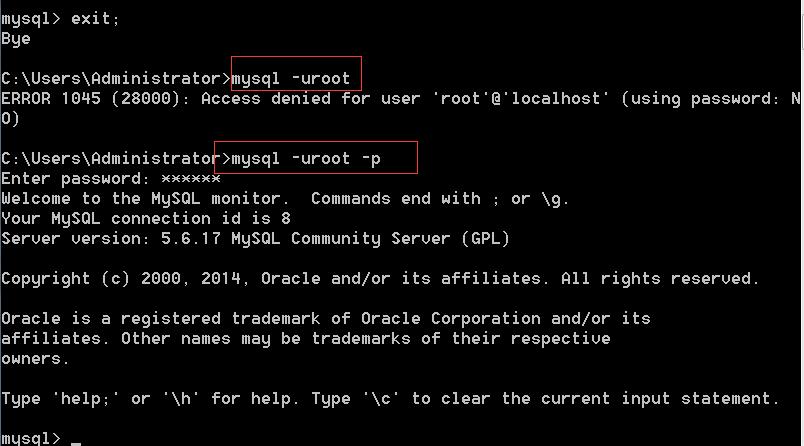
# 驗證
mysql -u root -p'new_password'
HKEY_LOCAL_MACHINE\SYSTEM\CurrentControlSet\Services\MySQL\ImagePath 末尾添加 --skip-grant-tablesvalidate_password 插件強制強密碼策略