在 JSP 中實作郵件發送功能相對簡單,但需依賴 JavaMail API 與 JavaBeans Activation Framework (JAF)。本文將從環境建置、純文字郵件、HTML 郵件、附件郵件、SMTP 認證到表單整合完整說明。
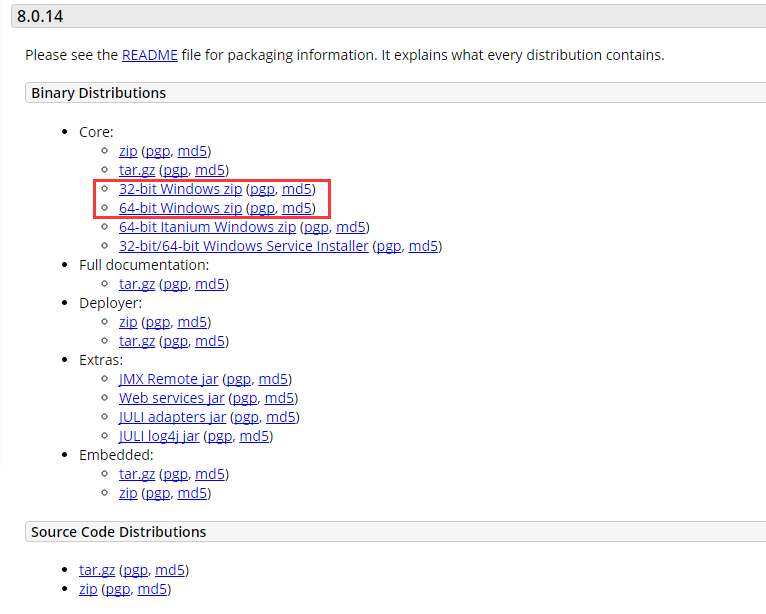
mail.jar (JavaMail 1.4.5 或更新版)activation.jar (JAF 1.1.1)下載後將兩個 JAR 放入專案 WEB-INF/lib 目錄,或加入 CLASSPATH。
<%@ page import="java.util.*, javax.mail.*, javax.mail.internet.*, javax.activation.*" %>
<%
  String to = "recipient@example.com";
  String from = "sender@example.com";
  String host = "localhost"; // 或 SMTP 伺服器位址

  Properties props = System.getProperties();
  props.setProperty("mail.smtp.host", host);
  // 若需認證:props.put("mail.smtp.auth", "true");

  Session session = Session.getDefaultInstance(props);

  try {
    MimeMessage msg = new MimeMessage(session);
    msg.setFrom(new InternetAddress(from));
    msg.addRecipient(Message.RecipientType.TO, new InternetAddress(to));
    msg.setSubject("測試主旨");
    msg.setText("這是純文字郵件內容");
    Transport.send(msg);
    out.println("發送成功!");
  } catch (MessagingException e) {
    e.printStackTrace();
    out.println("發送失敗:" + e.getMessage());
  }
%>
Session:郵件會話,保存屬性設定。MimeMessage:MIME 郵件訊息物件,支援多部分、附件、HTML。Transport:傳輸協定實作,預設使用 SMTP。僅需將 setText() 改為 setContent(content, "text/html; charset=UTF-8"):
msg.setContent("<h1>HTML 郵件</h1><p>支援 <b>粗體</b> 與顏色</p>", "text/html; charset=UTF-8");
使用 MimeMultipart 組合文字內容與附件部分:
// 建立多部分容器
MimeMultipart multipart = new MimeMultipart();

// 文字部分
MimeBodyPart textPart = new MimeBodyPart();
textPart.setText("郵件正文內容");
multipart.addBodyPart(textPart);

// 附件部分
MimeBodyPart attachPart = new MimeBodyPart();
DataSource src = new FileDataSource("/path/to/file.pdf");
attachPart.setDataHandler(new DataHandler(src));
attachPart.setFileName("file.pdf");
multipart.addBodyPart(attachPart);

// 設定郵件內容
msg.setContent(multipart);
若郵件伺服器要求帳密驗證:
props.put("mail.smtp.auth", "true");
props.put("mail.smtp.port", "587"); // 或 465 (SSL)

Session session = Session.getInstance(props, new Authenticator() {
  protected PasswordAuthentication getPasswordAuthentication() {
    return new PasswordAuthentication("username", "password");
  }
});
<form action="sendMail.jsp" method="POST">
  收件人: <input type="email" name="to" required><br>
  主旨: <input type="text" name="subject"><br>
  內文: <textarea name="body" rows="5" cols="40"></textarea><br>
  <input type="submit" value="發送">
</form>
String to = request.getParameter("to");
String subject = request.getParameter("subject");
String body = request.getParameter("body");
// 再呼叫上述發送邏輯...
| 問題 | 可能原因 | 解決方向 |
|---|---|---|
| 連線逾時 | SMTP 主機/埠錯誤、防火牆阻擋 | 確認 host、port、telnet 測試連通性 |
| 認證失敗 | 帳密錯誤、未啟用 SMTP/應用程式密碼 | 檢查郵件服務商設定 (Gmail 需開啟「低安全性應用程式」或使用應用程式密碼) |
| 中文亂碼 | 編碼未指定 UTF-8 | Subject、內容、附件檔名均指定 charset=UTF-8 |
| 進垃圾信箱 | 缺少 SPF/DKIM、內容觸發規則 | 設定正規域名認證、避免過多連結與敏感詞 |
@Async (Spring) 或佇列機制避免阻塞請求執行緒。