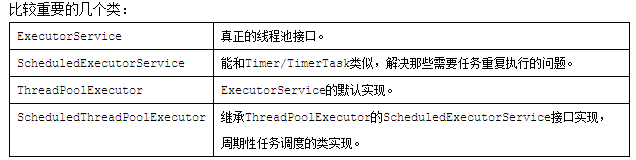
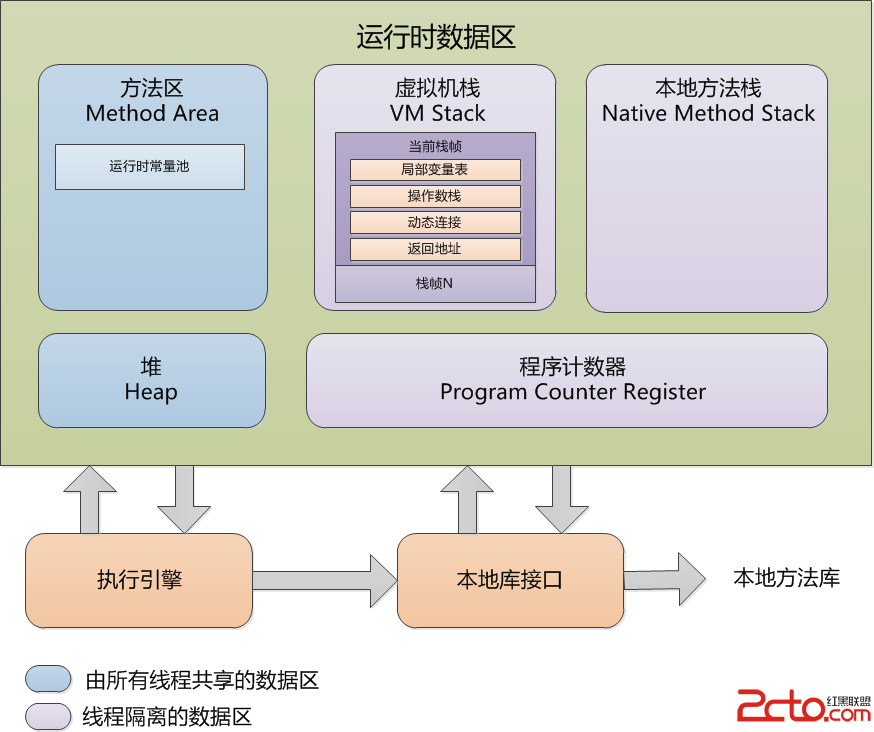
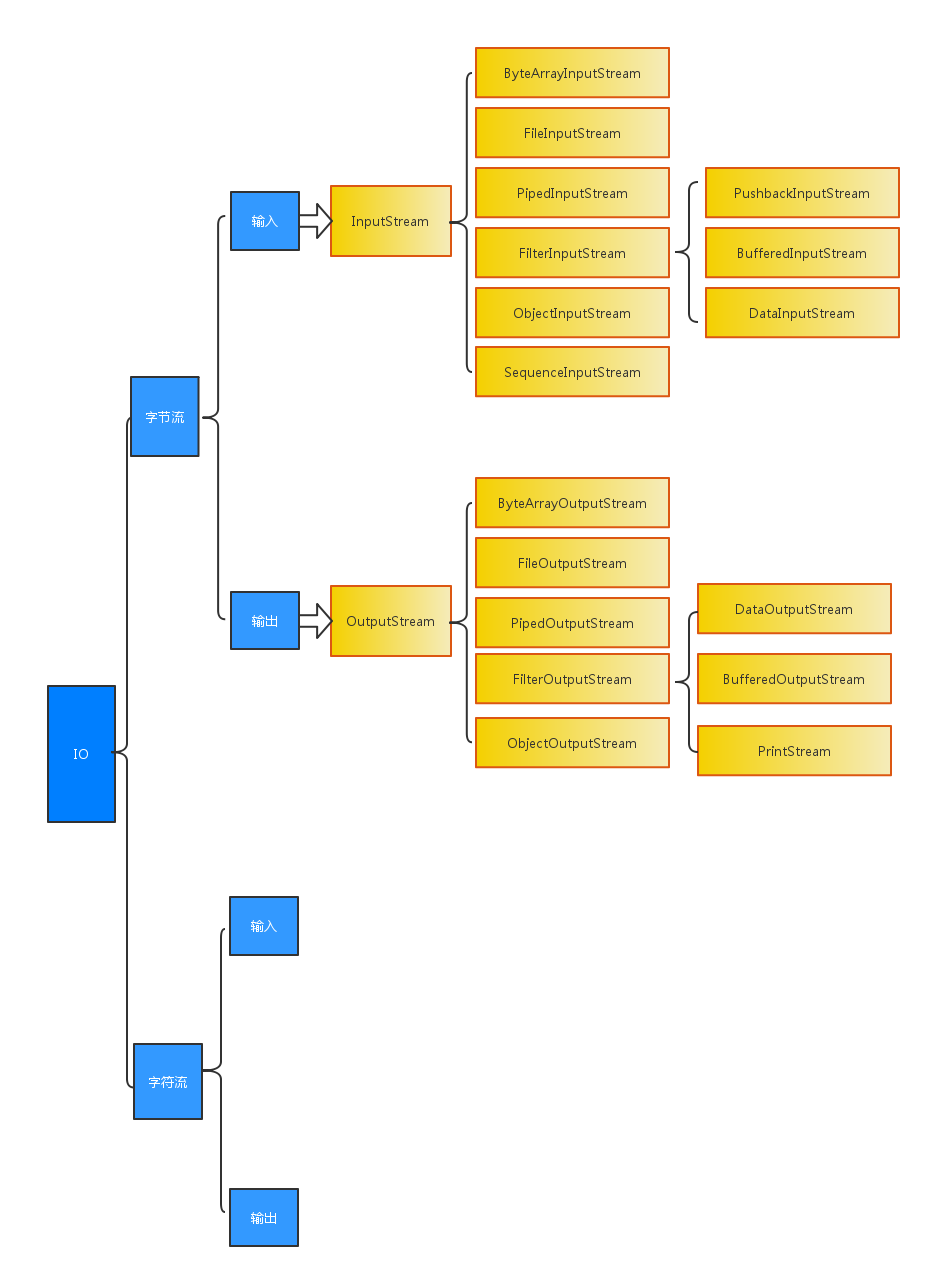
位元組流是 Java I/O 的基石,處理圖片、影音、序列化資料、網路通訊等所有二進位資料。本文系統梳理 InputStream/OutputStream 核心子類用途、裝飾者模式應用、完整程式碼範例與選型指南。
| 類別 | 用途 | 關鍵特性 |
|---|---|---|
ByteArrayInputStream/OutputStream | 記憶體位元組陣列 ↔ 流 | 無 I/O 裝置存取,單元測試、緩衝轉換常用 |
FileInputStream/OutputStream | 本地檔案讀寫 | 最基礎檔案流,無緩衝,大檔案需包裝 |
PipedInputStream/OutputStream | 執行緒管道通訊 (位元組) | 同一 JVM,生產者/消費者,阻塞式 |
BufferedInputStream/OutputStream | 為任意位元組流增加緩衝 | 裝飾者模式,預設 8KB,大幅提升效能 |
FilterInputStream/OutputStream | 自訂過濾裝飾基類 | 單純委派,實務極少直接用 |
PushbackInputStream | 支援「退回」一個位元組 | 解析器需預讀一字元再推回 |
DataInputStream/OutputStream | 讀寫 Java 基本型別 (跨平台二進位) | 支援 readInt()/writeDouble() 等,大端序 |
PrintStream | 格式化輸出至位元組流 | System.out 即此類,printf/println,吞噬異常 |
ObjectInputStream/OutputStream | 物件序列化/反序列化 | 需實作 Serializable,版本控制 serialVersionUID |
SequenceInputStream | 串聯多個 InputStream | 依序讀完第一個再讀第二個,合併多源 |
byte[] src = {1, 2, 3};
try (InputStream is = new ByteArrayInputStream(src);
     ByteArrayOutputStream bos = new ByteArrayOutputStream()) {
    byte[] buf = new byte[3];
    is.read(buf);           // 讀入陣列
    bos.write(buf);         // 寫入輸出流
    byte[] dest = bos.toByteArray(); // 取回陣列
    System.out.println(Arrays.toString(dest)); // [1, 2, 3]
}// 基礎版:逐位元組,極慢
try (InputStream is = new FileInputStream("src.jpg");
OutputStream os = new FileOutputStream("dest.jpg")) {
int b;
while ((b = is.read()) != -1) os.write(b);
}
// 緩衝版:生產環境標準寫法
try (BufferedInputStream bis = new BufferedInputStream(new FileInputStream("src.jpg"), 64*1024);
BufferedOutputStream bos = new BufferedOutputStream(new FileOutputStream("dest.jpg"), 64*1024)) {
byte[] buf = new byte[8192];
int len;
while ((len = bis.read(buf)) != -1) bos.write(buf, 0, len);
}PipedOutputStream pos = new PipedOutputStream();
PipedInputStream pis = new PipedInputStream(pos);
ExecutorService es = Executors.newFixedThreadPool(2);
es.submit(() -> { try { pos.write(new byte[]{1,2,3}); pos.close(); } catch (IOException e) { e.printStackTrace(); }});
es.submit(() -> { try { byte[] b = new byte[3]; pis.read(b); System.out.println(Arrays.toString(b)); } catch (IOException e) { e.printStackTrace(); }});
es.shutdown();PushbackInputStream pis = new PushbackInputStream(new ByteArrayInputStream(new byte[]{1,2,3}));
System.out.println(pis.read()); // 1
System.out.println(pis.read()); // 2
pis.unread(2); // 退回 '2'
System.out.println(pis.read()); // 2 (再次讀到)
pis.close();try (DataOutputStream dos = new DataOutputStream(new FileOutputStream("data.bin"));
DataInputStream dis = new DataInputStream(new FileInputStream("data.bin"))) {
dos.writeDouble(2.0235);
dos.writeInt(520);
dos.flush();
System.out.println(dis.readDouble()); // 2.0235
System.out.println(dis.readInt()); // 520
}PrintStream ps = System.out; // 已是 PrintStream
ps.printf("編號: %05d, 價格: %.2f%n", 101, 99.9);
ps.println("自動換行");class Dog implements Serializable {
private static final long serialVersionUID = 1L;
private int age;
public Dog(int age) { this.age = age; }
public int getAge() { return age; }
}
try (ObjectOutputStream oos = new ObjectOutputStream(new FileOutputStream("dog.obj"));
ObjectInputStream ois = new ObjectInputStream(new FileInputStream("dog.obj"))) {
oos.writeObject(new Dog(2));
oos.flush();
Dog d = (Dog) ois.readObject();
System.out.println(d.getAge()); // 2
}SequenceInputStream sis = new SequenceInputStream(
new ByteArrayInputStream(new byte[]{1,2,3}),
new ByteArrayInputStream(new byte[]{4,5,6})
);
byte[] buf = new byte[3];
sis.read(buf); // [1,2,3]
sis.read(buf); // [4,5,6] (自動切換第二個流)
sis.close();FileInputStream/OutputStream (必包 Buffered)。ByteArrayInputStream/OutputStream。PipedInputStream/OutputStream。DataInputStream/OutputStream。ObjectInputStream/OutputStream (實作 Serializable)。PrintStream (或 PrintWriter 處理字元)。SequenceInputStream。PushbackInputStream。close() 執行釋放檔案鎖。BufferedInputStream/OutputStream 或 NIO FileChannel.transferTo() (零拷貝,更快)。serialVersionUID:避免版本不一致導致 InvalidClassException。Reader/Writer 體系 (含編碼轉換);二進位檔用 InputStream/OutputStream。PrintWriter 或手動 checkError()。