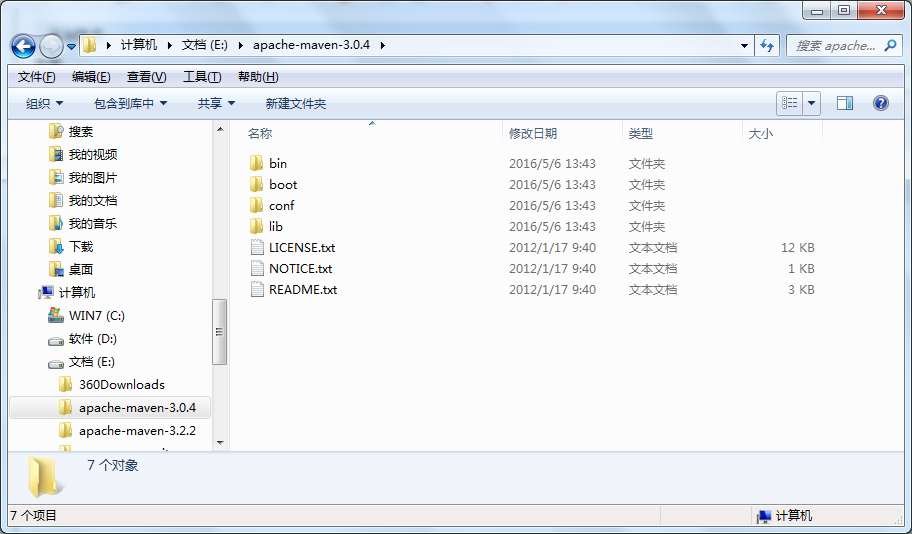
針對初學者,詳細說明在 Eclipse 中手動配置 Spring 4.3.3 框架開發環境,並建立第一個 Hello World 專案驗證 IoC 容器運作。
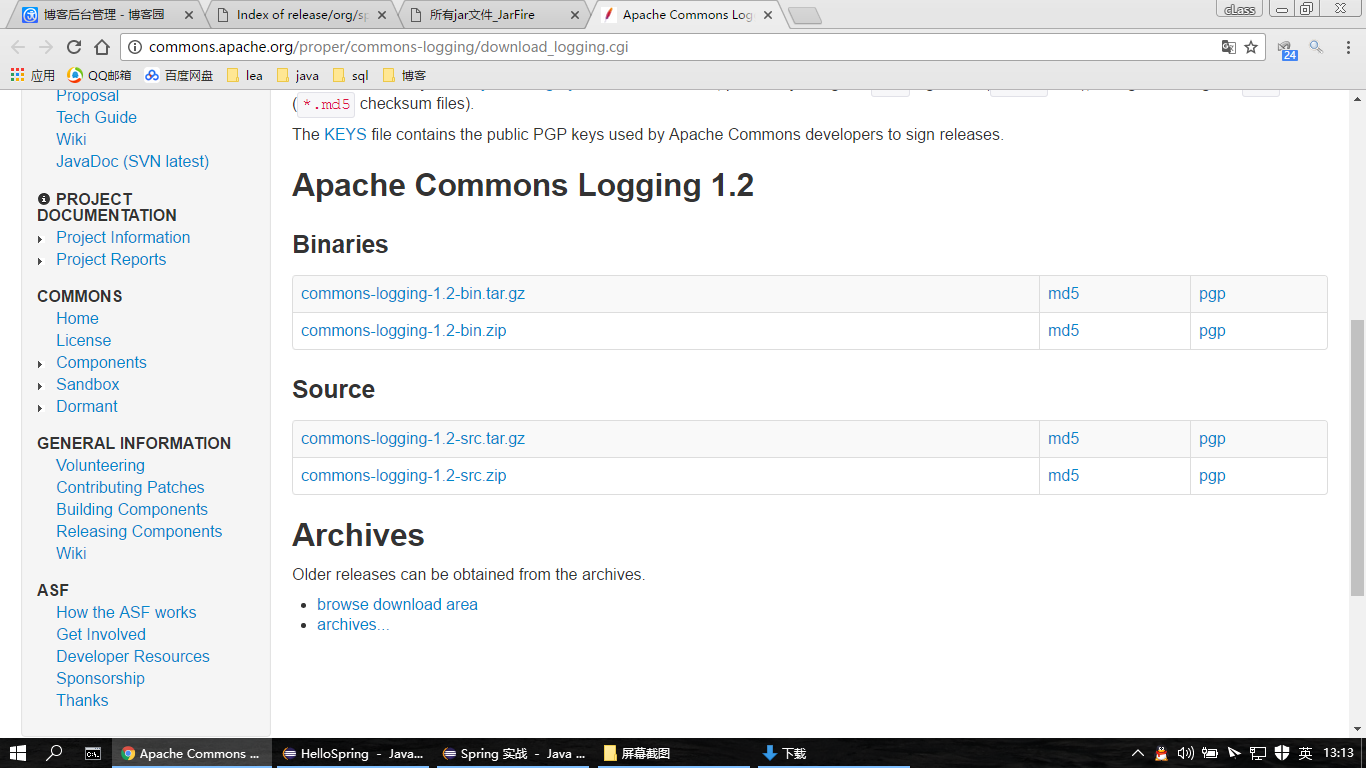
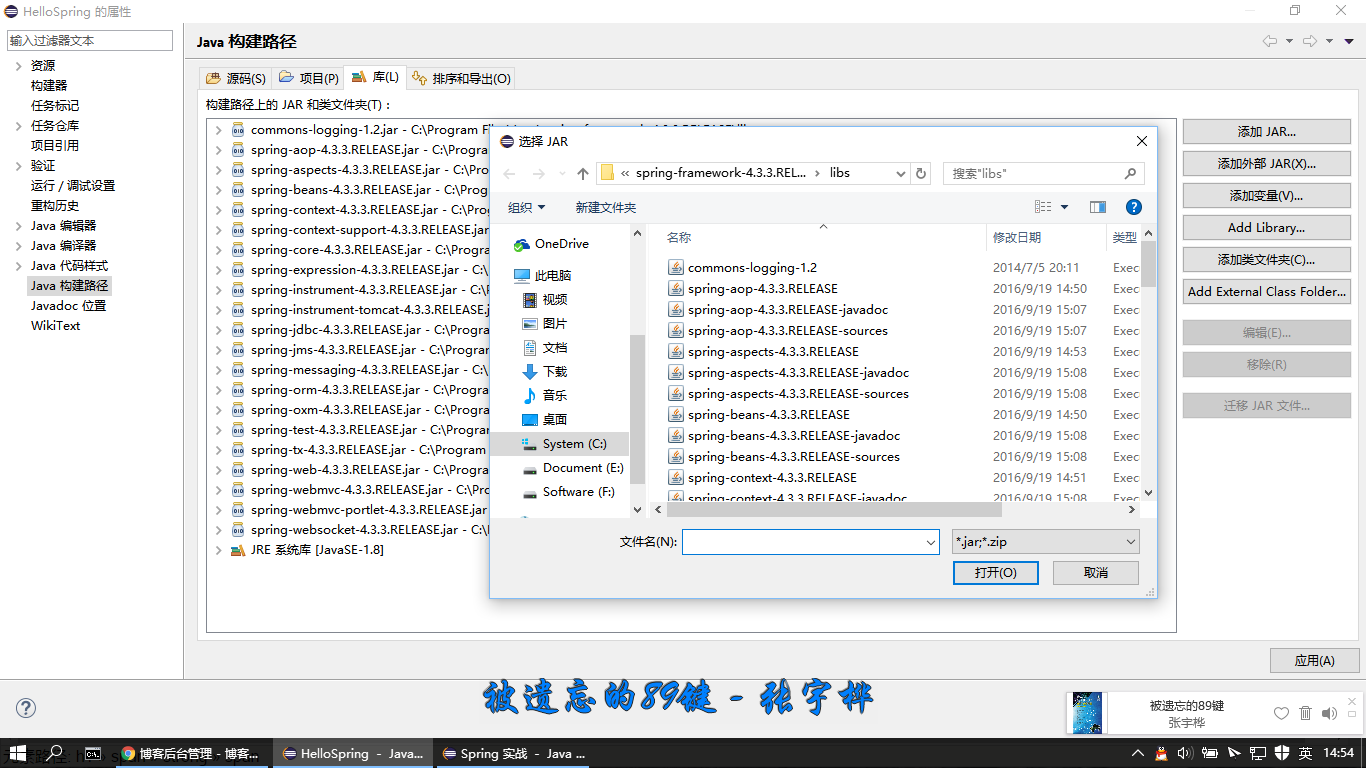
JAVA_HOME、PATHlibs/ 目錄所有 JARcommons-logging-1.2.jarHelloSpringlibs/ 所有 JAR + commons-logging-1.2.jar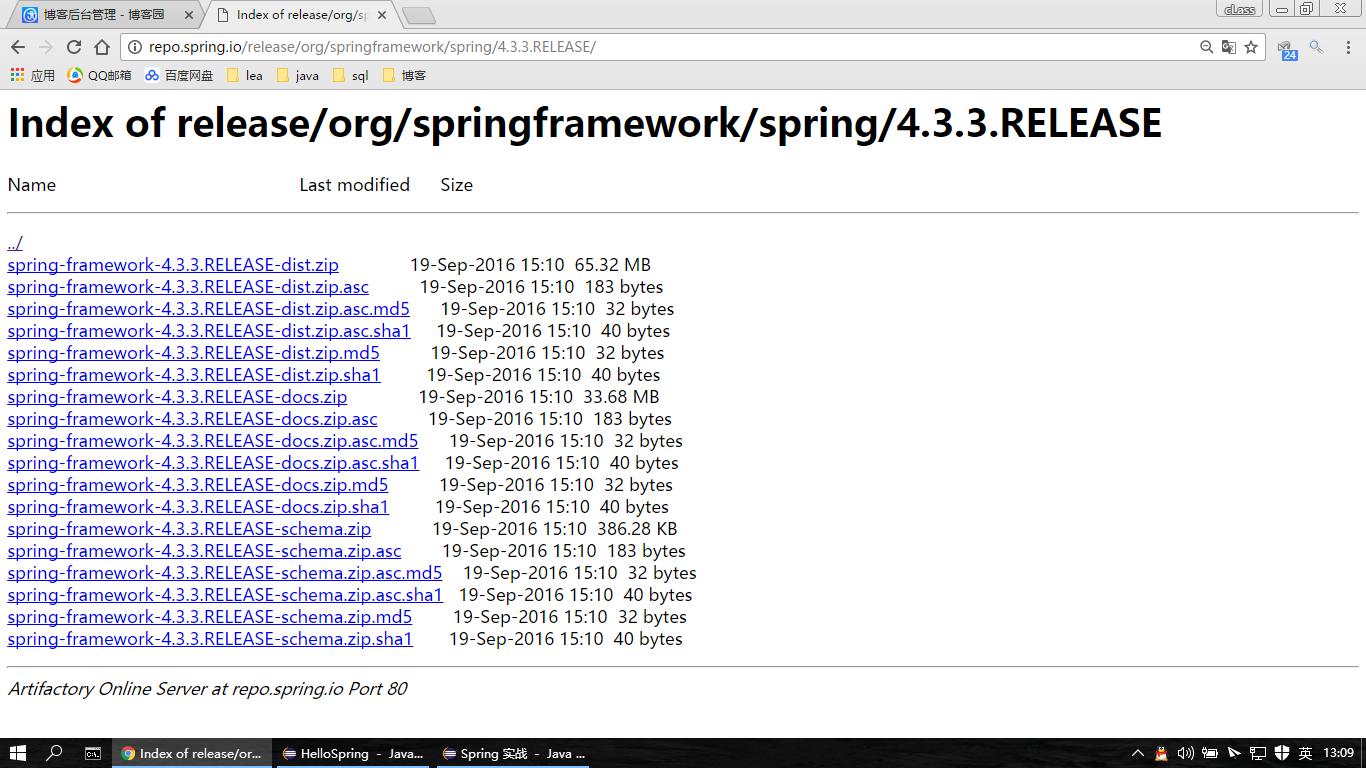
package com.manongjc;
public class HelloWorld {
    private String message;
    public void setMessage(String message) { this.message = message; }
    public void getMessage() { System.out.println("Your Message : " + message); }
}
<?xml version="1.0" encoding="UTF-8"?>
<beans xmlns="https://www.springframework.org/schema/beans"
       xmlns:xsi="https://www.w3.org/2001/XMLSchema-instance"
       xsi:schemaLocation="https://www.springframework.org/schema/beans
       https://www.springframework.org/schema/beans/spring-beans-3.0.xsd">
  <bean id="helloWorld" class="com.manongjc.HelloWorld">
    <property name="message" value="Hello World!" />
  </bean>
</beans>
package com.manongjc;
import org.springframework.context.ApplicationContext;
import org.springframework.context.support.ClassPathXmlApplicationContext;

public class MainApp {
    public static void main(String[] args) {
        ApplicationContext ctx = new ClassPathXmlApplicationContext("beans.xml");
        HelloWorld obj = (HelloWorld) ctx.getBean("helloWorld");
        obj.getMessage();
    }
}
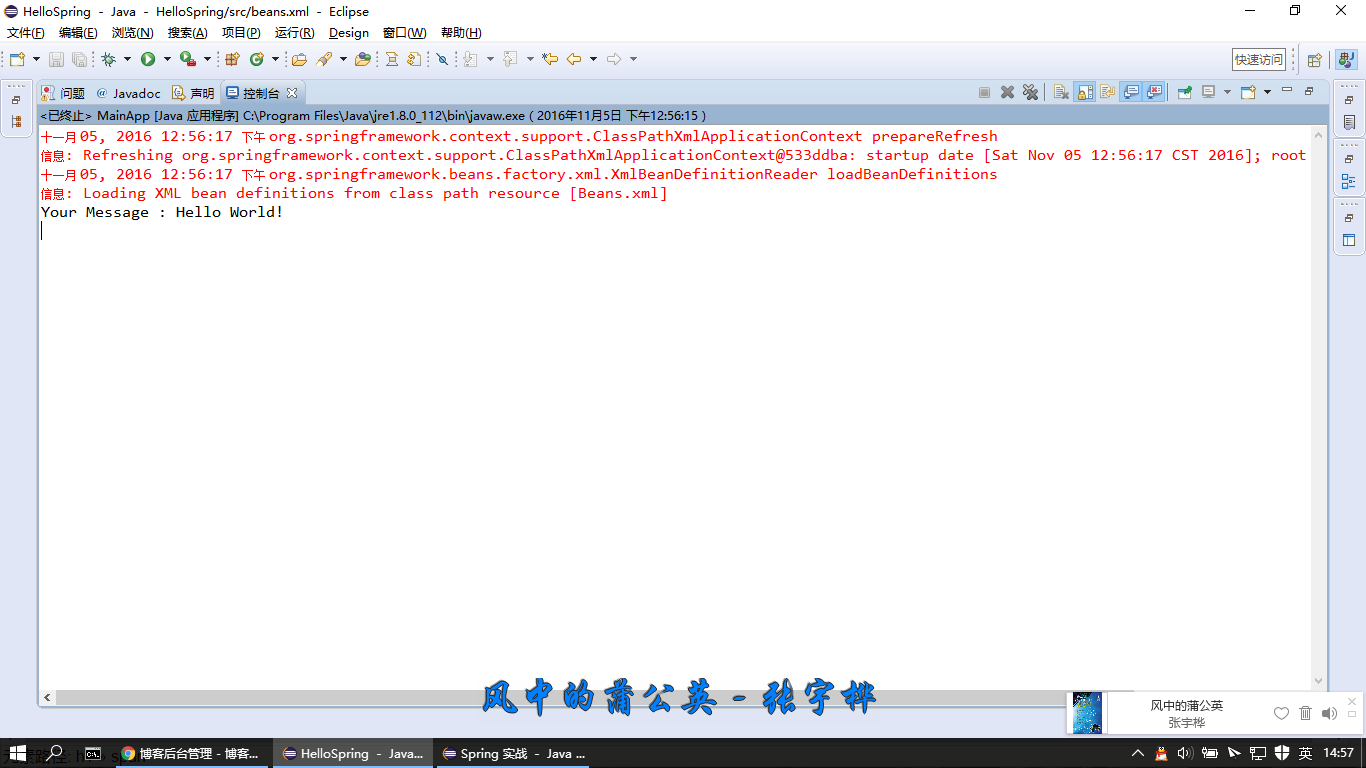
Your Message : Hello World!
ApplicationContext 載入 XML、建立 Bean、管理生命週期<property> 將值注入 Bean 屬性(Setter 注入)AnnotationConfigApplicationContext + @Configuration 純 Java 配置