@WebService
public class HelloService {
    @WebMethod
    public String sayHello(String name) {
        return "Hello " + name.toUpperCase();
    }

    public static void main(String[] args) {
        // 發布端點,啟動獨立線程監聽
        Endpoint.publish("https://127.0.0.1:6789/hello", new HelloService());
        System.out.println("Service published...");
    }
}
關鍵點: 非靜態、非 final 公共方法默認暴露;用 @WebMethod(exclude=true) 隱藏方法;至少保留一個公開方法。
瀏覽器訪問:https://127.0.0.1:6789/hello?wsdl
WSDL 包含:服務名、端口、綁定、操作(輸入/輸出消息)、類型定義(XML Schema)、服務地址。
wsimport -s src -p com.client -keep https://127.0.0.1:6789/hello?wsdl
# -s 源碼目錄 -p 包名 -keep 保留 .java 文件
生成類結構:Service 類、接口、請求/響應 Bean、ObjectFactory、package-info。
public class Client {
    public static void main(String[] args) {
        HelloServiceService service = new HelloServiceService();
        HelloService port = service.getHelloServicePort(); // 獲取端口代理
        String result = port.sayHello("intsmaze");
        System.out.println("調用結果:" + result);
    }
}使用 TCP/IP Monitor 或 SoapUI 攔截請求響應:
<soapenv:Envelope xmlns:soapenv="https://schemas.xmlsoap.org/soap/envelope/" xmlns:ser="https://service.com/">
  <soapenv:Header/>
  <soapenv:Body>
    <ser:sayHello>
      <arg0>yyyy</arg0>
    </ser:sayHello>
  </soapenv:Body>
</soapenv:Envelope><S:Envelope xmlns:S="https://schemas.xmlsoap.org/soap/envelope/">
<S:Body>
<ns2:sayHelloResponse xmlns:ns2="https://service.com/">
<return>YYYY</return>
</ns2:sayHelloResponse>
</S:Body>
</S:Envelope><beans xmlns="https://www.springframework.org/schema/beans"
xmlns:jaxws="https://cxf.apache.org/jaxws" ...>
<jaxws:endpoint id="helloService" implementor="#helloServiceImpl" address="/hello"/>
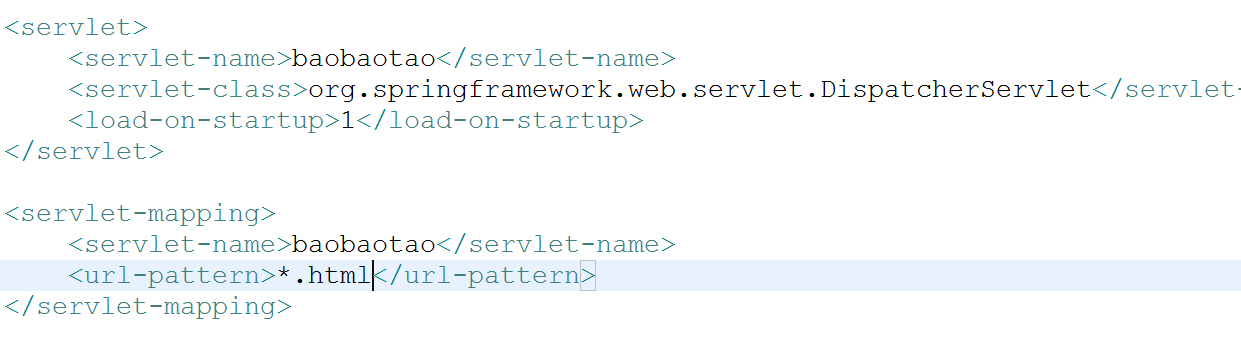
</beans>需在 web.xml 配置 CXFServlet,掃描 Spring 配置。
| 問題 | 原因/解決 |
|---|---|
| 客戶端生成代碼中文亂碼 | wsimport 默認編碼問題,建議 IDE 設置文件編碼 UTF-8 或用 -encoding UTF-8 參數。 |
| WSDL 訪問 404 | 端點地址拼寫錯誤、Servlet 未啟動、context-path 不匹配。 |
| 複雜類型傳遞失敗 | 確保 Bean 類有無參構造器、getter/setter、實現 Serializable、JAXB 註解正確。 |
| 大數據傳輸超時 | 調大 HTTP 連接/讀取超時;考慮 MTOM 機制傳輸二進制附件。 |
JAX-WS 降低了 WebService 開發門檻,Endpoint.publish 適合輕量級測試,生產環境建議整合 CXF/Metro 獲得完整 WS-* 標準支持(安全、事務、可靠消息)。理解 SOAP/WSDL 結構,有助於跨語言互調與故障排查。