jsp-web/
├── src/
│   └── com.javaweb.action.Servlet.java
├── WebContent/
│   ├── WEB-INF/
│   │   ├── web.xml
│   │   └── lib/commons-lang3-3.5.jar
│   ├── index.jsp
│   ├── first.jsp
│   └── second.jsp
<web-app version="3.0">
    <welcome-file-list>
        <welcome-file>index.jsp</welcome-file>
    </welcome-file-list>

    <servlet>
        <servlet-name>servlet</servlet-name>
        <servlet-class>com.javaweb.action.Servlet</servlet-class>
    </servlet>
    <servlet-mapping>
        <servlet-name>servlet</servlet-name>
        <url-pattern>*.do</url-pattern>
    </servlet-mapping>
</web-app><servlet>:邏輯名稱 + 全限定類名<servlet-mapping>:*.do 後綴匹配,所有 xxx.do 請求路由到該 Servlet<%@ page language="java" contentType="text/html; charset=UTF-8" pageEncoding="UTF-8"%>
<%
String path = request.getContextPath();
String basePath = request.getScheme() + "://" + request.getServerName() + ":" + request.getServerPort() + path;
%>
<html>
<body>
<table>
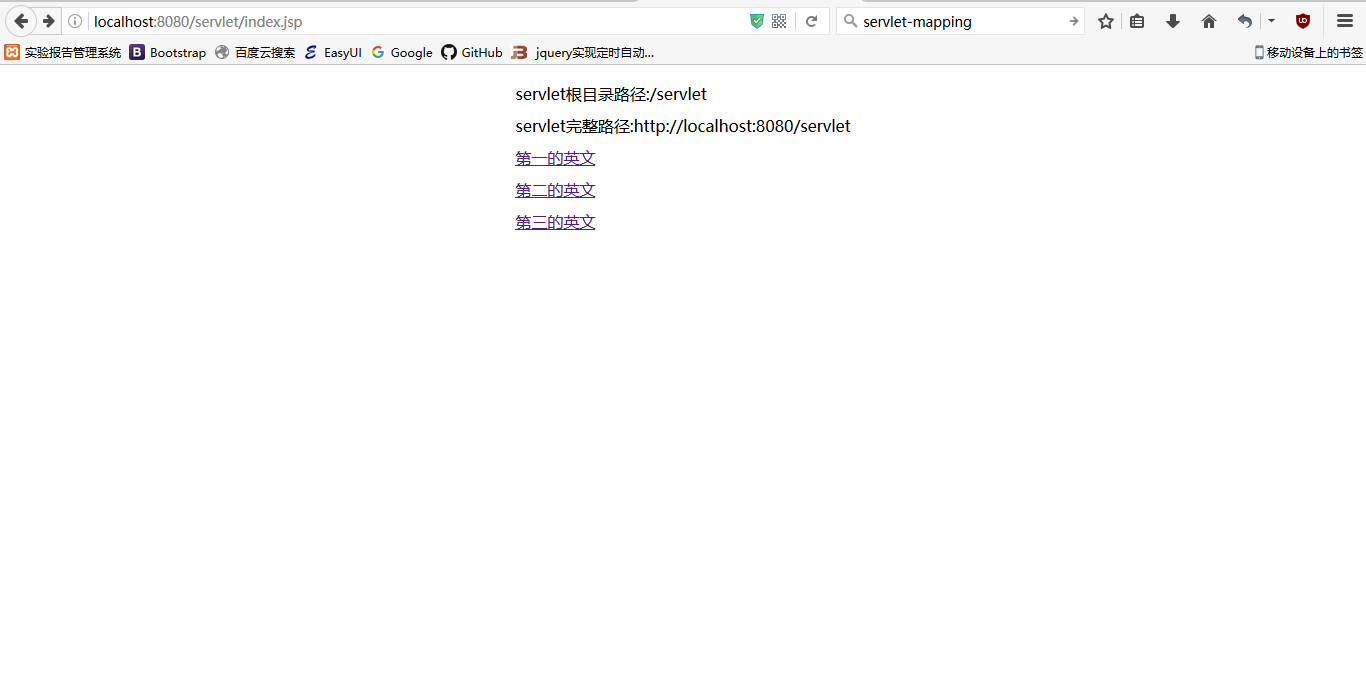
<tr><td>項目根路徑: <%=path%></td></tr>
<tr><td>完整基礎路徑: <%=basePath%></td></tr>
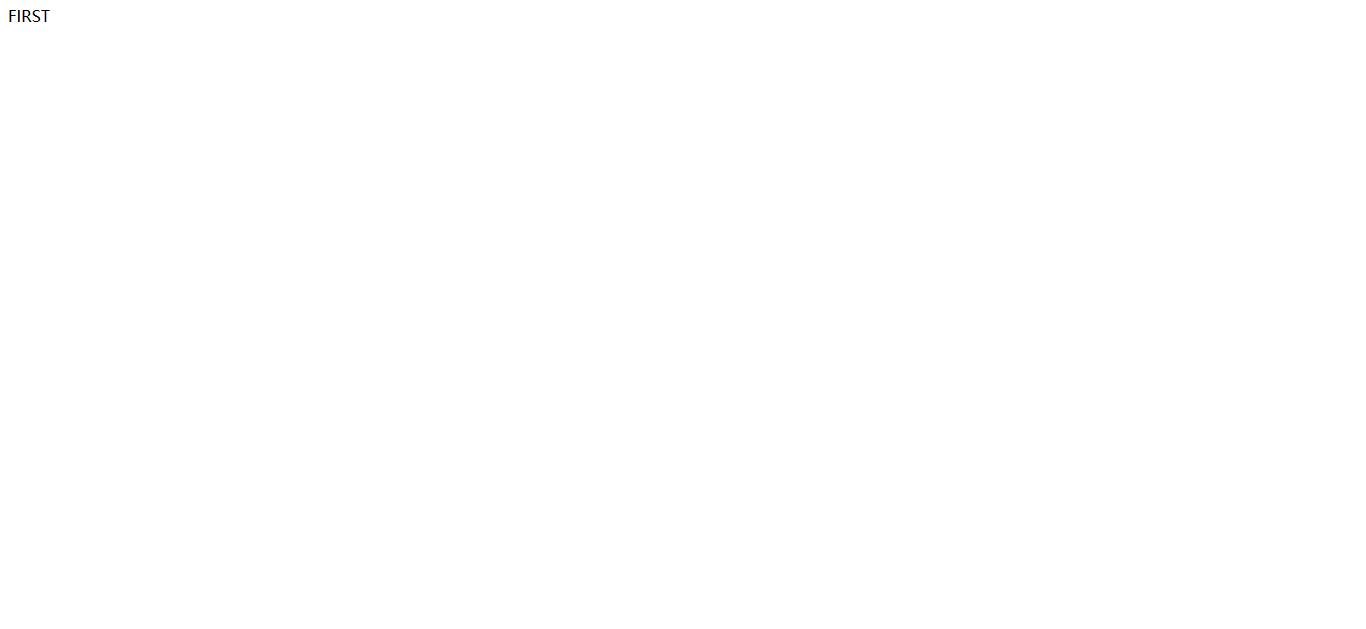
<tr><td><a href="<%=basePath%>/first.do">第一頁 (路徑匹配)</a></td></tr>
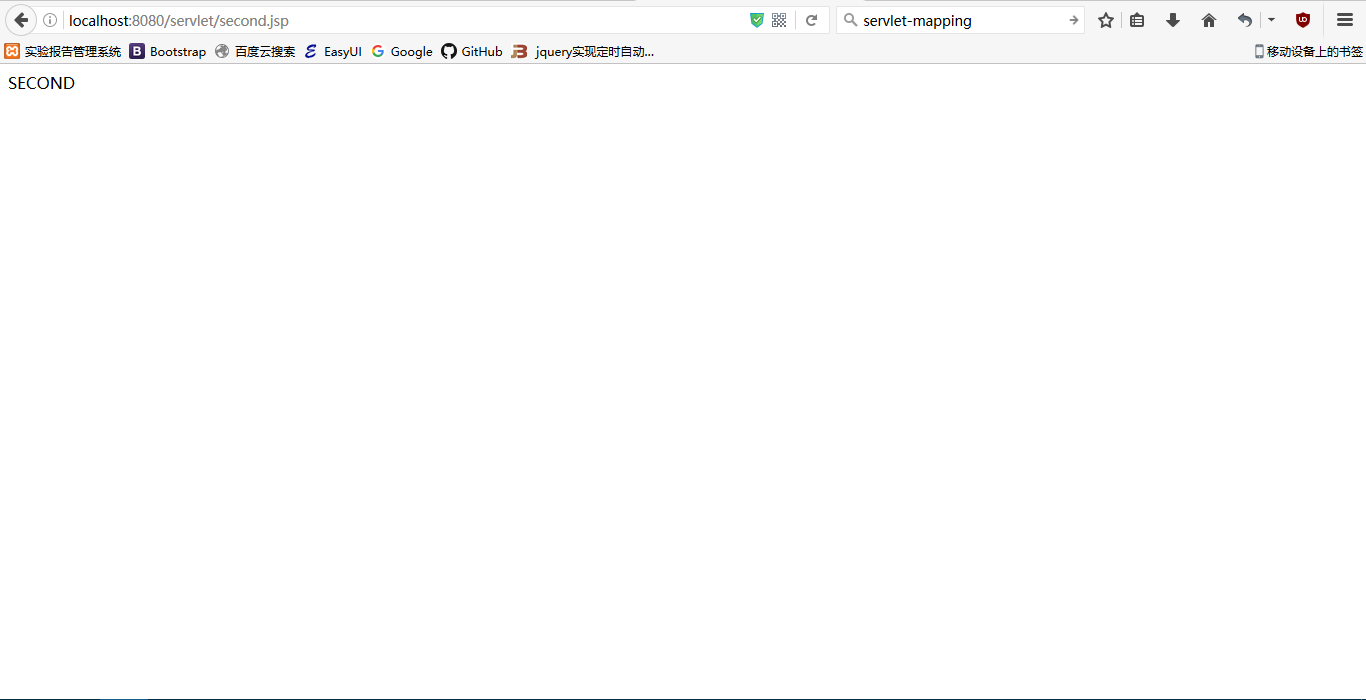
<tr><td><a href="<%=basePath%>/.do?op=second">第二頁 (參數分發)</a></td></tr>
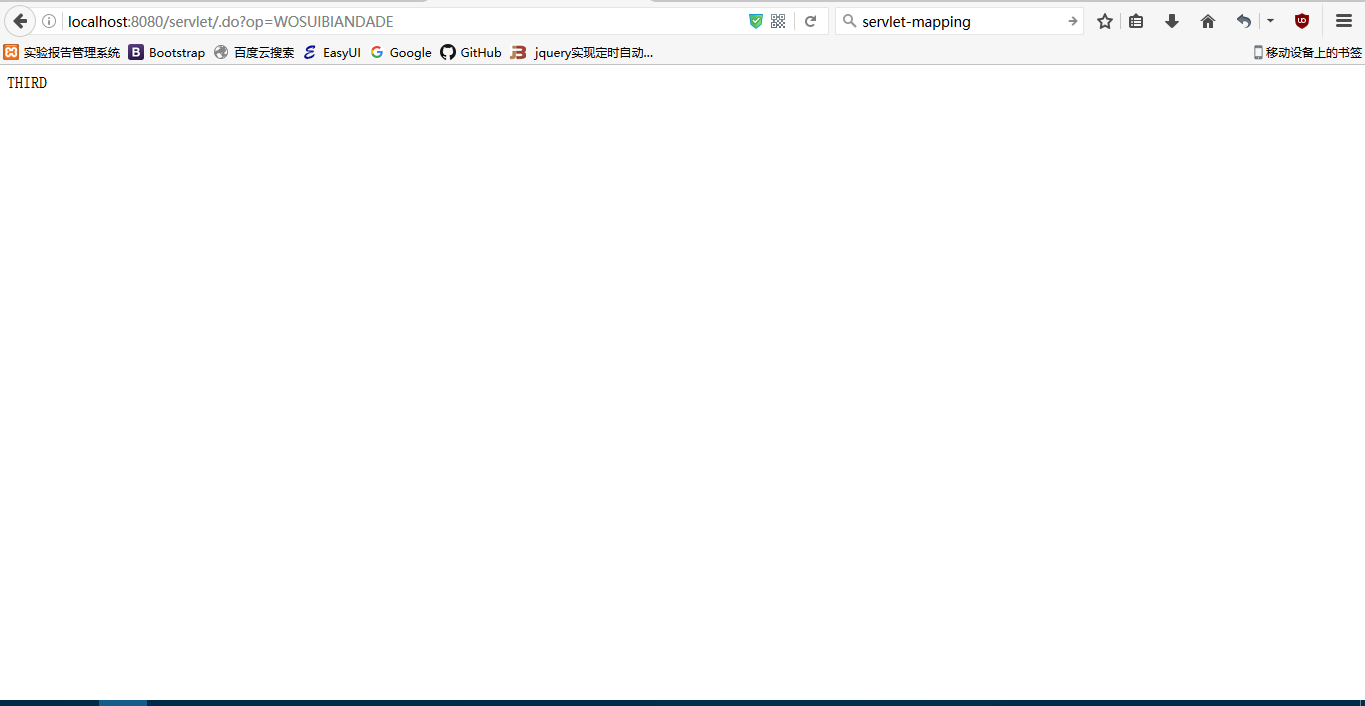
<tr><td><a href="<%=basePath%>/.do?op=WOSUIBIANDADE">第三頁 (默認分支)</a></td></tr>
</table>
</body>
</html>public class Servlet extends HttpServlet {
@Override
protected void doGet(HttpServletRequest req, HttpServletResponse resp) throws ServletException, IOException {
doPost(req, resp);
}
@Override
protected void doPost(HttpServletRequest req, HttpServletResponse resp) throws ServletException, IOException {
req.setCharacterEncoding("UTF-8");
// === 模式一:路徑反射分發 (*.do 對應方法名) ===
String url = req.getServletPath(); // 如 /first.do
String methodName = url.substring(1, url.lastIndexOf('.')); // "first"
try {
Method method = getClass().getDeclaredMethod(methodName, HttpServletRequest.class, HttpServletResponse.class);
method.invoke(this, req, resp);
return; // 反射分發成功直接返回
} catch (Exception e) {
// 非 *.do 請求或方法不存在,走參數分發
}
// === 模式二:參數 op 分發 (.do?op=xxx) ===
String op = req.getParameter("op");
if (StringUtils.isNotBlank(op)) {
if ("second".equalsIgnoreCase(op)) {
second(req, resp);
} else {
resp.getWriter().println("THIRD - 未知操作: " + op);
}
}
}
public void first(HttpServletRequest req, HttpServletResponse resp) throws IOException {
resp.sendRedirect("first.jsp"); // 重定向
}
public void second(HttpServletRequest req, HttpServletResponse resp) throws IOException {
resp.sendRedirect("second.jsp");
}
}| 維度 | 路徑匹配 (*.do) | 參數分發 (?op=xxx) |
|---|---|---|
| URL 風格 | /first.do, /user/add.do | /.do?op=addUser |
| 方法映射 | 約定優於配置,方法名=路徑前綴 | 手動 if/else 或 Map 路由 |
| 適合場景 | REST 風格、資源導向 | 表單提交、動作導向、方法數量大時分類管理 |
| 擴展性 | 新增方法即可,零配置 | 需修改分發邏輯 |
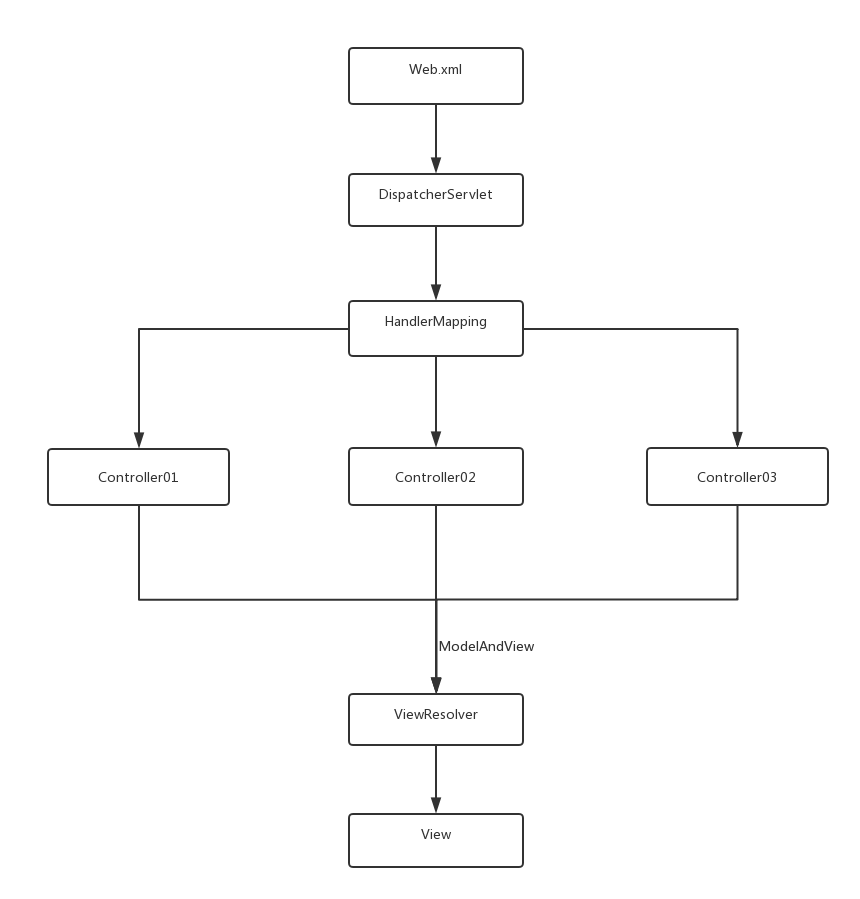
@Controller + @RequestMapping 替代 web.xml + 反射分發@GetMapping/@PostMapping 明確 HTTP 方法@RequestParam, @ModelAttribute)本例展示 Servlet 原生機制,理解其底層原理有助於排查框架層面的疑難雜症。