使用 file_get_contents 抓取遠端網頁時,若對方伺服器啟用 GZIP 壓縮,直接輸出會出現亂碼。本文提供 cURL 與 stream wrapper 兩種解法。
回應標頭含 Content-Encoding: gzip,內容為壓縮後的二進位資料,瀏覽器會自動解壓,但 file_get_contents 不會自動處理。
function curl_get($url, $gzip = false) {
    $ch = curl_init($url);
    curl_setopt($ch, CURLOPT_RETURNTRANSFER, 1);
    curl_setopt($ch, CURLOPT_CONNECTTIMEOUT, 10);
    if ($gzip) {
        curl_setopt($ch, CURLOPT_ENCODING, "gzip"); // 關鍵:自動解壓 gzip/deflate
    }
    $content = curl_exec($ch);
    curl_close($ch);
    return $content;
}
// 使用
$html = curl_get('https://example.com', true);$html = file_get_contents("compress.zlib://" . $url);無論目標頁面是否壓縮,此寫法均能正常工作(PHP 內建 zlib 擴充需啟用)。
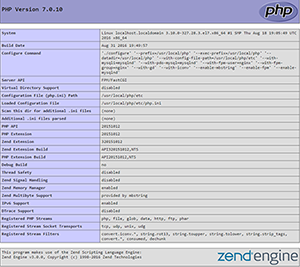
php.ini 啟用 extension=php_curl.dll。yum install php-curl 或 apt-get install php-curl,重啟 PHP-FPM/Apache。簡單專案用 compress.zlib:// 最輕量;需處理 Cookie、Header、POST、HTTPS 驗證等複雜場景請改用 cURL。