RCP 是 Eclipse 組件化架構的最小子集,用於構建獨立桌面應用:
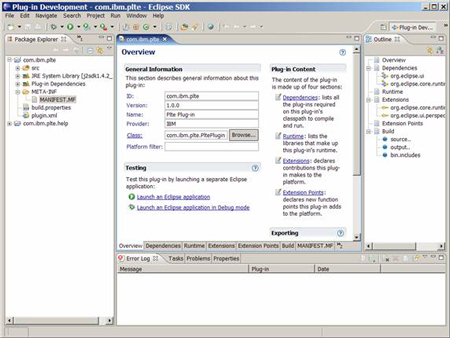
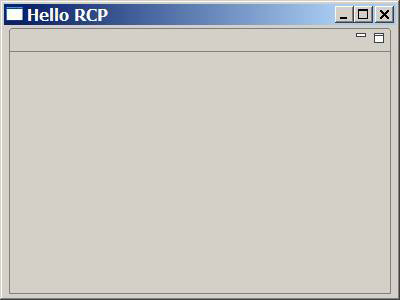
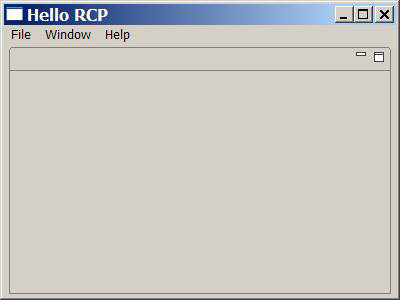
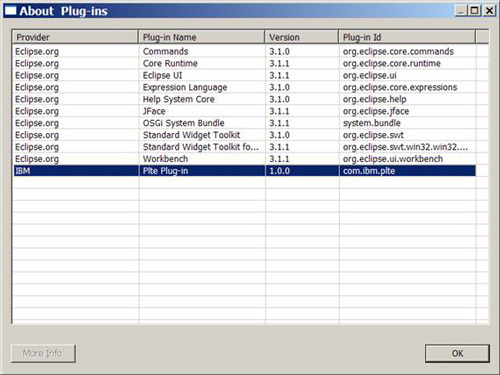
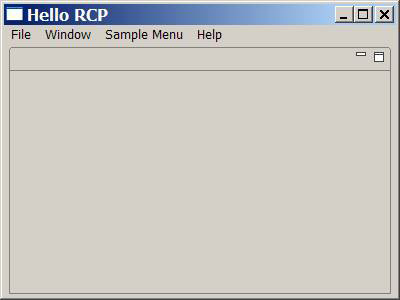
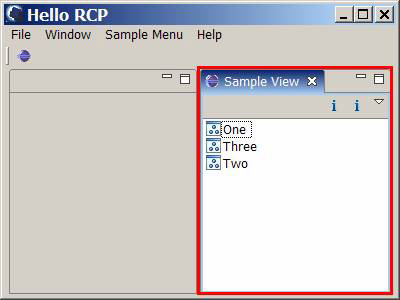
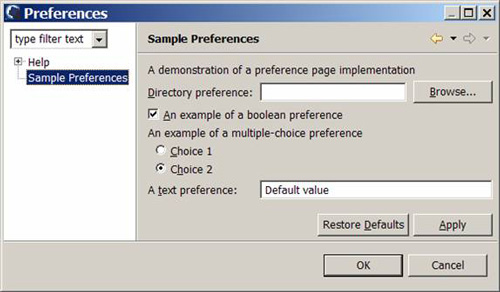
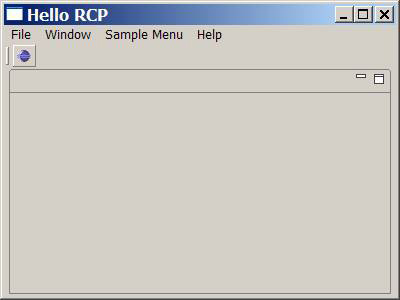
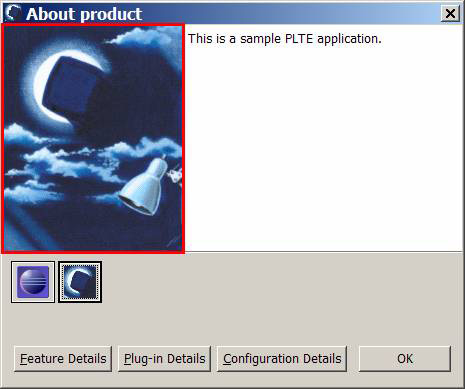
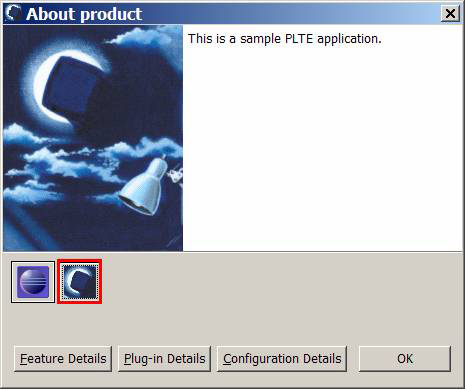
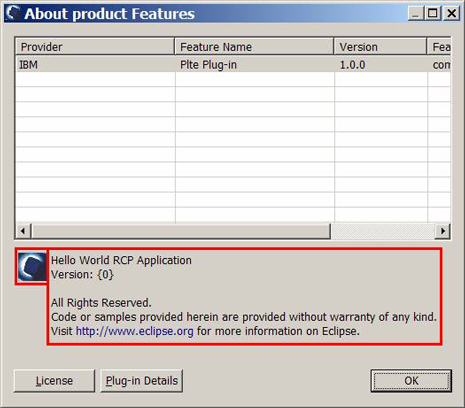
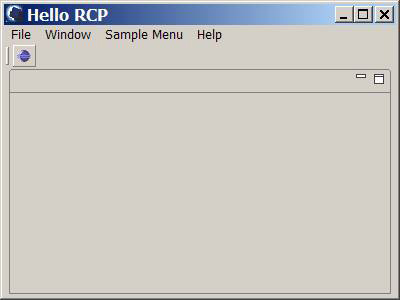
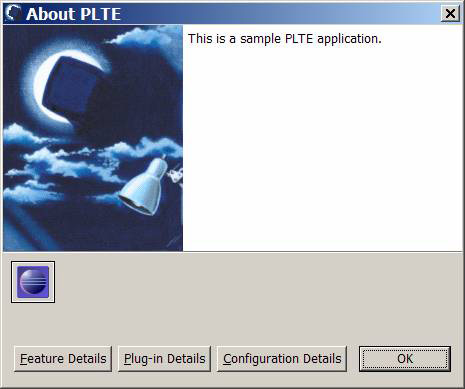
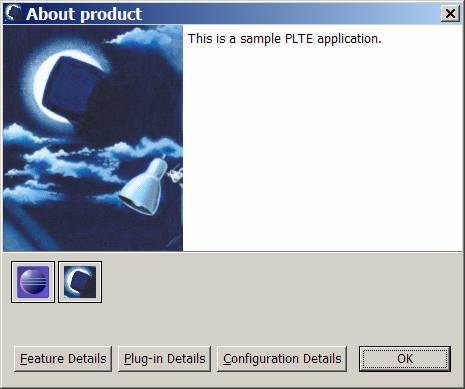
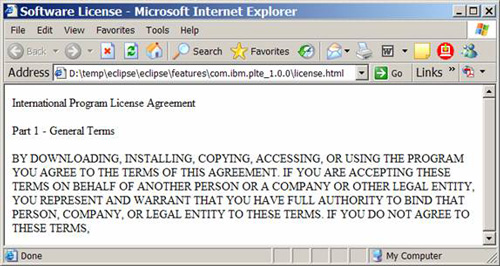
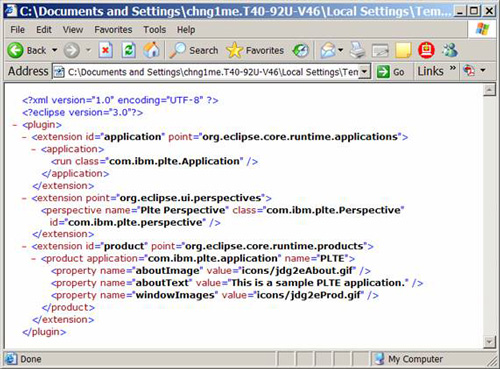
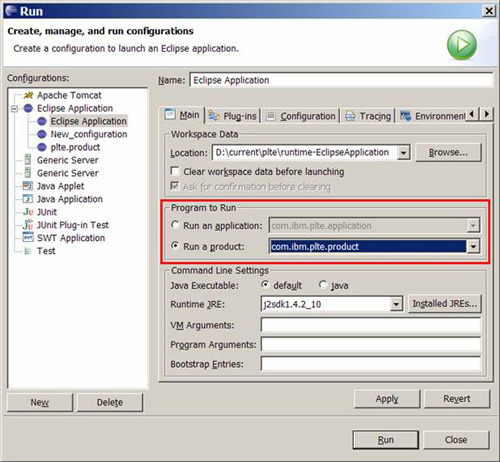
org.eclipse.ui、org.eclipse.core.runtime (~6.6MB)org.eclipse.core.resources)、IDE 特有組件com.ibm.plte → Yes 創建 RCP → 模板選 Hello RCPplugin.xml 兩擴展點 (application、perspective)、6 Java 類Application (入口)、WorkbenchAdvisor 配置器、Perspective 佈局ApplicationActionBarAdvisor 添加 File/Window/Help 菜單及 Exit/Preferences/About 等動作com.ibm.plte.ui,Custom plug-in wizard 勾選 Action Set、Help TOC、Preference Page、ViewApplicationWorkbenchWindowAdvisor 中 configurer.setShowCoolBar(true)plte.product → Use launch configurationcom.ibm.plte.product、Name=PLTE、基於 Featurescom.ibm.plte-feature,包含主插件+UI插件,引用 com.ibm.plte.help、org.eclipse.rcpbuild.properties:勾選品牌資源文件/文件夾plte.exe,驗證獨立運行、About 顯示雙 Feature 圖標、License 按鈕可用plugin.xml:擴展點定義 (application、perspective、product)feature.xml:功能組裝、品牌資源引用、許可協議.product:產品配置、啟動參數、品牌設置build.properties:構建輸出包含文件聲明