Blogito 系列最終回:實作檔案上傳支援圖片/HTML/任意檔案顯示,並手寫 Atom Feed,打造功能完整的微型部落格引擎。
新增 Entry.author 關聯後,舊版 create.gsp 缺少作者欄位導致儲存失敗。兩種修法:
<input type="hidden" name="author.id" value="${session.user.id}"/>def save = {
def entryInstance = new Entry(params)
entryInstance.author = User.get(session.user.id) // 關鍵行
// 處理檔案上傳...
if (!entryInstance.hasErrors() && entryInstance.save()) { ... }
}
<g:uploadForm action="save" method="post">
    <tr class="prop">
        <td class="name"><label for="payload">File:</label></td>
        <td class="value"><input type="file" id="payload" name="payload"/></td>
    </tr>
</g:uploadForm>

def save = {
    def entryInstance = new Entry(params)
    entryInstance.author = User.get(session.user.id)
    def uploadedFile = request.getFile('payload')
    if (!uploadedFile.empty) {
        println "Class: ${uploadedFile.class}"
        println "Name: ${uploadedFile.name}"
        println "OriginalFileName: ${uploadedFile.originalFilename}"
        println "Size: ${uploadedFile.size}"
        println "ContentType: ${uploadedFile.contentType}"
        def webRootDir = servletContext.getRealPath("/")
        def userDir = new File(webRootDir, "/payload/${session.user.login}")
        userDir.mkdirs()
        uploadedFile.transferTo(new File(userDir, uploadedFile.originalFilename))
        entryInstance.filename = uploadedFile.originalFilename
    }
    // 儲存邏輯...
}
主控台輸出:
Class: class org.springframework.web.multipart.commons.CommonsMultipartFile
Name: payload
OriginalFileName: Grails_logo.jpg
Size: 8065
ContentType: image/jpeg
class Entry {
    static constraints = {
        title()
        summary(maxSize: 1000)
        filename(blank: true, nullable: true)
        dateCreated()
        lastUpdated()
    }
    static mapping = { sort "lastUpdated": "desc" }
    static belongsTo = [author: User]
    String title, summary, filename
    Date dateCreated, lastUpdated
}
class EntryTagLib {
    def displayFile = { attrs, body ->
        def user = attrs['user']
        def filename = attrs['filename']
        if (filename) {
            def extension = filename.split("\\.")[-1].toUpperCase()
            def userDir = "payload/${user}"
            switch (extension) {
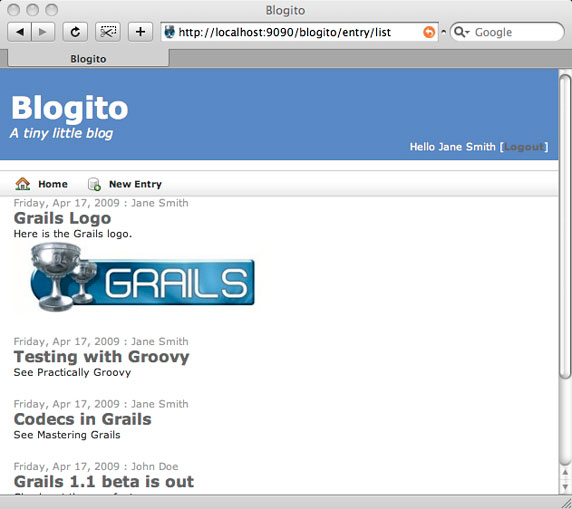
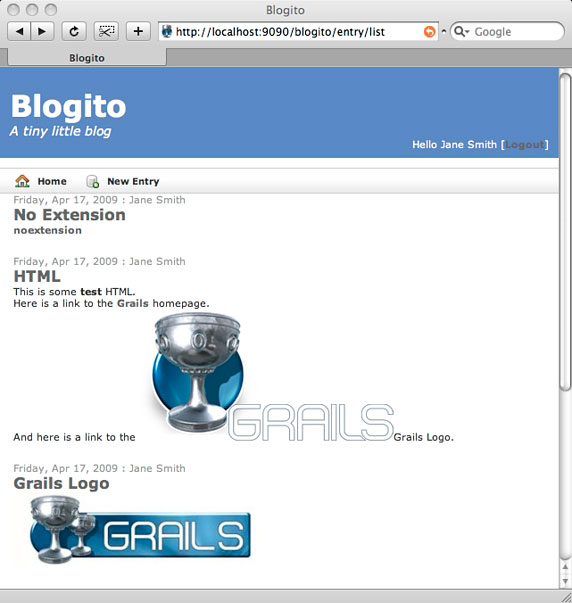
                case ['JPG', 'PNG', 'GIF']:
                    out << """<p><img src="${createLinkTo(dir: userDir, file: filename)}" alt="${filename}" title="${filename}"/></p>"""
                    break
                case 'HTML':
                    def webRootDir = servletContext.getRealPath("/")
                    out << new File(webRootDir + "/" + userDir, filename).text
                    break
                default:
                    out << """<p><a href="${createLinkTo(dir: userDir, file: filename)}">${filename}</a></p>"""
                    break
            }
        } else {
            out << "<!-- no file -->"
        }
    }
}
GSP 簡化為:
<g:displayFile filename="${entryInstance.filename}" user="${entryInstance.author.login}" />
def atom = {
    if (!params.max) params.max = 10
    def list = Entry.list(params)
    def lastUpdated = list[0]?.lastUpdated
    [entryInstanceList: list, lastUpdated: lastUpdated]
}
<% response.setContentType("application/atom+xml") %>
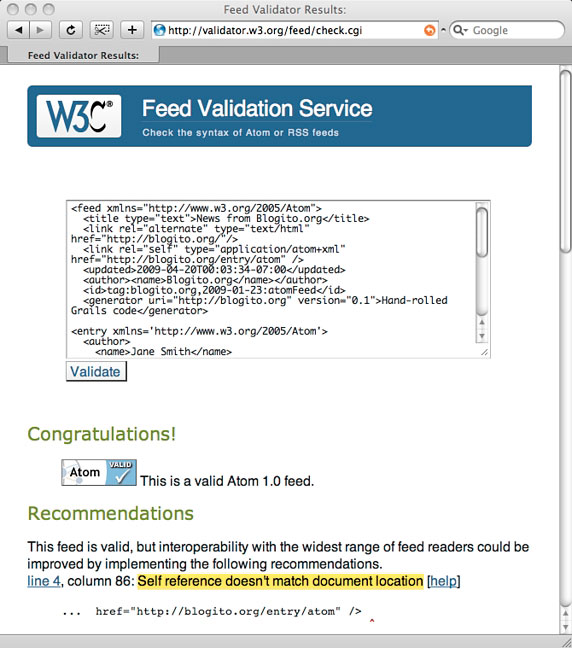
<feed xmlns="https://www.w3.org/2005/Atom">
    <title type="text">News from Blogito.org</title>
    <link rel="alternate" type="text/html" href="https://blogito.org/"/>
    <link rel="self" type="application/atom+xml" href="https://blogito.org/entry/atom"/>
    <updated><g:atomDate>${lastUpdated}</g:atomDate></updated>
    <author><name>Blogito.org</name></author>
    <id>tag:blogito.org,2009-01-01:entry/atom</id>
    <generator uri="https://blogito.org" version="0.1">Hand-rolled Grails code</generator>
    <g:each in="${entryInstanceList}" var="entryInstance">
        <g:render template="atomEntry" bean="${entryInstance}" var="entryInstance"/>
    </g:each>
</feed>
class DateTagLib {
    static final String ATOM_DATE_FORMAT = "yyyy-MM-dd'T'HH:mm:ss'-07:00'"
    def atomDate = { attrs, body ->
        def b = attrs.body ?: body()
        def d = new SimpleDateFormat("yyyy-MM-dd hh:mm:ss").parse(b)
        out << new SimpleDateFormat(ATOM_DATE_FORMAT).format(d)
    }
}
<entry xmlns='https://www.w3.org/2005/Atom'>
    <author><name>${entryInstance.author.name}</name></author>
    <published><g:atomDate>${entryInstance.dateCreated}</g:atomDate></published>
    <updated><g:atomDate>${entryInstance.lastUpdated}</g:atomDate></updated>
    <link href="https://blogito.org/blog/${entryInstance.author.login}/${entryInstance.title.encodeAsUnderscore()}" rel="alternate" title="${entryInstance.title}" type="text/html"/>
    <id>tag:blogito.org,2009:/blog/${entryInstance.author.login}/${entryInstance.title.encodeAsUnderscore()}</id>
    <title type="text">${entryInstance.title}</title>
    <content type="xhtml">
        <div xmlns="https://www.w3.org/1999/xhtml">${entryInstance.summary}</div>
    </content>
</entry>
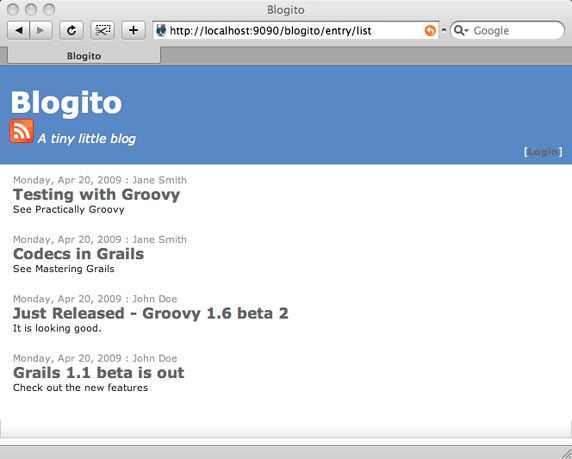
def beforeInterceptor = [action: this.&auth, except: ['index', 'list', 'show', 'atom']]
$ grails stats
+----------------------+-------+-------+
| Name                 | Files | LOC   |
+----------------------+-------+-------+
| Controllers          | 2     | 127   |
| Domain Classes       | 2     | 34    |
| Tag Libraries        | 3     | 66    |
| Unit Tests           | 6     | 24    |
| Integration Tests    | 1     | 10    |
+----------------------+-------+-------+
| Totals               | 14    | 261   |
+----------------------+-------+-------+
**261 行代碼、4 篇文章篇幅、實際約 1 天開發量** 完成功能完整部落格引擎。
Blogito 現具備:多用戶、身分驗證、授權、檔案上傳、Atom Feed。下一階段將引入插件機制擴充評論、標籤等功能,深入探索 Grails 插件生態系。