BasicHttpBinding 符合 WS-Basic Profile,採 HTTP 傳輸、Text/XML 編碼,專為與 ASMX 與舊版 Web Service 互操作設計。預設安全模式為 None,訊息明文傳輸、無驗證,這也是 WCF 綁定中唯一預設不安全的。但可透過 Transport(HTTPS/IIS)或 Message(WS-Security)啟用安全性。
服務端:Win2008, VS2008, .NET 3.5, IIS 7.0。客戶端:同機與 Win2003。共用合約:
[ServiceContract(Namespace = "https://chnking.com")]
public interface IGetIdentity
{
    [OperationContract]
    string Get(string ClientIdentity);
}
public class GetIdentity : IGetIdentity
{
    public string Get(string ClientIdentity)
    {
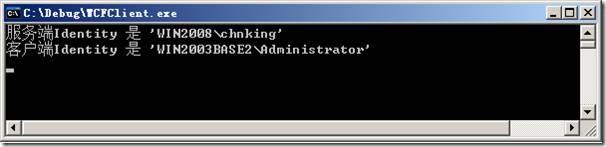
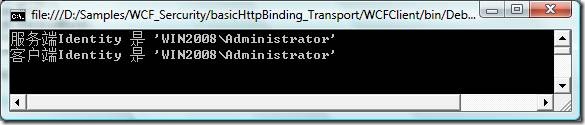
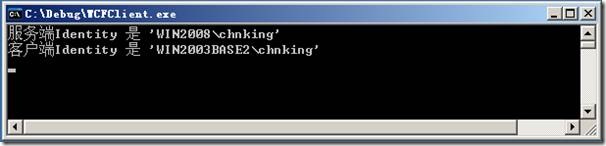
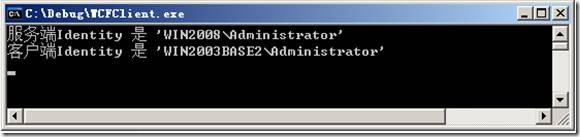
        return "服務端Identity是'" + ServiceSecurityContext.Current.PrimaryIdentity.Name +
               "'\r\n客戶端Identity是 '" + ClientIdentity + "'";
    }
}
自宿主程式碼設定 BasicHttpSecurityMode.None。TcpTrace 擷取顯示標準 SOAP 1.1 封包,完整相容 ASMX。

WS-Security 保護訊息層,需雙向憑證。關鍵差異:WS-Security 無 Token 交換機制,客戶端必須預先安裝服務端憑證(WS-Trust 則可透過協商取得)。雙方產生憑證:伺服器 CN=win2008,客戶端 CN=TestClient。客戶端程式碼需同時指定自身與服務端憑證。
Transport 安全必須由 IIS 承載,利用 IIS SSL 機制。步驟:
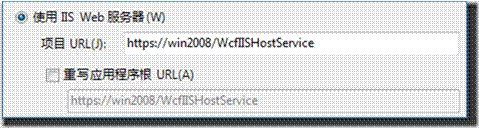
https://win2008/WcfIISHostService。web.config 設定 <security mode="Transport"><transport clientCredentialType="None" /></security>。makecert -sr localmachine -ss My -n CN=win2008 -sky exchange -pe -r,放入 LocalMachine\Personal。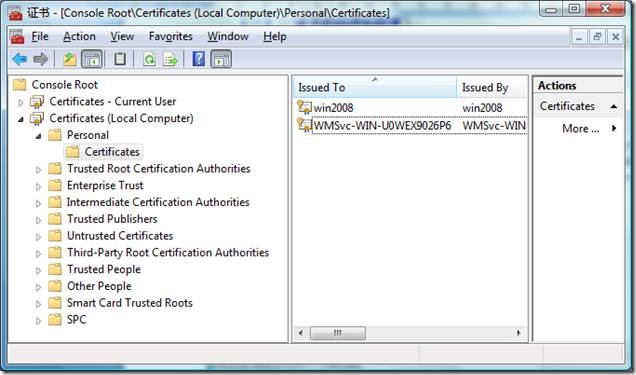
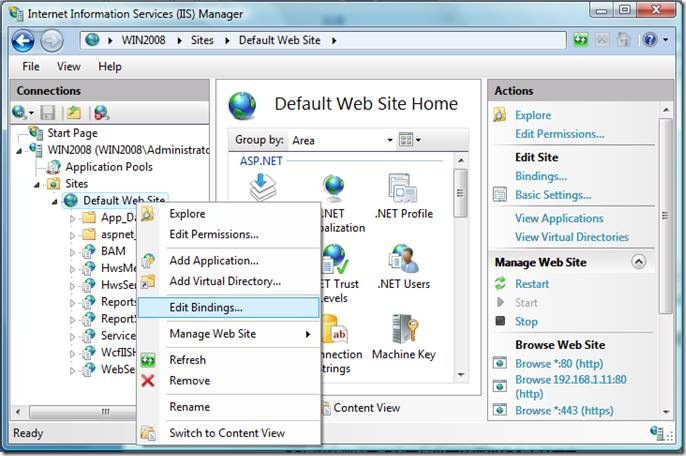
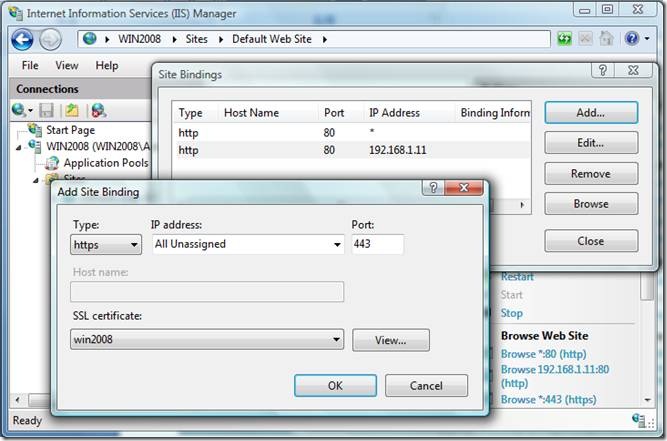
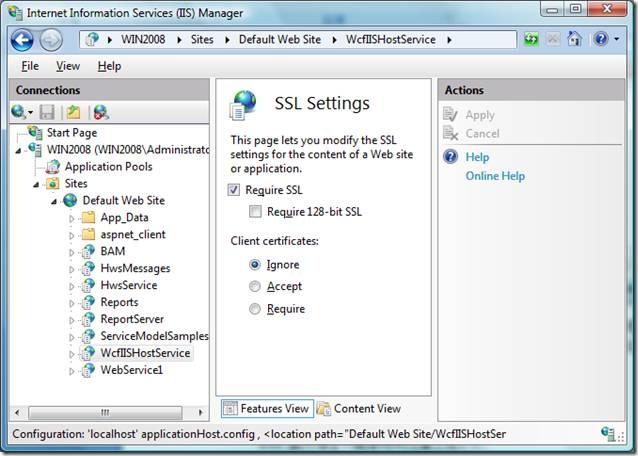
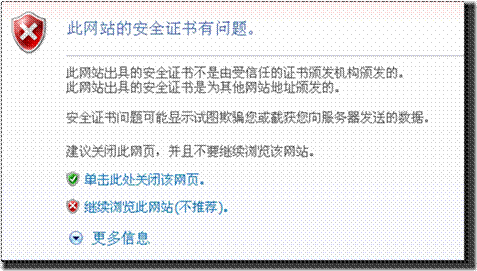
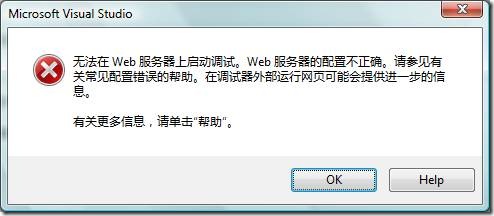
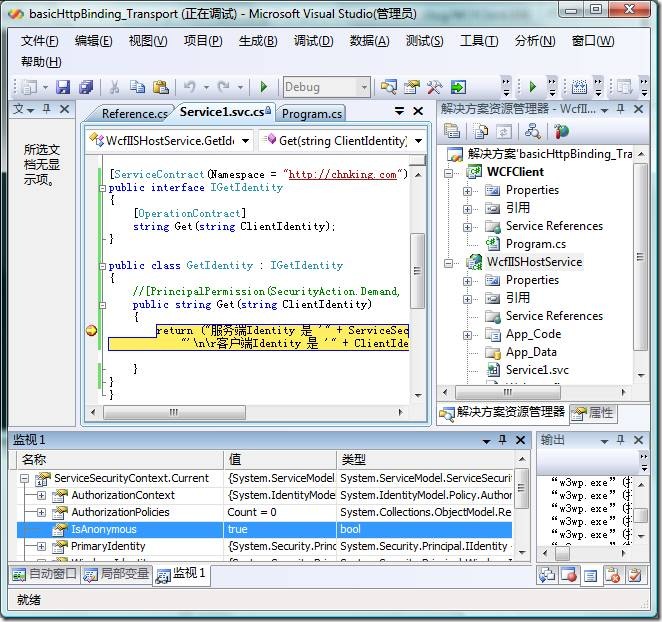
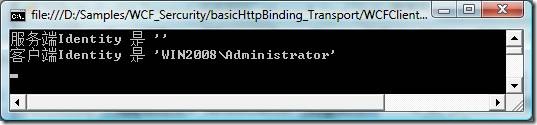
皆透過 IIS 驗證模組實作,web.config 僅需修改 clientCredentialType:
HttpClientCredentialType.Basic 並提供 ClientCredentials.UserName。跨機器測試同樣通過。clientCredentialType="Ntlm"。clientCredentialType="Windows"。服務方法加上 [PrincipalPermission(SecurityAction.Demand, Role="Administrators")],僅允許 Administrators 群組成員呼叫。測試證實:Administrator 通過,chnking 被拒(Access is denied)。
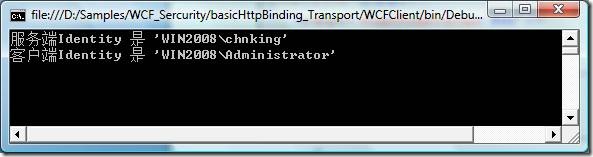

IIS 7.0 客戶端憑證映射極其繁瑣,無 GUI 需手工操作,實務上較少用。建議改用 Message 安全模式搭配 Certificate 驗證,彈性較高。客戶端程式碼參考:proxy.ClientCredentials.ClientCertificate.SetCertificate(...)。