隨著 WCF 普及,越來越多系統採用 WCF 進行數據交互。若移動設備仍保留傳統 Web Service 支援,企業將面臨維護雙重介面的負擔。升級至 WCF 後,僅需將原有 Web Service 遷移即可,大幅降低維護成本。
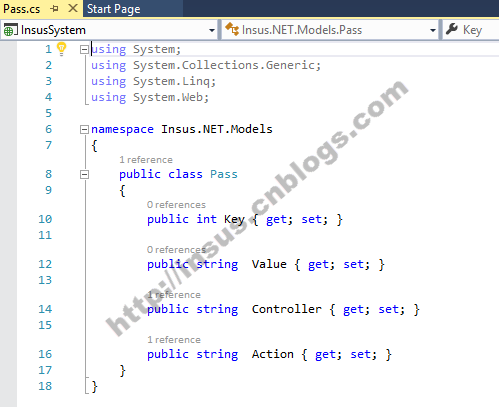
IService.cs、Service.cs)OperationContract 與 DataContract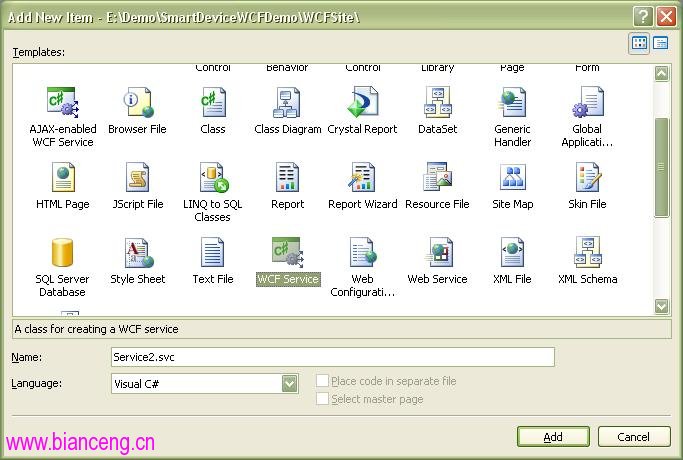
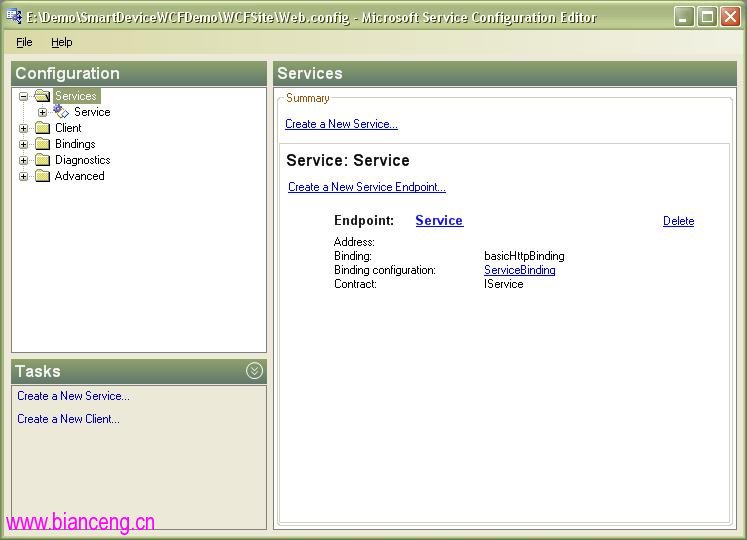
List<T> 泛型陣列(避免使用 DataTable,詳見文末 Tips)使用 WCF Configuration 工具(在 web.config 右鍵 Open With 添加)可視化配置:
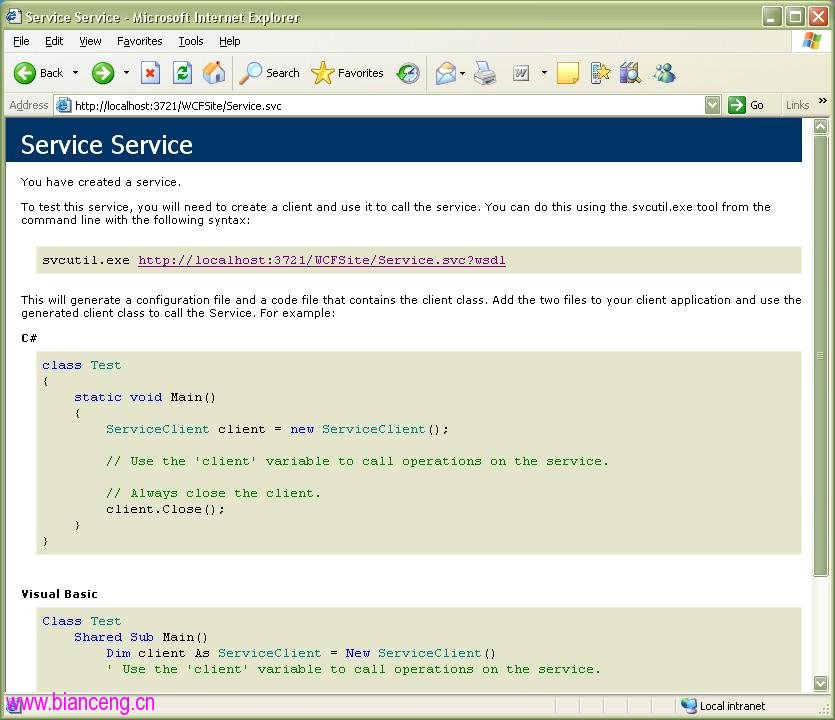
啟動後效果:
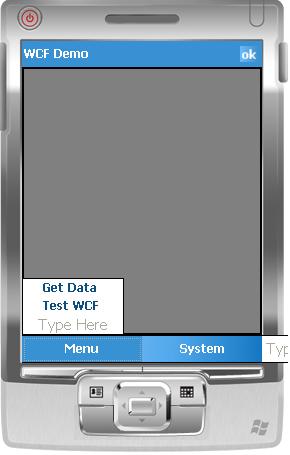
建立 WM5.0 專案(.NET CF 3.5),介面放置 DataGrid 綁定 WCF 返回數據。關鍵在於調用 WCF:
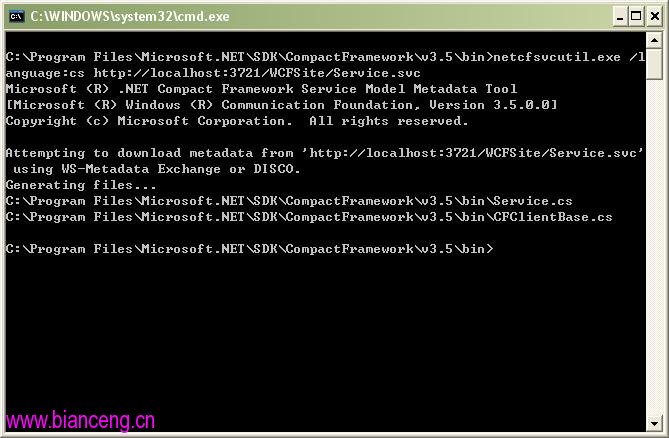
使用 netcfSvcUtil.exe(位於 Program Files\Microsoft.NET\SDK\Compact Framework\v3.5\bin):
netcfSvcUtil.exe /language:cs https://localhost:3721/WCFSite/Service.svc
生成 CFClientBase.cs 與服務同名 cs 檔,加入專案。
System.ServiceModel.Channels.Binding binding = ServiceClient.CreateDefaultBinding();
string remoteAddress = ServiceClient.EndpointAddress.Uri.ToString();
remoteAddress = remoteAddress.Replace("localhost", "10.16.172.204"); // 替換為實際服務 IP
EndpointAddress endpoint = new EndpointAddress(remoteAddress);
ServiceClient client = new ServiceClient(binding, endpoint);
try {
    // MessageBox.Show(client.Add(10, 20).ToString());
    this.dataGrid1.DataSource = client.GetUserInfo();
} catch (Exception ex) {
    MessageBox.Show(ex.Message);
}
點擊 Get Data 返回數據:
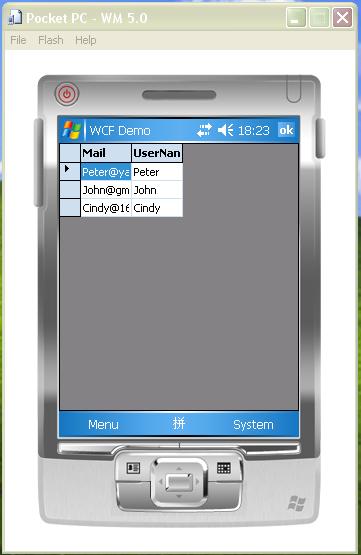
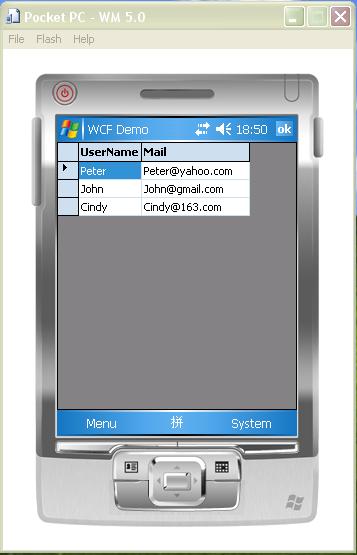
調整 DataMember 的 Order 屬性修正欄位順序:
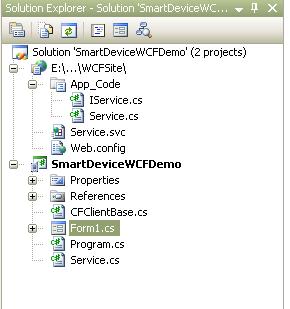
專案結構:
DataRow 無法序列化。