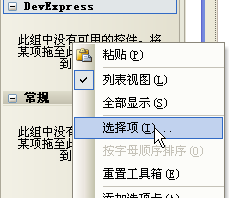
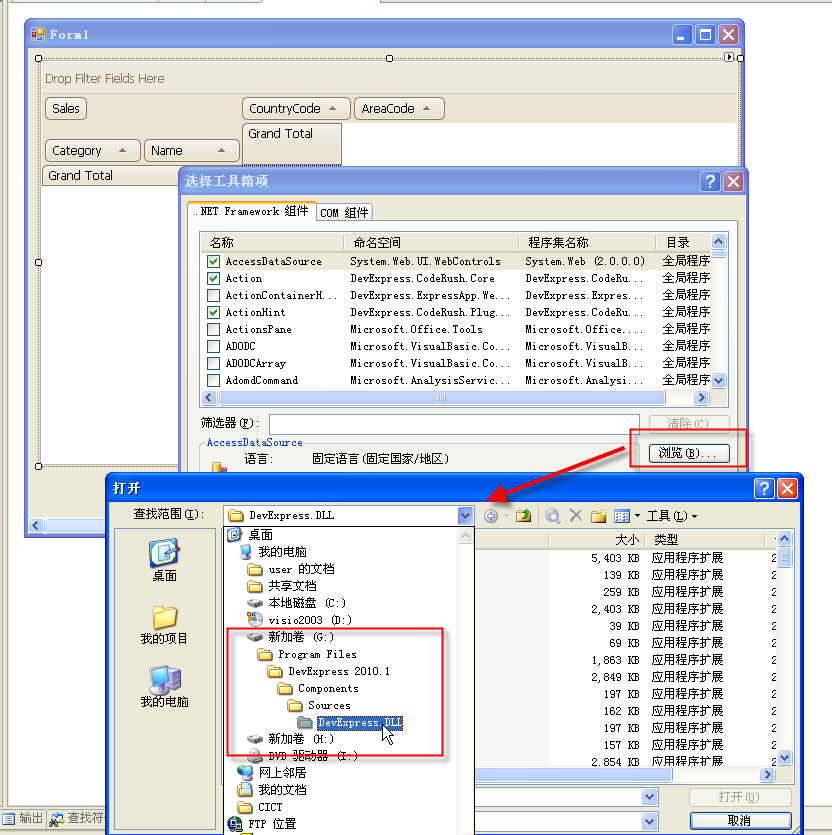
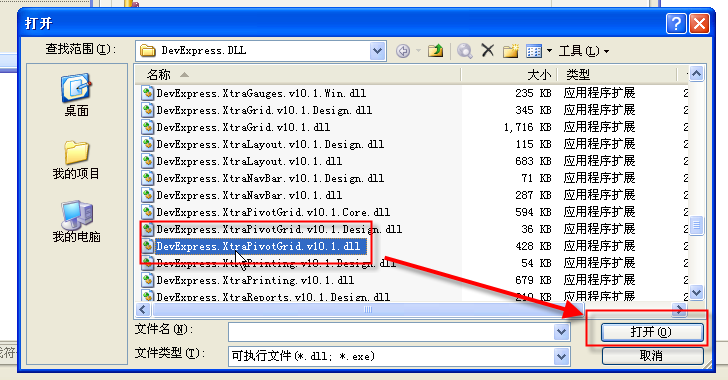
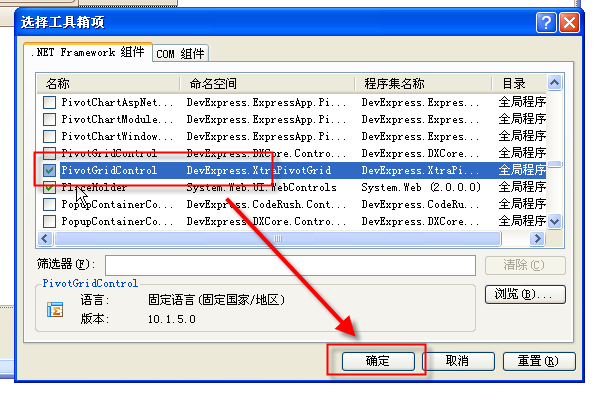
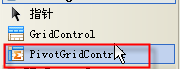
DevExpressDevExpress.XtraPivotGrid.v10.1.dllPivotGridControl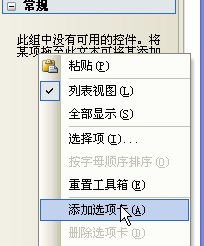
public class Product {
    public string Name { get; set; }
    public string Category { get; set; }
    public int AreaCode { get; set; }
    public int CountryCode { get; set; }
    public int Sales { get; set; }
    public Product(string n, string c, int a, int co, int s) {
        Name=n; Category=c; AreaCode=a; CountryCode=co; Sales=s;
    }
}
// Form_Load 建立 25 筆測試資料,指派給 pivotGridControl1.DataSource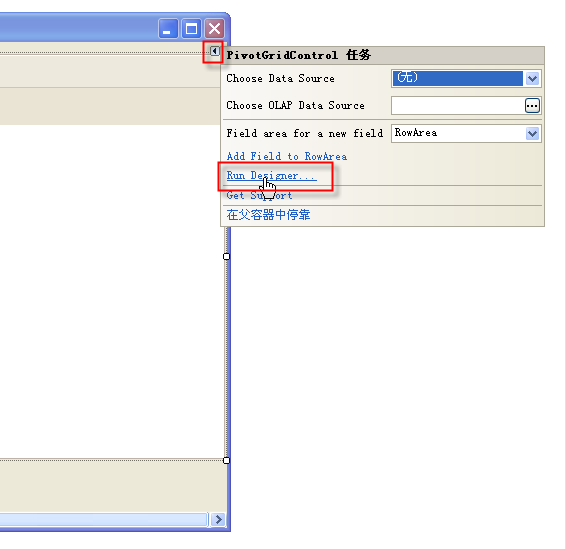
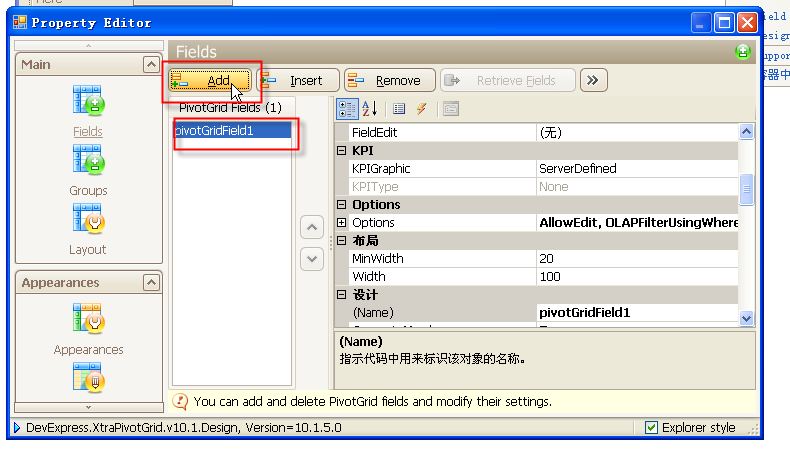
Name(識別碼)、FieldName(資料屬性名)| 區域 | 用途 | 本例指派 |
|---|---|---|
| RowArea | 列標題(維度) | Category、Name |
| ColumnArea | 行標題(維度) | CountryCode、AreaCode |
| DataArea | 數值彙總 | Sales(預設 Sum) |
| FilterArea | 篩選器 | (本例未使用) |
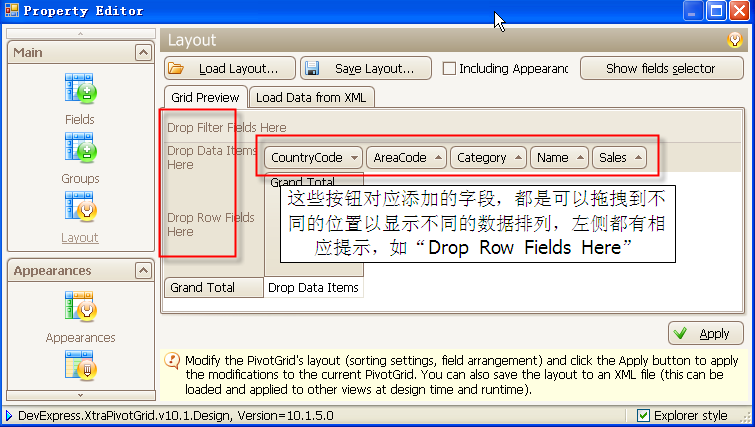
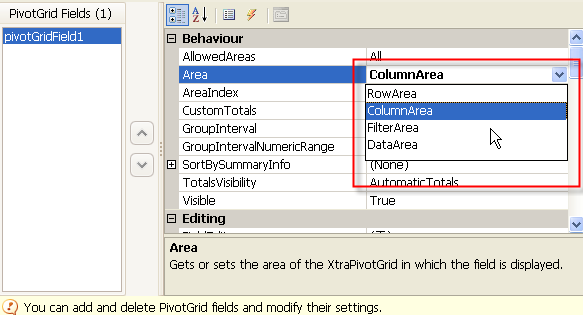
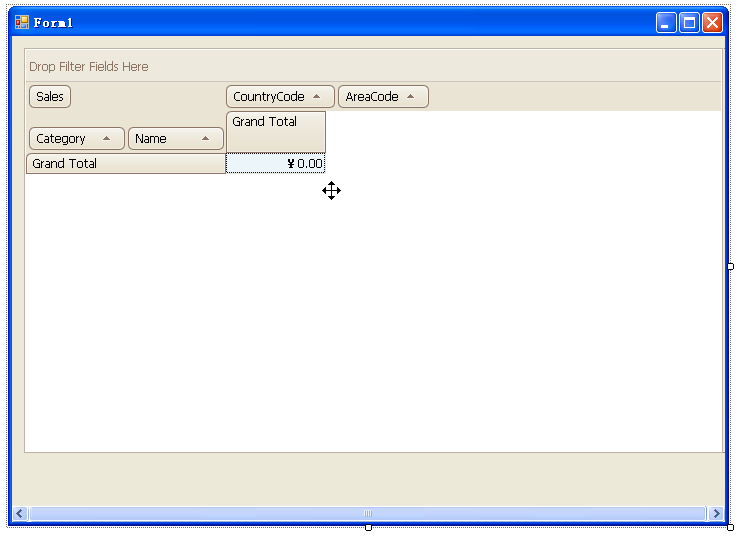
交叉表呈現:列為產品分類/名稱,行為國家/地區碼,儲存格為銷售額總和。
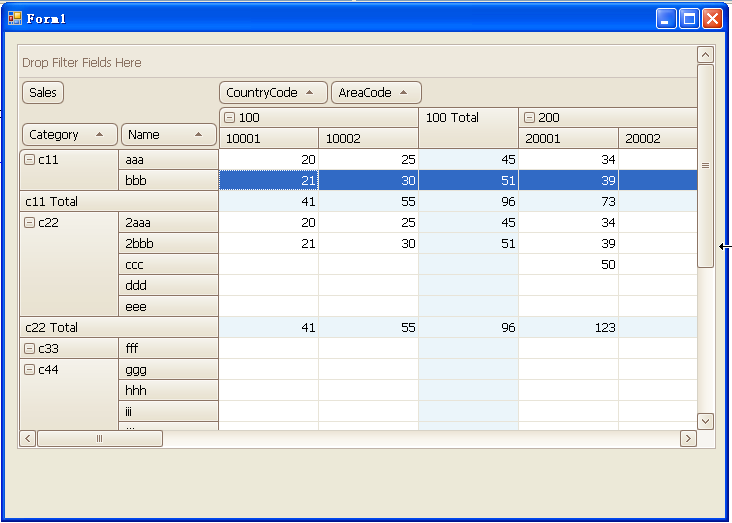
PivotGridControl 不像 GridView 自動生成欄位,需手動在 Designer 定義 Fields 並指派 Area。掌握「維度→Row/Column、數值→Data」對應關係,即可快速構建多維分析報表。