專案需處理使用者上傳影片轉碼、擷取縮圖,本文比較 FFmpeg 與 MEncoder 特性,提供 .NET `Process` 呼叫完整範例與參數速查表。
| 特性 | FFmpeg | MEncoder |
|---|---|---|
| 授權 | LGPL/GPL | GPL |
| 支援格式 | 極廣 (不含 RM/RMVB) | 極廣 (含 RM/RMVB) |
| 轉碼速度 | 快 | 慢 (運算量大) |
| 畫質 | 良好 | 極佳 |
| 截圖/擷取 | 強大 (支援精確時間點) | 較弱 |
| 適用場景 | ASF/AVI/MPG/3GP/MOV、截圖、快速轉碼 | WMV/RMVB/RM、高畫質需求 |
using System.Diagnostics;
using System.IO;

public class VideoProcessor
{
    private readonly string _ffmpegPath;
    private readonly string _mencoderPath;

    public VideoProcessor(string ffmpegPath, string mencoderPath)
    {
        _ffmpegPath = ffmpegPath;
        _mencoderPath = mencoderPath;
    }

    public bool Convert(string input, string output, string args = null)
    {
        string ext = Path.GetExtension(input).ToLower();
        string tool = (ext == ".wmv" || ext == ".rmvb" || ext == ".rm")
            ? _mencoderPath : _ffmpegPath;
        string arguments = args ?? GetDefaultArgs(ext, input, output);
        return RunProcess(tool, arguments);
    }

    public bool ExtractFrame(string input, string outputImage, double seconds)
    {
        // 僅用 FFmpeg 擷取
        string args = $"-ss {seconds} -i \"{input}\" -vframes 1 -f image2 \"{outputImage}\"";
        return RunProcess(_ffmpegPath, args);
    }

    private bool RunProcess(string fileName, string arguments)
    {
        try
        {
            var psi = new ProcessStartInfo
            {
                FileName = fileName,
                Arguments = arguments,
                UseShellExecute = false,
                CreateNoWindow = true,
                RedirectStandardOutput = true,
                RedirectStandardError = true
            };
            using (var proc = Process.Start(psi))
            {
                proc.WaitForExit(300000); // 5 分鐘逾時
                return proc.ExitCode == 0;
            }
        }
        catch { return false; }
    }

    private string GetDefaultArgs(string ext, string input, string output)
    {
        // 簡單預設:同畫質轉碼
        return $"-i \"{input}\" -c:v libx264 -crf 23 -preset medium -c:a aac -b:a 128k \"{output}\"";
    }
}
var processor = new VideoProcessor(
    @"Tools\ffmpeg\bin\ffmpeg.exe",
    @"Tools\mencoder\mencoder.exe");

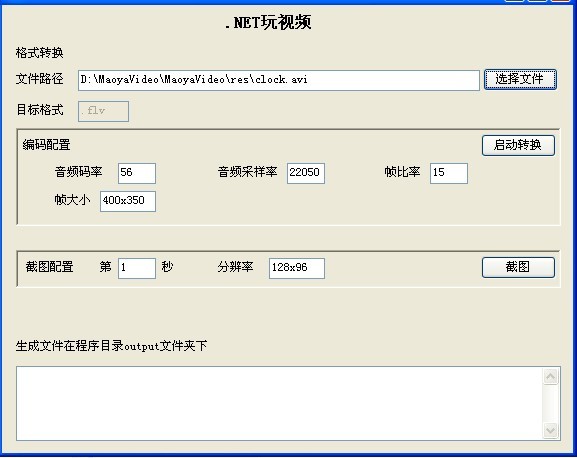
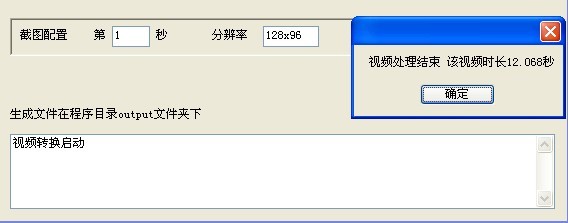
bool ok = processor.Convert(@"C:\Windows\clock.avi", @"Output\clock.mp4");
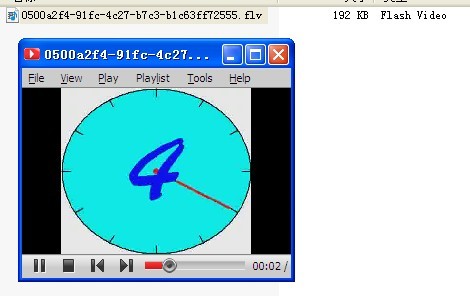
// 輸出檔案可正常播放
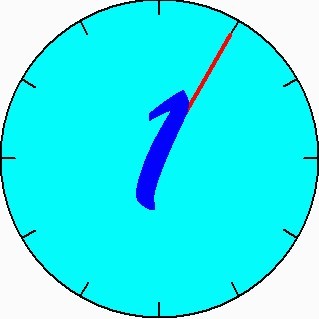
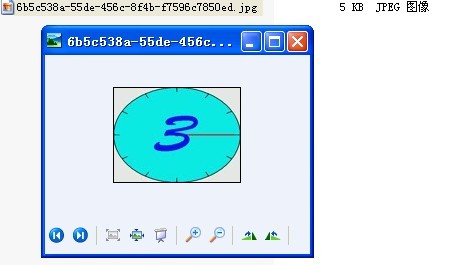
// clock.avi 每秒顯示一個數字
processor.ExtractFrame(@"C:\Windows\clock.avi", @"Output\frame_2s.jpg", 2); // 應擷取到 "3"
processor.ExtractFrame(@"C:\Windows\clock.avi", @"Output\frame_4s.jpg", 4); // 應擷取到 "5"

通用:
-i 輸入檔
-y 覆蓋輸出
-ss 原始碼下載:MaoyaVideo.rar (含 FFmpeg/MEncoder 工具目錄結構)