當使用 Visual C++ 建置的 DLL 需供其他語言(如 VB、C#、Python)呼叫時,函數必須採用 __stdcall 呼叫慣例(Windows API 皆為此)。但 C/C++ 預設為 __cdecl,兩者產生的符號名稱截然不同。若不使用 .def 檔案匯出,又採用 C++ 編譯(未加 extern "C"),就必須知道編譯器產生的修飾名稱,才能在外部正確呼叫。本文示範如何用 dumpbin 取得該名稱。
| 慣例 | C 編譯 (extern "C") | C++ 編譯 (無 extern "C") |
|---|---|---|
__stdcall | _FunctionName@N (N 為參數總位元組數) | 完整 C++ Name Mangling(含類別、命名空間、參數型別等) |
__cdecl | _FunctionName | 完整 C++ Name Mangling |
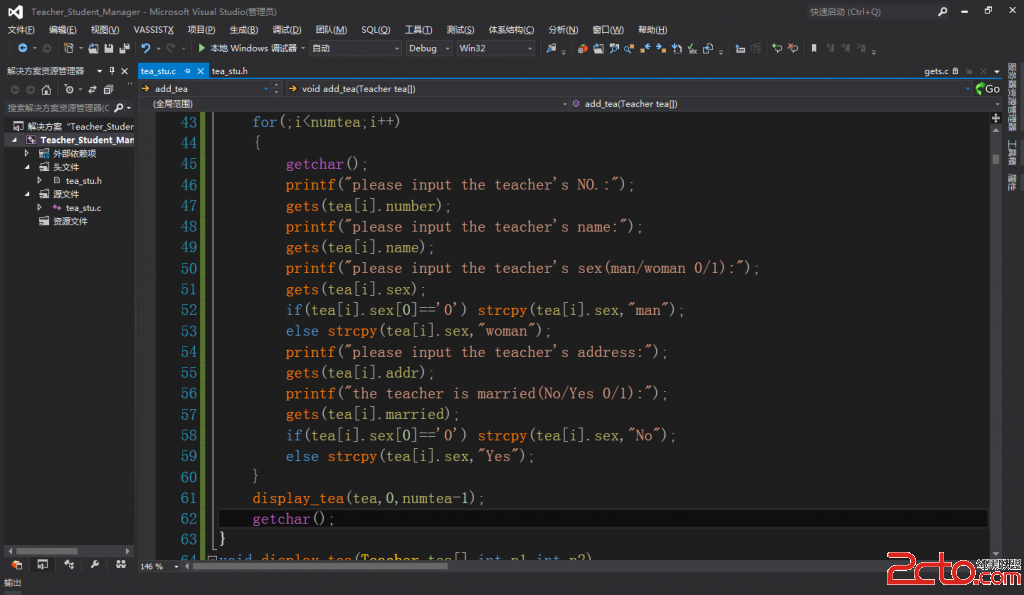
專案名稱:dpSample
// dpSample.h
#ifndef DPSAMPLE_H
#define DPSAMPLE_H

#include <string>
#include <stdio.h>

using namespace std;

__declspec(dllexport) void __stdcall dumpbinTest(string src);

#endif
// dpSample.cpp
#include "dpSample.h"

void __stdcall dumpbinTest(string src)
{
    printf("Input: %s\n", src.c_str());
}
編譯產生 dpSample.dll。
切換至 DLL 所在目錄,執行:
dumpbin /all dpSample.dll > dump.txt
用編輯器開啟 dump.txt,搜尋原始函數名 dumpbinTest,典型輸出如下:
Section contains the following exports for dpSample.dll

    00000000 characteristics
    4B307976 time date stamp Tue Dec 22 15:47:02 2009
    0.00 version
    1 ordinal base
    1 number of functions
    1 number of names

    ordinal hint RVA      name

    1     0 00011005 ?dumpbinTest@@YGXV?$basic_string@DU?$char_traits@D@std@@V?$allocator@D@2@@std@@@Z
最後一行 ?dumpbinTest@@YGXV?$basic_string@DU?$char_traits@D@std@@V?$allocator@D@2@@std@@@Z 即為 C++ 編譯器產生的完整修飾名稱,包含:
dumpbinTest@@YG 代表 __stdcallstd::basic_string<char, std::char_traits<char>, std::allocator<char>>其他語言或工具(如 GetProcAddress、Python ctypes、C# DllImport)即可用此字串作為 Entry Point 進行動態連結呼叫。
#include "dpSample.h" 並連結 .lib,編譯器會自動處理修飾名稱,無需手動干預。extern "C",並搭配 __stdcall,產生簡潔的 _FunctionName@N 符號。dumpbin /exports 僅列出匯出表,輸出更精簡;/all 包含完整 COFF 資訊,適合深度分析。