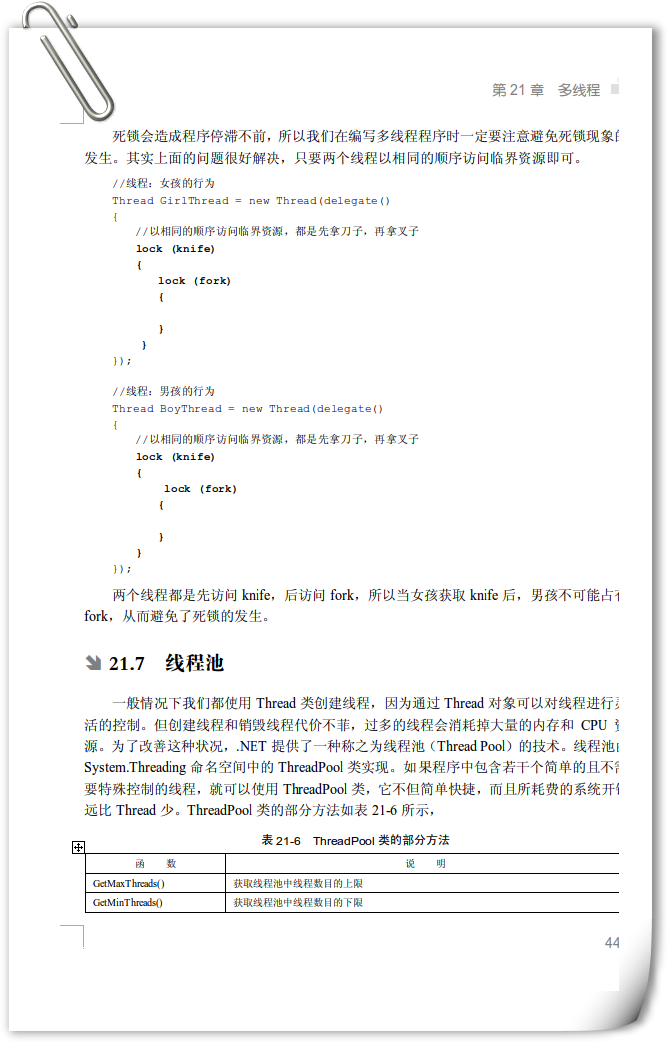
遍歷 Control.Controls 集合時,取得的是基類 Control 參考,需轉型為具體型別 (TextBox, Button, Panel 等) 以存取特有屬性/方法。
| 方式 | 程式碼 | 優點 | 缺點 |
|---|---|---|---|
| is 型別模式 (C# 7+) | if (ctrl is TextBox tb) tb.Text = ""; | **最簡潔、安全**、合併檢查與轉型 | 需 C# 7+ |
| as 操作符 + null 檢查 | var tb = ctrl as TextBox; if (tb != null) tb.Text = ""; | 不拋例外、可分離檢查轉型 | 較冗長 |
| GetType() 比較 | if (ctrl.GetType() == typeof(TextBox)) | 精確型別匹配 (不含繼承) | 不支援繼承、字串比較易錯 |
| is 關鍵字 (舊版) | if (ctrl is TextBox) { var tb = (TextBox)ctrl; } | 支援繼承關係 | 需二次轉型 |
| 字串比較 (不推薦) | ctrl.GetType().ToString() == "System.Web.UI.WebControls.TextBox" | — | 脆弱、效能差、命名空間變更即失效 |
private void ClearAllTextBoxes(Control parent)
{
    foreach (Control ctrl in parent.Controls)
    {
        // 遞迴處理巢狀容器
        if (ctrl.HasChildren) ClearAllTextBoxes(ctrl);

        // 型別模式匹配 (推薦)
        if (ctrl is TextBox tb)
        {
            tb.Clear();
        }
        else if (ctrl is CheckBox cb)
        {
            cb.Checked = false;
        }
        else if (ctrl is RadioButton rb)
        {
            rb.Checked = false;
        }
        else if (ctrl is ComboBox cmb)
        {
            cmb.SelectedIndex = -1;
        }
        // Panel 等容器無需特殊處理,遞迴已涵蓋
    }
}

// 使用
ClearAllTextBoxes(this); // 表單或容器
public Control FindControlRecursive(Control root, string id)
{
    if (root.ID == id) return root;
    foreach (Control ctrl in root.Controls)
    {
        var found = FindControlRecursive(ctrl, id);
        if (found != null) return found;
    }
    return null;
}

// 使用
var txt = FindControlRecursive(this, "txtUserName") as TextBox;
txt?.Text = "Default";
is / as 為 IL 指令 isinst,**極快** (奈秒級),無效能顧慮。GetType().ToString() 字串比較 (配置字串、字串比較、不支援繼承)。typeof(TextBox) 等 Type 物件 (雖 typeof 編譯期常數已極快)。
private void ProcessControl(Control ctrl) => ctrl switch
{
    TextBox tb => tb.Clear(),
    CheckBox cb => cb.Checked = false,
    RadioButton rb => rb.Checked = false,
    ComboBox cmb => cmb.SelectedIndex = -1,
    { HasChildren: true } container =>
        foreach (Control child in container.Controls) ProcessControl(child),
    _ => { } // 忽略其他型別
};
掌握 is 型別模式與遞迴遍歷,即能安全、高效處理控制項樹中的型別轉換需求。