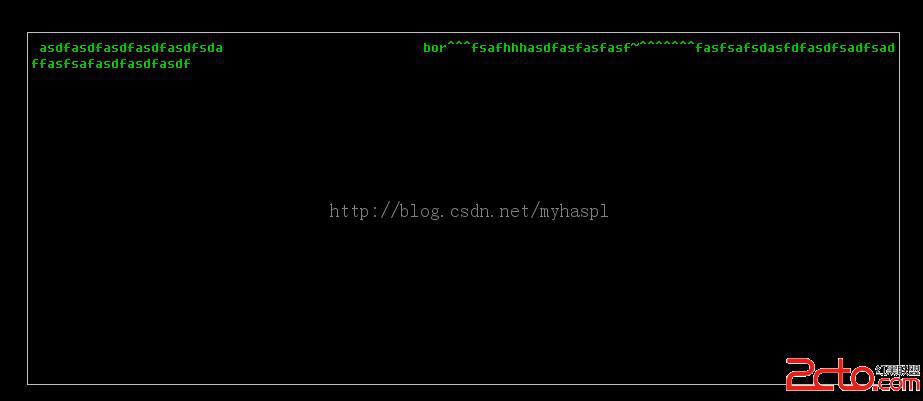
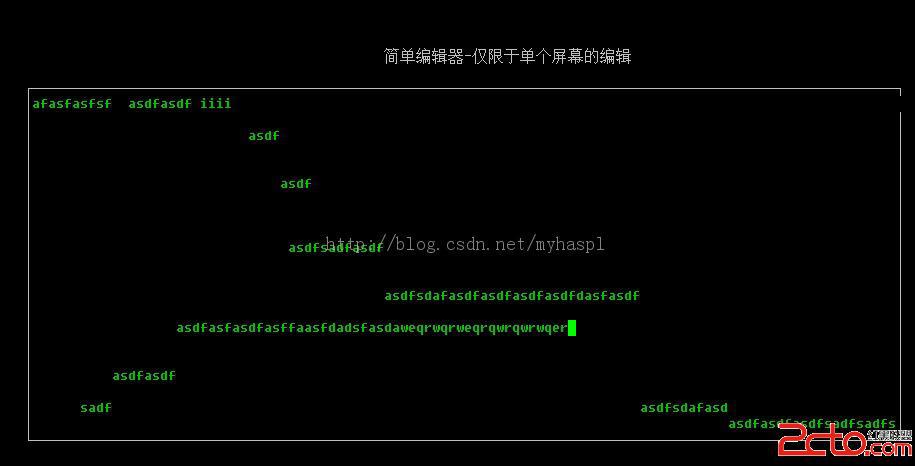
本文作為系列教程的前置篇章,構建一個僅具備基本輸入功能的單屏編輯器雛形,重點演示如何使用 wgetch 捕獲鍵盤輸入並在窗口中顯示,為後續完整編輯器功能奠基。
#include#include #include int main(int argc, char *argv[]) { setlocale(LC_ALL, ""); initscr(); clear(); noecho(); cbreak(); if (has_colors() == FALSE) { endwin(); printf("你的終端不支持色彩!\n"); return 1; } start_color(); init_pair(1, COLOR_GREEN, COLOR_BLACK); WINDOW *win1; int width = COLS - 14; int height = LINES - 14; int x, y; win1 = newwin(height, width, 7, 7); keypad(win1, TRUE); box(win1, ACS_VLINE, ACS_HLINE); wattron(win1, COLOR_PAIR(1)); wrefresh(win1); getyx(win1, y, x); ++y; ++x; while (1) { int c = mvwgetch(win1, y, x); ++x; if (x >= width - 1) { ++y; x = 1; } if (y >= height - 1) y = 1; mvwprintw(win1, y, x, "%c", c); wrefresh(win1); } wattroff(win1, COLOR_PAIR(1)); endwin(); return 0; }
gcc -lncursesw simple_editor.c -o mytest
./mytest
下一篇(第六十篇)將在此基礎上添加方向鍵導航、退格/刪除鍵處理、整行刪除、退出確認等功能,構建一個功能完整的單屏編輯器。