| 方式 | 優點 | 缺點 |
|---|---|---|
| 外部圖片處理軟體 (Photoshop 等) | 功能強、無需寫碼 | 整合度低、使用者需切換程式 |
| TWAIN API (twain_32.dll) | 底層控制、彈性最高 | 程式複雜、需深入 TWAIN 協定 |
| OCX/ActiveX 元件 (Wang Imaging) | 視覺化、封裝 TWAIN、Delphi 整合容易 | 依賴系統安裝「影像」元件、較舊技術 |
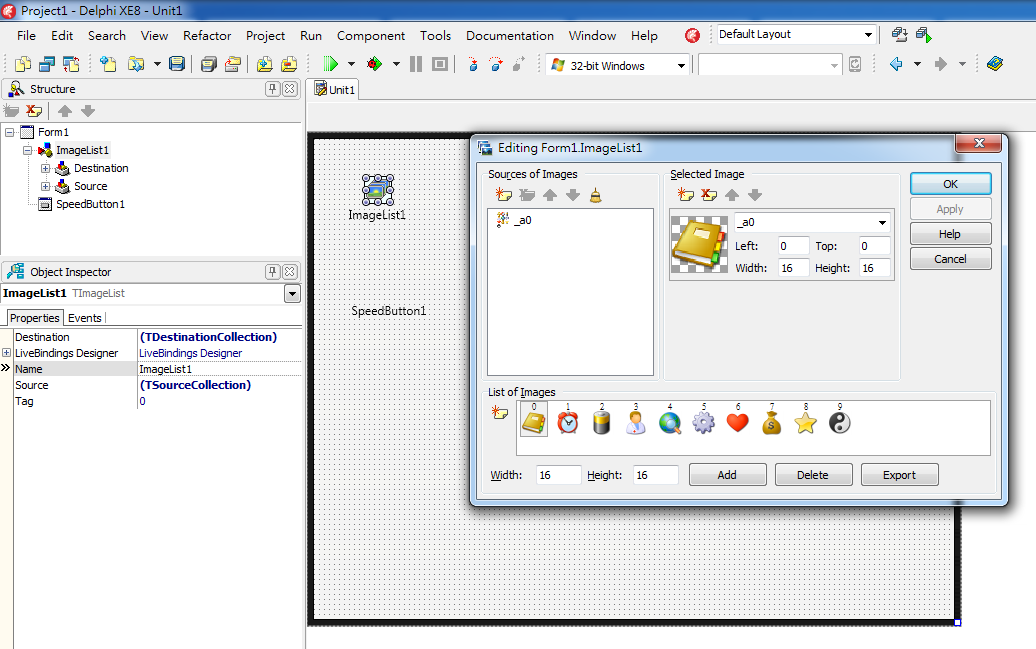
本文採用第三種:Windows 內建 Wang Imaging OCX (四個元件)。
| 屬性/方法 | 說明 |
|---|---|
FileType | 輸出格式:TIFF、BMP、AWD |
ScanTo | 0=顯示、1=顯示並存檔、2=僅存檔、3=模板顯示存檔、4=模板存檔、5=傳真 |
DestImageControl | 關聯的 ImgEdit 元件名稱 (ScanTo=0 時必須) |
Zoom | 縮放比例 |
OpenScanner/CloseScanner | 開啟/關閉掃描儀連線 |
StartScan/StopScan | 開始/停止掃描 |
ShowSelectScanner | 顯示選擇掃描儀對話框 |
ScannerAvailable | 檢查掃描儀是否就緒 |
ClipboardCopy/Cut/Paste、RotateLeft/Right、Flip (鏡像)、Print/Save/Refresh、DrawSelectionRect、ClearDisplayOnSelectionRectDrawn (選取區域完成)原因:ImgEdit 內部座標計算 Bug。
解決:在 OnSelectionRectDrawn 事件存儲選取座標至全域變數,複製/剪貼前先用存儲座標重選:
procedure TForm1.ImgEdit1SelectionRectDrawn(Sender: TObject; Left, Top, Width, Height: Integer);
begin
  SelLeft := Left; SelTop := Top; SelWidth := Width; SelHeight := Height;
  // 啟用複製/剪貼按鈕
end;

procedure TForm1.CopyClick(Sender: TObject);
begin
  ImgEdit1.DrawSelectionRect(SelLeft, SelTop, SelWidth, SelHeight); // 重選
  ImgEdit1.ClipboardCopy(SelLeft, SelTop, SelWidth, SelHeight);
end;
Delphi 3/4 BDE Bug,升級包可修復。
unit Scanu;
interface
uses ..., ImgEditLib_TLB, ScanLib_TLB; // 匯入的 TLB 單元
type
  TScanForm = class(TForm)
    ImgEdit1: TImgEdit;
    ImgScan1: TImgScan;
    // 選單/按鈕事件處理掃描、旋轉、鏡像、選取、複製、剪貼、貼上
  private
    SelLeft, SelTop, SelWidth, SelHeight: Integer;
  end;
implementation
// 各事件處理程序,參考上述問題解決模式
end.
Wang Imaging OCX 是 Delphi 早期整合掃描儀的經典方案,透過 ImgScan 控制掃描流程、ImgEdit 處理影像編輯。雖屬舊技術,理解其「掃描→顯示/存檔→編輯→輸出」流程與常見坑點,對維護舊系統或理解影像擷取架構仍有參考價值。