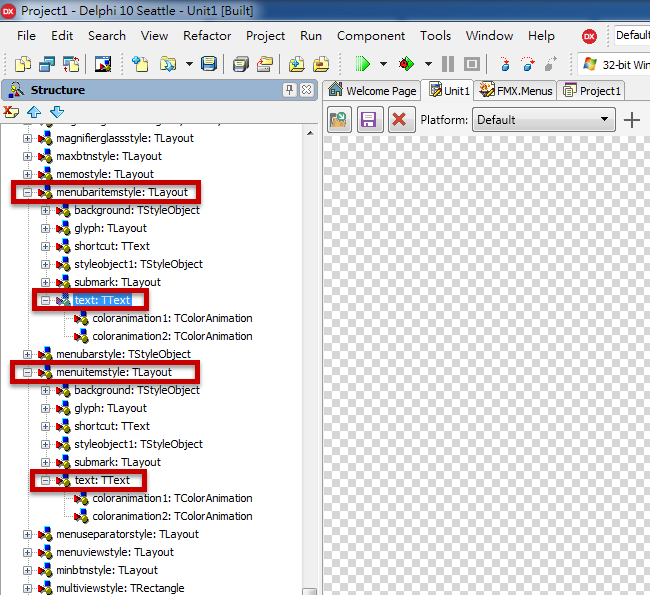
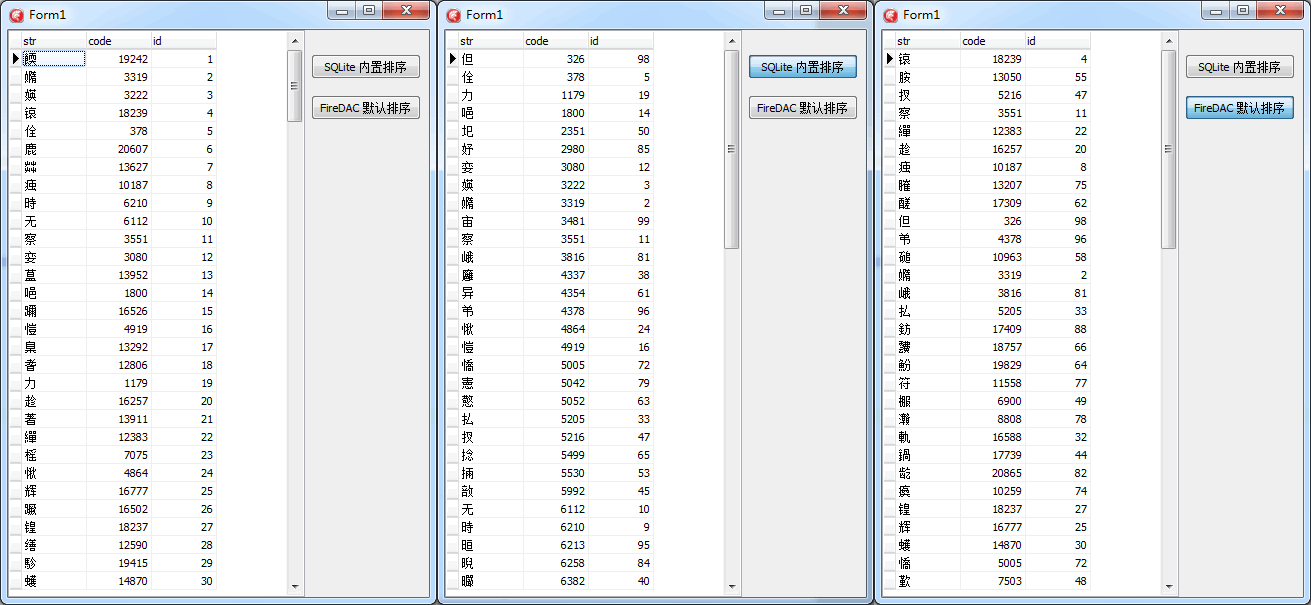
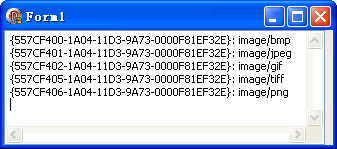
Delphi 5 起的物件檢視器即採用圖形化方式顯示屬性值(如顏色、字體、游標),這得益於 Windows 控制項的 Owner-Draw(自繪) 機制。將 TComboBox.Style 設為 csOwnerDrawFixed(固定高度項目)或 csOwnerDrawVariable(可變高度),Windows 將不再自行繪製,改發送 WM_MEASUREITEM 觸發 OnMeasureItem、WM_DRAWITEM 觸發 OnDrawItem 事件,由開發者自訂繪製邏輯。
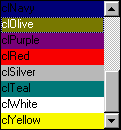
步驟 1:填入顏色常數陣列(FormCreate 事件)
const Colors: array[0..17] of TColor = (
  clAqua, clBlack, clBlue, clDkGray, clFuchsia, clGray, clGreen,
  clLime, clMaroon, clMedGray, clMintCream, clNavy, clOlive,
  clPurple, clRed, clSilver, clWhite, clYellow);
步驟 2:實作 OnDrawItem 事件繪製顏色方塊與名稱
procedure TForm1.ColorComboDrawItem(Control: TWinControl; Index: Integer;
  Rect: TRect; State: TOwnerDrawState);
begin
  with Control as TComboBox do
  begin
    Canvas.Brush.Color := TColor(Colors[Index]);
    Canvas.FillRect(Rect);                              // 繪製顏色矩形
    Canvas.TextOut(Rect.Left, Rect.Top, ColorToString(Colors[Index])); // 繪製名稱
  end;
end;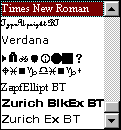
利用 Screen.Fonts 列舉系統安裝字體,無需預先準備圖片:
步驟 1:動態填入字體清單
for i := 0 to Screen.Fonts.Count - 1 do
  FontCombo.Items.Add(Screen.Fonts.Strings[i]);
步驟 2:以對應字體繪製項目文字
procedure TForm1.FontComboDrawItem(Control: TWinControl; Index: Integer;
  Rect: TRect; State: TOwnerDrawState);
begin
  with (Control as TComboBox).Canvas do
  begin
    Font.Name := Screen.Fonts.Strings[Index]; // 設定畫布字體為該項目字體
    FillRect(Rect);
    TextOut(Rect.Left, Rect.Top, PChar(Screen.Fonts.Strings[Index]));
  end;
end;Owner-Draw 技術不限於 TComboBox,同樣適用於 TListView、TTreeView、TTabControl、TStatusBar 等通用控制項。只要善用想像力,配合 Delphi 強大的繪圖功能,即可打造出豐富直觀的使用者介面——「沒有做不到,只有想不到」。