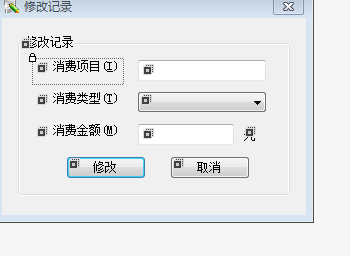
現象:拍照預覽 Dialog 在橫豎屏切換時只顯示一半,按鈕區域丟失。代碼在 onConfigurationChanged 中 dismiss() 後重建,但佈局未適配新方向。
Dialog 使用固定 XML 佈局,旋轉後寬高互換,原佈局的 wrap_content、固定尺寸(如 240dp x 320dp)導致內容截斷。
res/layout/img.xml(豎屏)res/layout-land/img.xml(橫屏,調整 ImageView 尺寸、按鈕排列)系統自動根據 Configuration.orientation 選擇佈局,**無需手動重建 Dialog**。
// Manifest 中對應 Activity
或代碼中:setRequestedOrientation(ActivityInfo.SCREEN_ORIENTATION_PORTRAIT)。
@Override
public void onConfigurationChanged(Configuration newConfig) {
    super.onConfigurationChanged(newConfig);
    if (dialog != null && dialog.isShowing()) {
        // 重新計算寬高
        WindowManager.LayoutParams params = dialog.getWindow().getAttributes();
        DisplayMetrics dm = new DisplayMetrics();
        getWindowManager().getDefaultDisplay().getMetrics(dm);
        params.width = (int)(dm.widthPixels * 0.9);
        params.height = (int)(dm.heightPixels * 0.7);
        dialog.getWindow().setAttributes(params);
        // 若佈局結構需變,仍需重建
    }
}
ConstraintLayout + guideline 實現響應式。onConfigurationChanged 中手動 dismiss/show,易導致閃爍、狀態丟失。DialogFragment + setStyle(STYLE_NORMAL, R.style.FullScreenDialog)。善用資源限定符,讓系統自動處理配置變更,代碼更簡潔健壯。