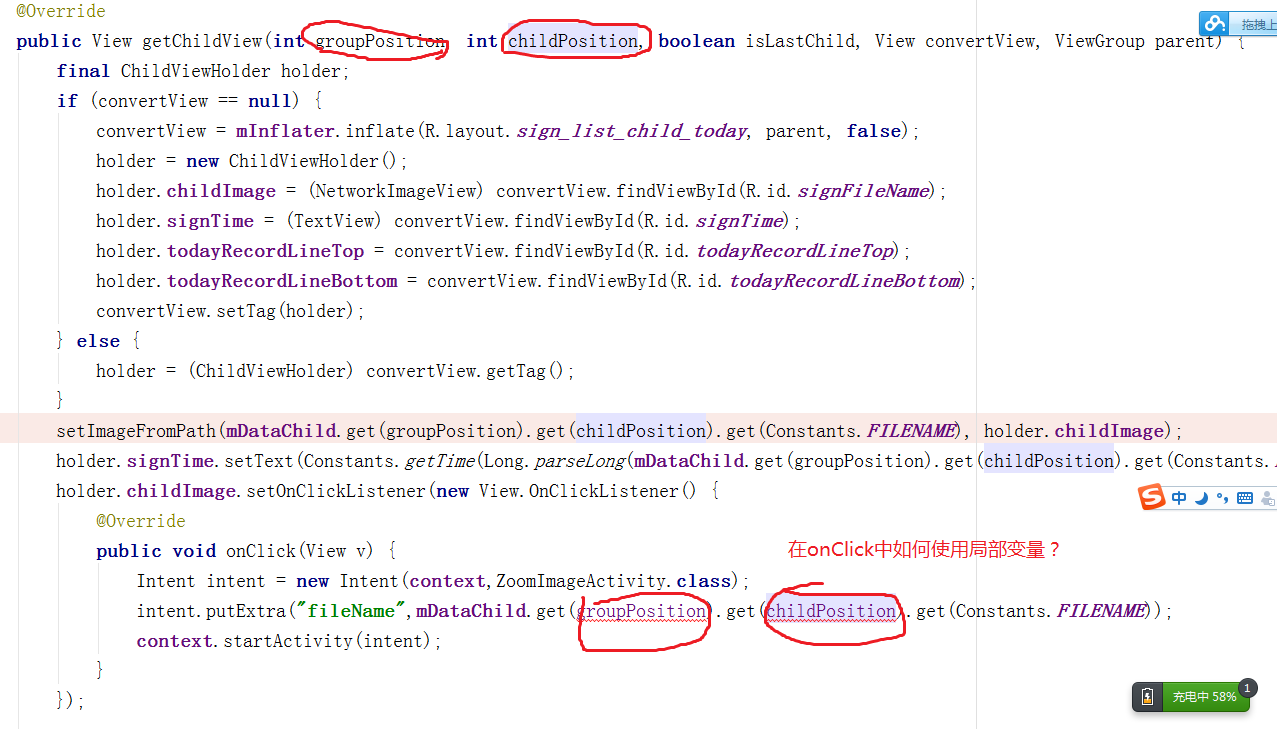
UITableViewDelegate 協定。tableView.delegate = self 與 tableView.dataSource = self。tableView(_:didSelectRowAt:) 代理方法。class ViewController: UIViewController, UITableViewDelegate, UITableViewDataSource {
@IBOutlet weak var tableView: UITableView!
override func viewDidLoad() {
super.viewDidLoad()
tableView.delegate = self
tableView.dataSource = self
}
// MARK: - UITableViewDataSource
func tableView(_ tableView: UITableView, numberOfRowsInSection section: Int) -> Int { return 20 }
func tableView(_ tableView: UITableView, cellForRowAt indexPath: IndexPath) -> UITableViewCell {
let cell = tableView.dequeueReusableCell(withIdentifier: "Cell", for: indexPath)
cell.textLabel?.text = "Row \(indexPath.row)"
return cell
}
// MARK: - UITableViewDelegate
func tableView(_ tableView: UITableView, didSelectRowAt indexPath: IndexPath) {
tableView.deselectRow(at: indexPath, animated: true) // 取消灰色選中狀態
print("使用者點擊了第 \(indexPath.section) 區第 \(indexPath.row) 列")
// 依據 indexPath 執行對應業務邏輯
if indexPath.section == 0, indexPath.row == 0 { /* 特定處理 */ }
}
}若需在 Cell 內部特定區域(如按鈕、圖片)觸發動作,可在 awakeFromNib 或 init 加入 UITapGestureRecognizer:
let tap = UITapGestureRecognizer(target: self, action: #selector(handleTap(_:)))
contentView.addGestureRecognizer(tap)
// 或針對子視圖
iconImageView.isUserInteractionEnabled = true
iconImageView.addGestureRecognizer(UITapGestureRecognizer(target: self, action: #selector(iconTapped)))
注意:Cell 複用機制會導致手勢重複疊加,建議在 prepareForReuse 移除舊手勢或使用 tag 區分。
delegate 導致方法不被呼叫。deselectRow 讓選中高亮常駐。didSelectRowAt 內直接 pushViewController 但未隱藏導航列返回鍵造成邏輯混亂。遵循「代理模式 + 索引路徑判斷」是最標準、可維護的做法。