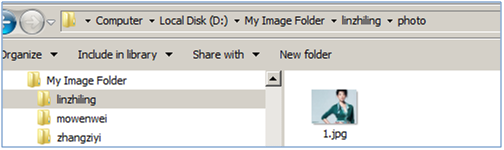
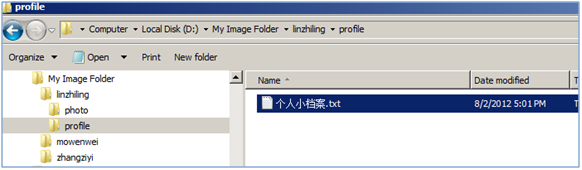
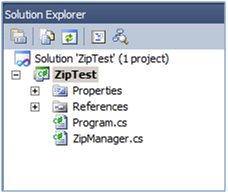
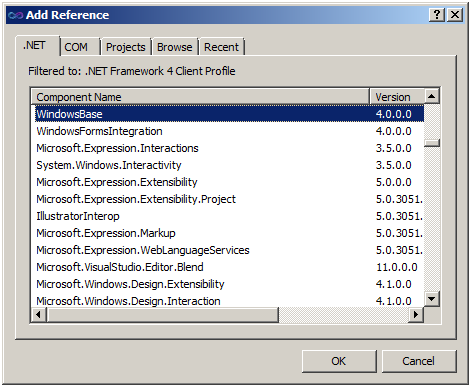
.NET Framework 內建的 System.IO.Packaging 命名空間(位於 WindowsBase.dll 中)提供了無需第三方庫即可建立 ZIP 檔案的功能。本文透過一個完整的 Console 應用程式範例,示範如何遞迴壓縮整個資料夾結構。
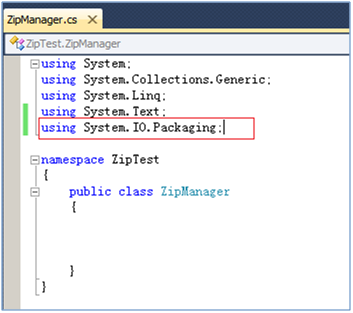
System.IO.Packaging 命名空間。public class ZipManager
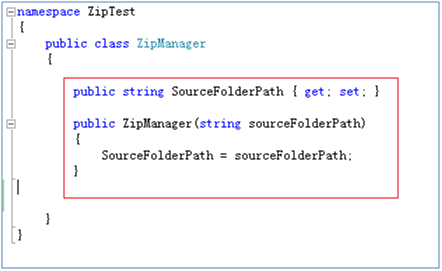
{
private readonly string _sourcePath;
public ZipManager(string sourcePath)
{
_sourcePath = sourcePath;
}
}
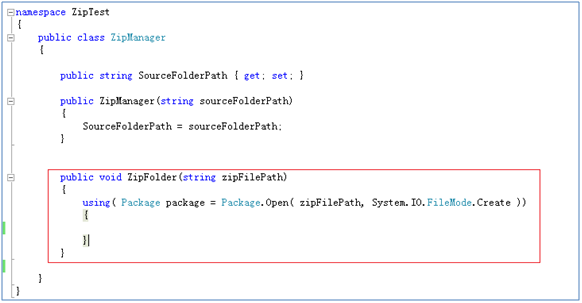
建立 Package 實例(以 FileMode.Create 開啟),並呼叫遞迴方法處理目錄:
public void ZipFolder(string zipFilePath)
{
    using (Package package = Package.Open(zipFilePath, FileMode.Create))
    {
        ZipDirectory(package, _sourcePath, "");
    }
}
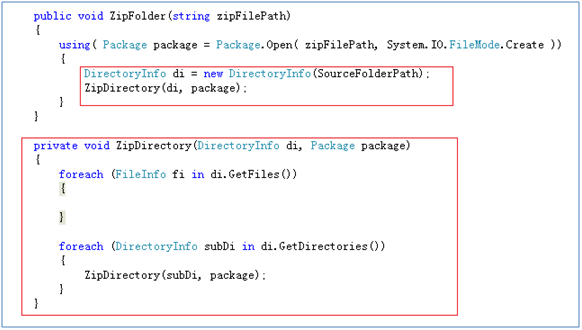
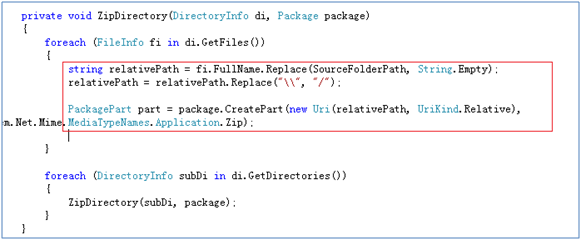
關鍵在於計算「相對路徑」並統一使用正斜線(/),符合 Package Part URI 規格:
private void ZipDirectory(Package package, string folderPath, string relativePath)
{
    foreach (string file in Directory.GetFiles(folderPath))
    {
        string fileRelativePath = relativePath + Path.GetFileName(file).Replace('\\', '/');
        Uri partUri = new Uri(fileRelativePath, UriKind.Relative);
        PackagePart part = package.CreatePart(partUri, "", CompressionOption.Normal);
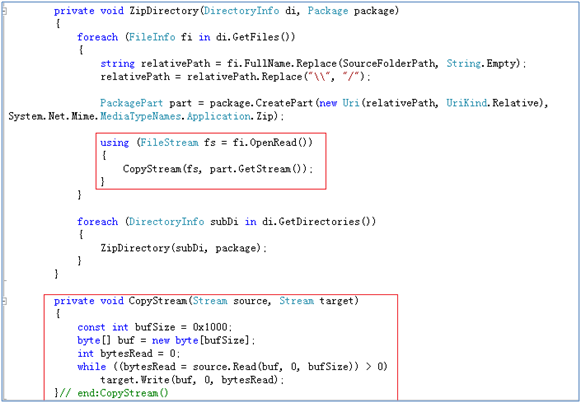
        using (FileStream fs = new FileStream(file, FileMode.Open, FileAccess.Read))
        using (Stream dest = part.GetStream())
        {
            CopyStream(fs, dest);
        }
    }

    foreach (string dir in Directory.GetDirectories(folderPath))
    {
        string dirName = Path.GetFileName(dir);
        ZipDirectory(package, dir, relativePath + dirName + "/");
    }
}
private void CopyStream(Stream source, Stream destination)
{
    byte[] buffer = new byte[4096];
    int bytesRead;
    while ((bytesRead = source.Read(buffer, 0, buffer.Length)) > 0)
    {
        destination.Write(buffer, 0, bytesRead);
    }
}
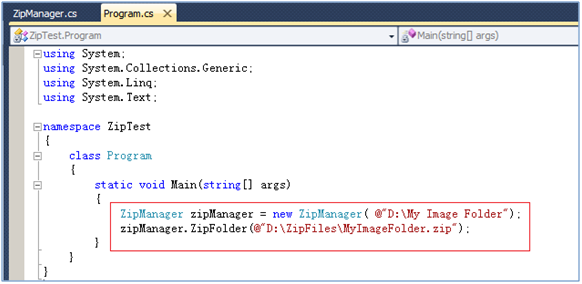
class Program
{
    static void Main(string[] args)
    {
        string source = @"D:\TestFolder";
        string zipFile = @"D:\Output.zip";
        ZipManager zm = new ZipManager(source);
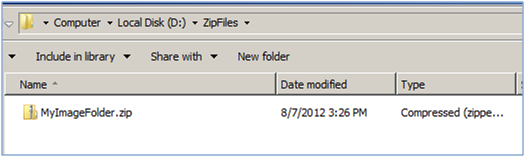
        zm.ZipFolder(zipFile);
        Console.WriteLine("壓縮完成!");
    }
}
PackUriHelper 簡化 URI 建立。CompressionOption(Normal/Fast/Maximum)。System.IO.Packaging 的完整功能。