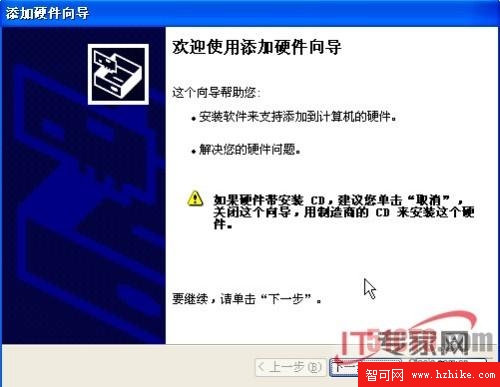
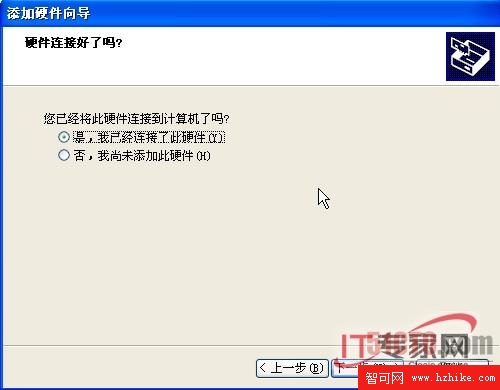
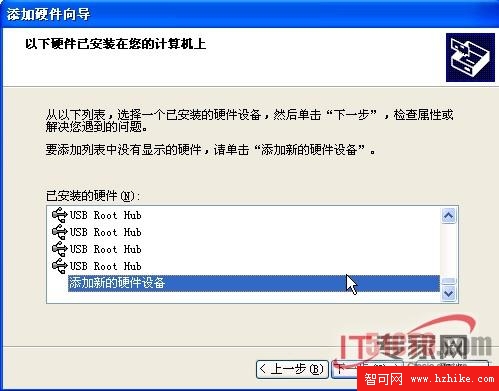
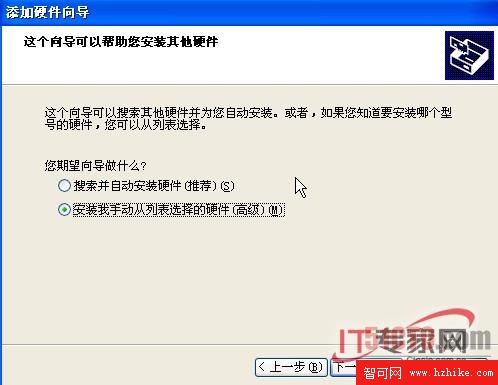
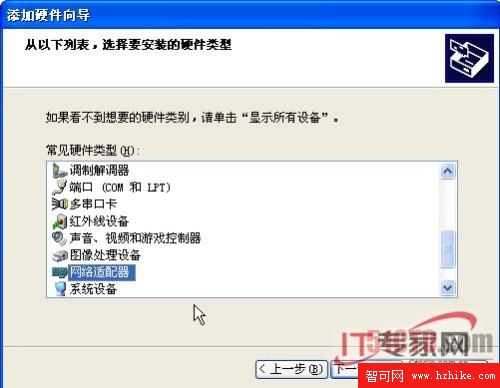
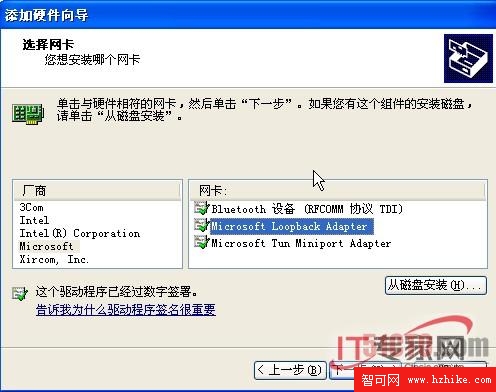
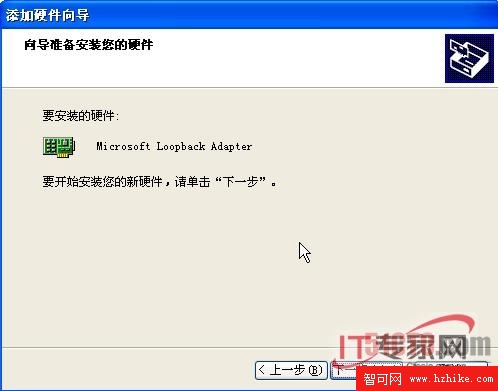
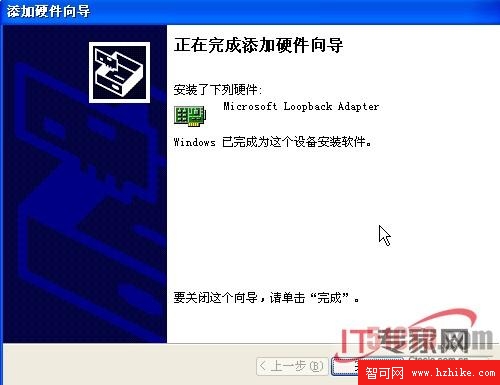
Oracle 11g Windows 安裝前置檢查強制要求 **Microsoft Loopback Adapter** 作為主網路介面 (DHCP 環境)。本文記錄 XP/Vista/Win7/Win10/Win11 全版本配置步驟、IP 設定、原生連線禁用、安裝後 5.38GB 佔用空間驗證,並揭露 11g 密碼大小寫敏感 (Case-Sensitive) 常見踩坑點。
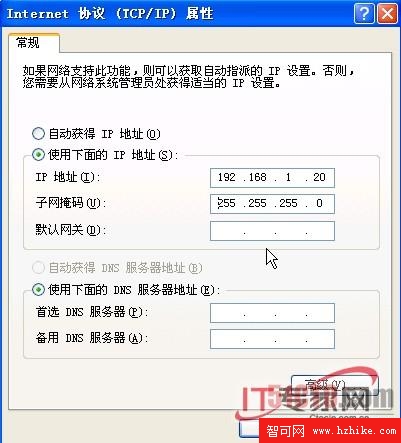
192.168.100.10 (私有網段任意,避開實體網卡網段)。255.255.255.0。右鍵原本的「乙以網路」/「區域連線」 → **停用**。
安裝程式檢測「主要網路介面」時,若實體網卡啟用且為 DHCP,會判定失敗。
# C:\Windows\System32\drivers\etc\hosts
192.168.100.10   hostname.mydomain.com   hostname
# hostname 從「系統屬性 → 電腦名稱」取得
重開機後,再次執行 Oracle 安裝程式前置檢查,Loopback Adapter 應通過偵測。
11g 引入 SEC_CASE_SENSITIVE_LOGON = TRUE (預設),密碼驗證 **區分大小寫**。
Oracle123,登入必須輸入 Oracle123 (大寫 O),oracle123 會失敗 (ORA-01017)。SELECT username, password_versions FROM dba_users WHERE username IN ('SYS','SYSTEM'); → 顯示 10G 11G 表示雙版本共存。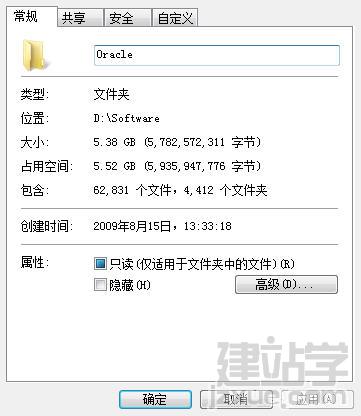
| 錯誤現象 | 原因 | 解決 |
|---|---|---|
| 前置檢查失敗:Network configuration failed | Loopback Adapter 未安裝/未啟用/IP 衝突/閘道未留空 | 完整執行本文配置步驟,重開機 |
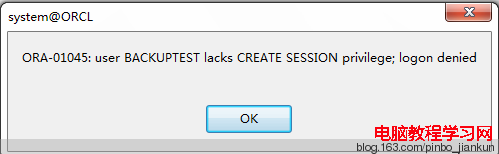
| ORA-01017: invalid username/password (安裝後首次登入) | 密碼大小寫輸入錯誤 | 嚴格按安裝時設定的大小寫輸入 |
| Insufficient disk space | C 槽空間不足 | 安裝至 D/E 槽;或清理 Temp、回收桶 |
| Error in invoking target 'agent nmhs' of makefile | 缺少 Visual C++ Redistributable / Windows SDK | 安裝 VC++ 2010/2012/2015 Redist (x64) |