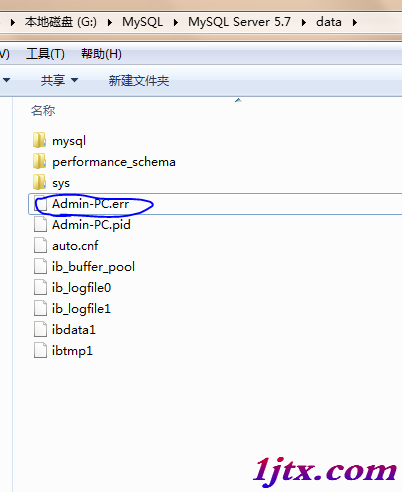
現象:MySQL 無法啟動,錯誤日志:Can't start server: can't create PID file: No space left on device (Errcode: 28)。根因:**磁盤分區 100% 滿,無法寫入 PID 文件、Binlog、臨時文件**。
df -h 發現根分區 100%。du -sh /var/log 定位 32GB 日志。rm -f /var/log/*.gz /var/log/*.old /var/log/syslog.*。net start mysql 成功啟動。df -h 磁盤滿。find /tmp -size +100000000c 發現 /tmp/catalina.out 443GB。rm -rf /tmp/catalina.out 釋放空間。Error writing file '/var/run/mysqld/mysqld.pid' (Errcode: 28)。/var/log 釋放空間即可恢復。# 1. 確認哪個分區滿 df -h # 2. 找大文件/目錄 du -h --max-depth=1 / | sort -hr | head -20 find / -xdev -type f -size +100M 2>/dev/null | head -20 # 3. 清理策略 # - 壓縮/刪除舊日志(logrotate 配置自動輪轉) # - 清理 tmp 目錄(tmpwatch/tmpreaper 定時任務) # - 遷移大文件至其他分區/存儲 # - 擴容磁盤/LVM
/etc/logrotate.d/mysql、/etc/logrotate.d/tomcat 配置 daily, rotate 7, compress, missingok, notifempty。expire_logs_days = 7 或 8.0 binlog_expire_logs_seconds = 604800。/var/lib/mysql、/var/log、/tmp 掛載獨立卷。