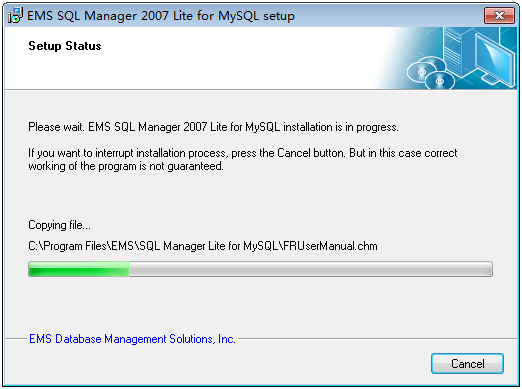
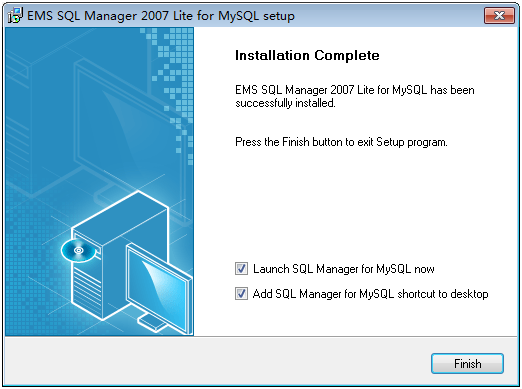
執行安裝程式,依嚮導逐步操作:接受授權協議、選擇安裝類型(建議 Custom 自訂安裝)、指定安裝路徑、配置資料庫目錄、設定根帳號密碼、啟動服務等。以下為關鍵步驟截圖:

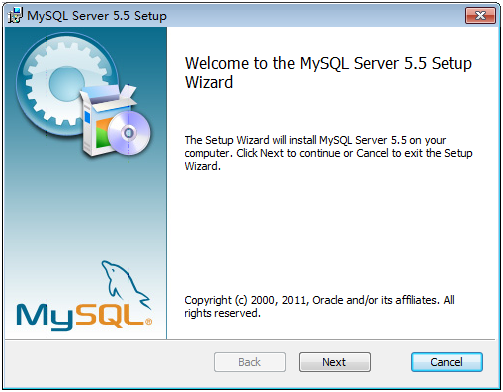
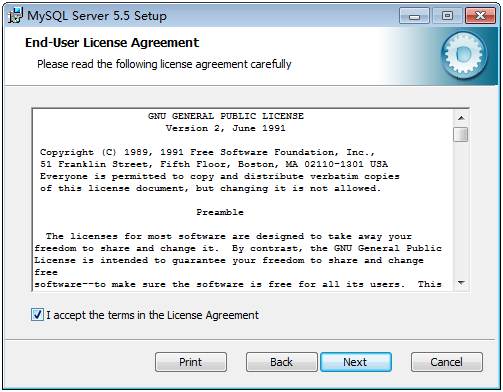
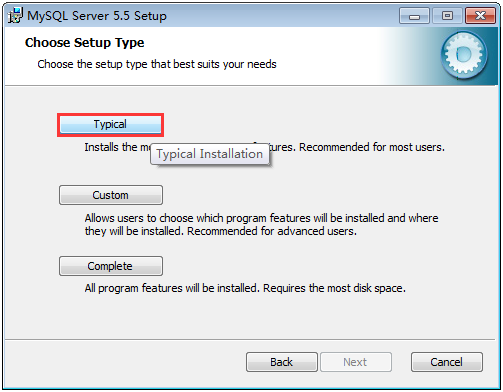
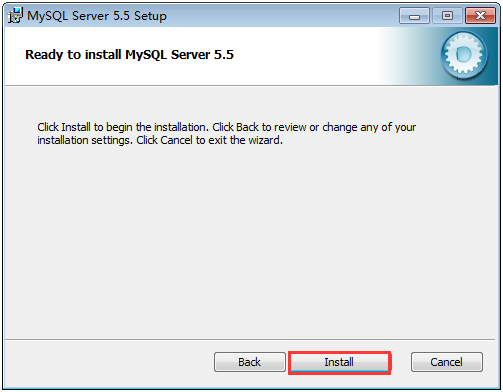
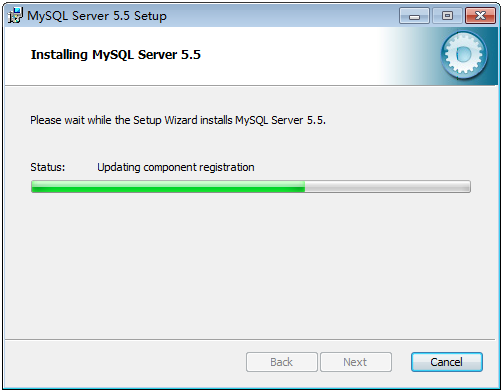
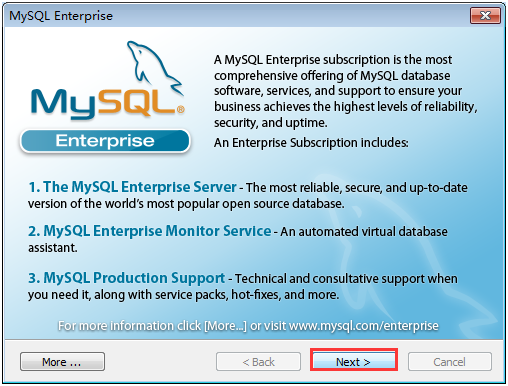
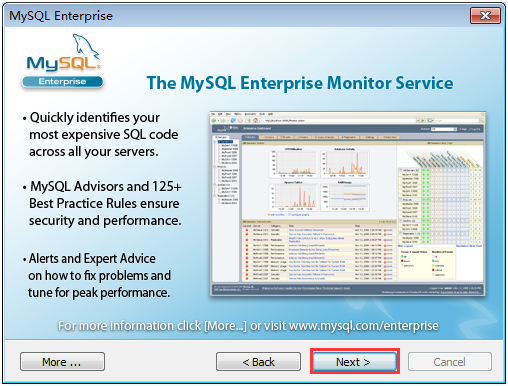
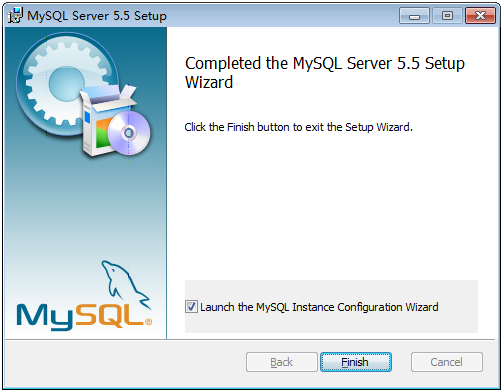
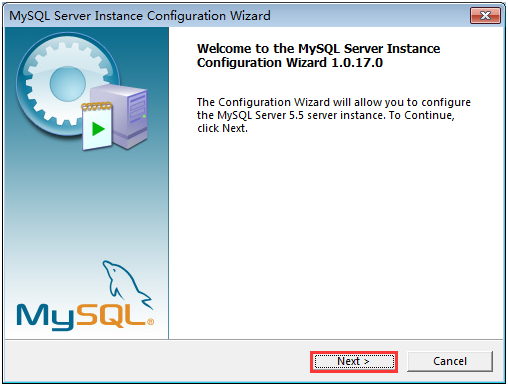
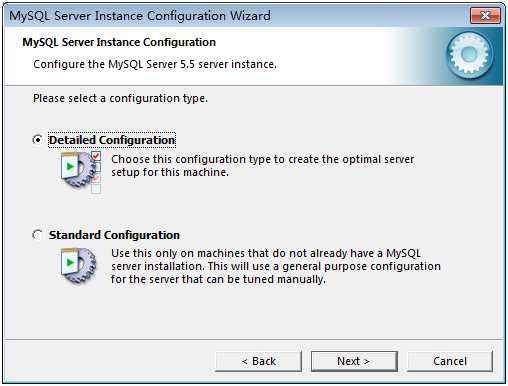
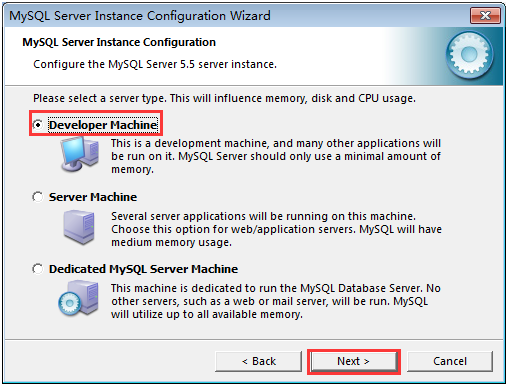
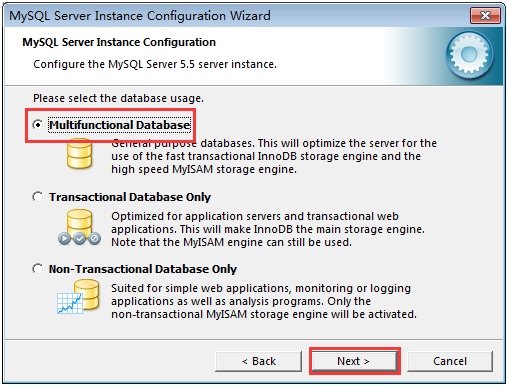
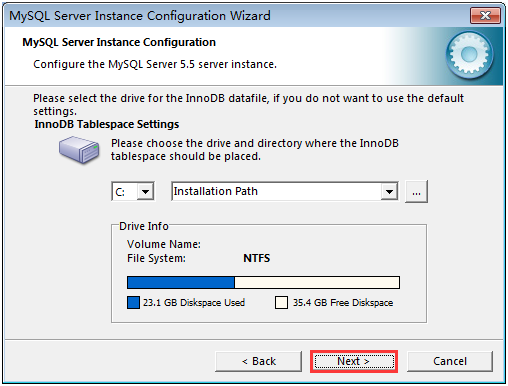
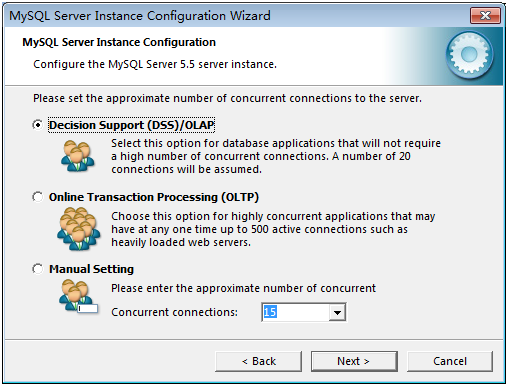
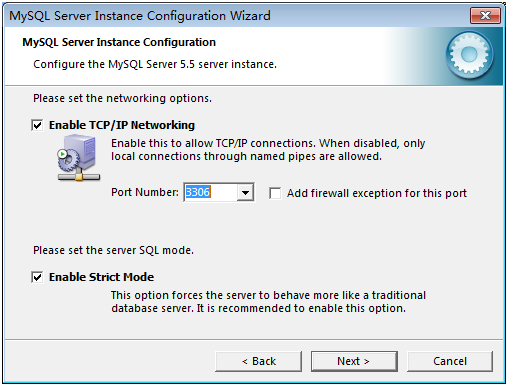
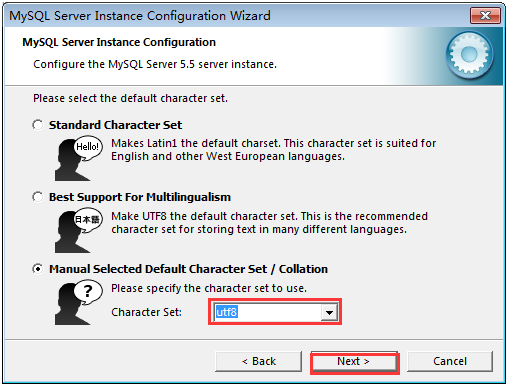
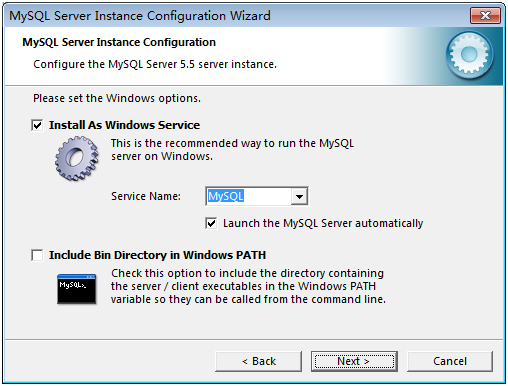
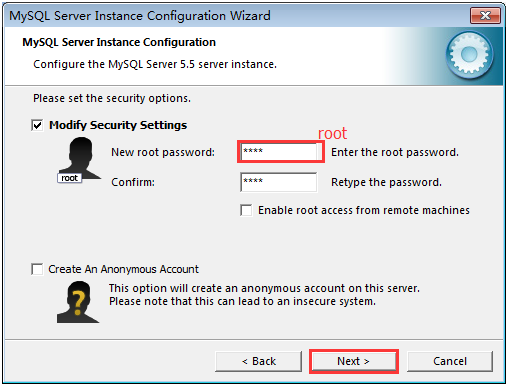
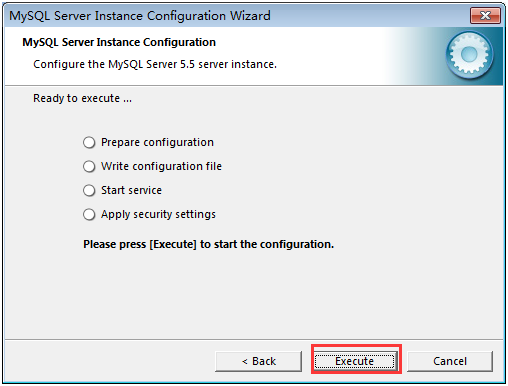
同樣透過圖形化嚮導完成安裝:
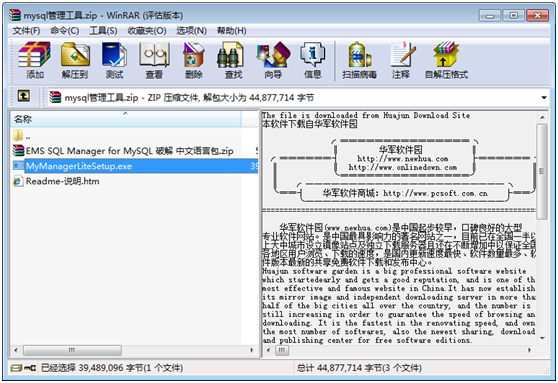
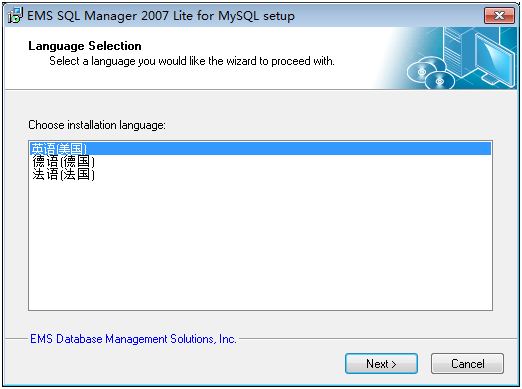
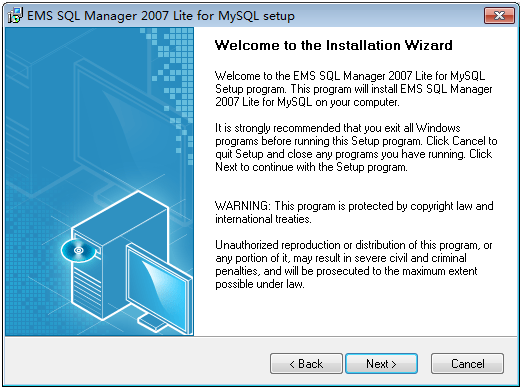
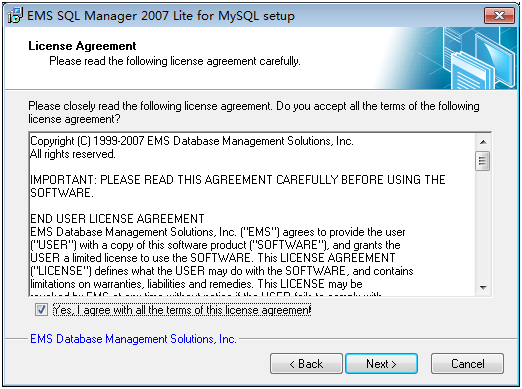
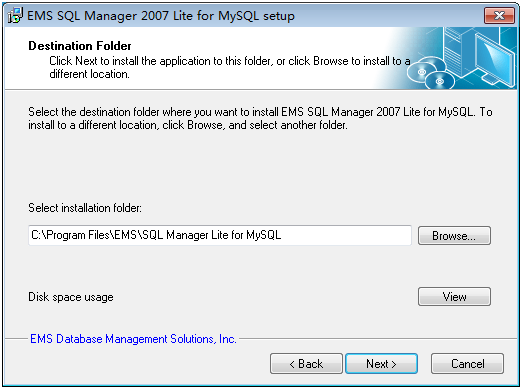
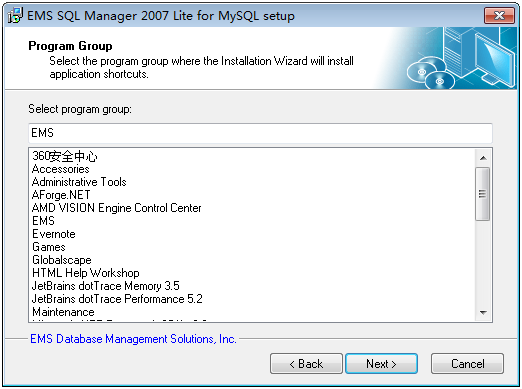
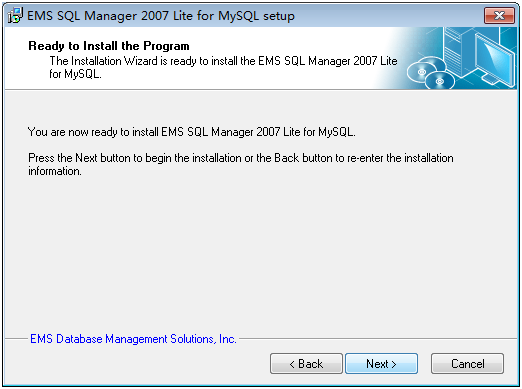
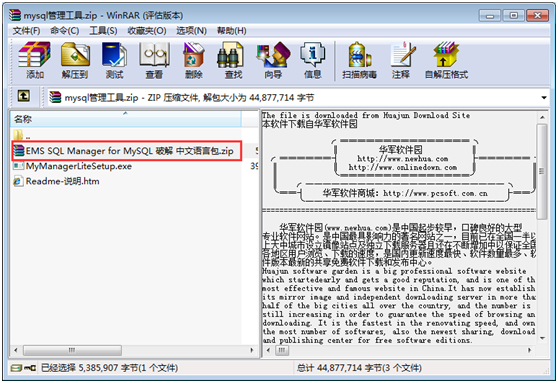
下載中文語言包,解壓後將檔案複製至安裝目錄覆蓋原有檔案:
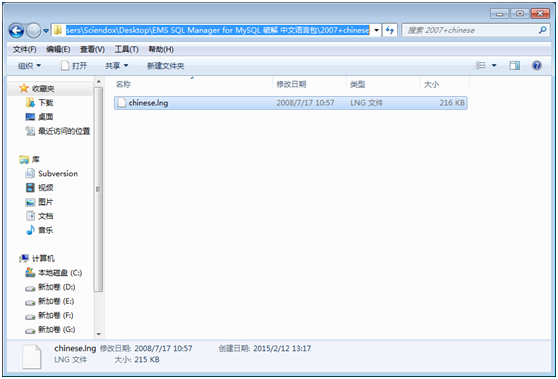
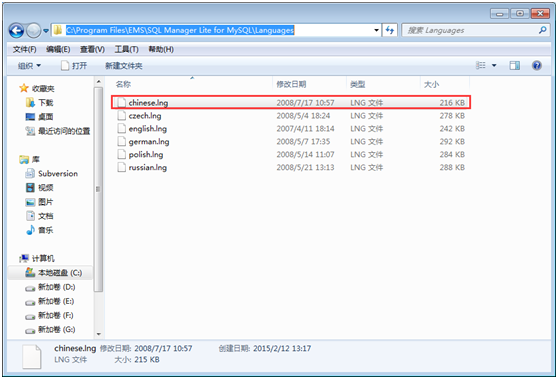
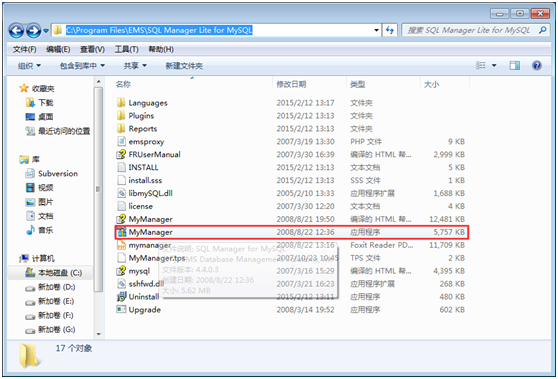
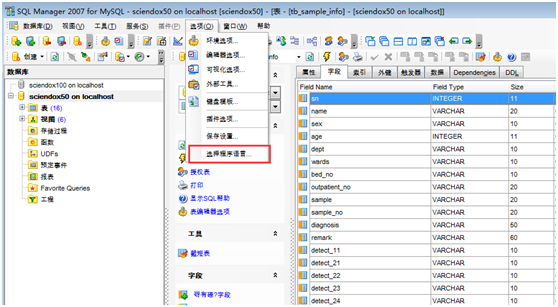
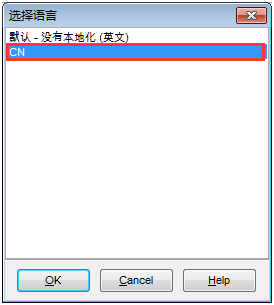
覆蓋完成後,開啟 Workbench 設定語言為中文 (CN):
// 連線字串範例
string connStr = "Server=localhost;Database=100;Uid=root;Pwd='root'";
// 核心命名空間
using MySql.Data.MySqlClient;
// 常用類別:MySqlConnection、MySqlCommand、MySqlDataAdapter、MySqlParameter、MySqlTransaction 等
object 轉 int 必須用 Convert.ToInt32(),不可直接轉型。TRUE/FALSE,不可像 SQL Server 使用 0/1。public class Cmd {
public static void StartCmd(string workingDirectory, string command) {
Process p = new Process();
p.StartInfo.FileName = "cmd.exe";
p.StartInfo.WorkingDirectory = workingDirectory;
p.StartInfo.UseShellExecute = false;
p.StartInfo.RedirectStandardInput = true;
p.StartInfo.RedirectStandardOutput = true;
p.StartInfo.RedirectStandardError = true;
p.StartInfo.CreateNoWindow = true;
p.Start();
p.StandardInput.WriteLine(command);
Thread.Sleep(10000);
}
public static void StartCmd() {
Process p = new Process();
p.StartInfo.FileName = "cmd.exe";
p.StartInfo.UseShellExecute = false;
p.StartInfo.RedirectStandardInput = true;
p.StartInfo.RedirectStandardOutput = true;
p.StartInfo.RedirectStandardError = true;
p.StartInfo.CreateNoWindow = true;
p.Start();
p.StandardInput.WriteLine("net stop mysql");
Thread.Sleep(5000);
p.StandardInput.WriteLine("net start mysql");
Thread.Sleep(5000);
p.StandardInput.WriteLine("exit");
}
}
// 備份
public static bool BackUp(string backupPath) {
    try {
        StringBuilder sb = new StringBuilder();
        sb.AppendFormat("mysqldump -f -l -q -uroot -proot Sciendox50 -r \"{0}\"", backupPath);
        string cmd = sb.ToString();
        string appDir = @"C:\Program Files\MySQL\MySQL Server 5.5\bin\";
        Cmd.StartCmd(appDir, cmd);
        Cmd.StartCmd(); // 重啟服務
        MessageBox.Show($"資料庫已成功備份至 {backupPath}");
        return true;
    } catch { MessageBox.Show("備份失敗!"); return false; }
}

// 還原
public static bool RestoreDB(string filePath) {
    try {
        StringBuilder sb = new StringBuilder();
        sb.AppendFormat("mysql -uroot -proot Sciendox50 <\"{0}\"", filePath);
        string cmd = sb.ToString();
        string appDir = @"C:\Program Files\MySQL\MySQL Server 5.5\bin\";
        if (MessageBox.Show("確定要覆蓋現有資料庫嗎?資料將遺失!", "警告", MessageBoxButtons.YesNo, MessageBoxIcon.Warning) == DialogResult.Yes) {
            Cmd.StartCmd(appDir, cmd);
            Cmd.StartCmd();
            MessageBox.Show("資料庫還原成功!");
            return true;
        }
        return false;
    } catch { MessageBox.Show("還原失敗!"); return false; }
}
本文提供從安裝、中文化到 C# 實戰開發的完整指引,助你快速上手 MySQL 應用開發。