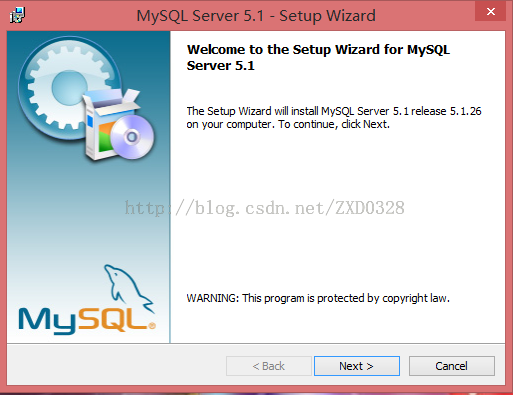
雙擊 MySQL_5_1_26.msi,連續「Next」接受許可協議。
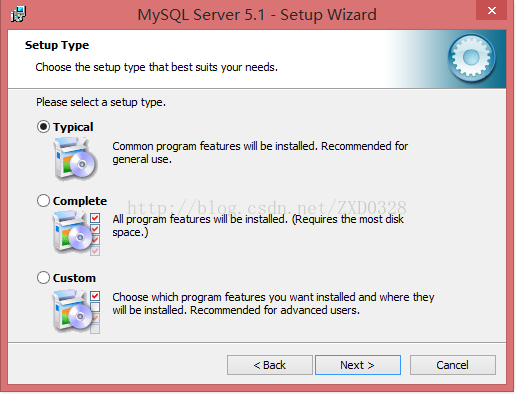
選「Custom」以便修改路徑與組件。
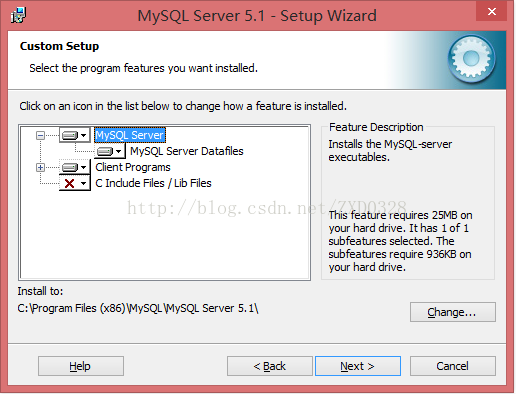
點擊每個下拉項選擇「This feature, and all subfeatures, will be installed on local hard drive」。
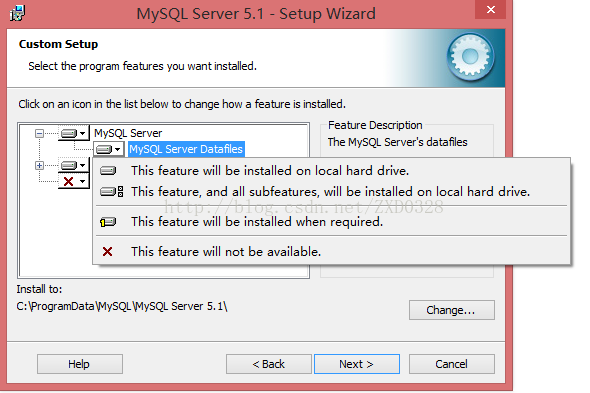
點擊「Change...」設置為 D:\MySQLsetup\。
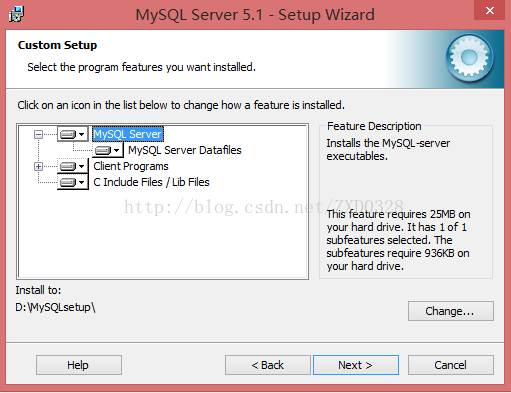
「Next」→「Install」等待完成,連續「Next」進入配置向導。
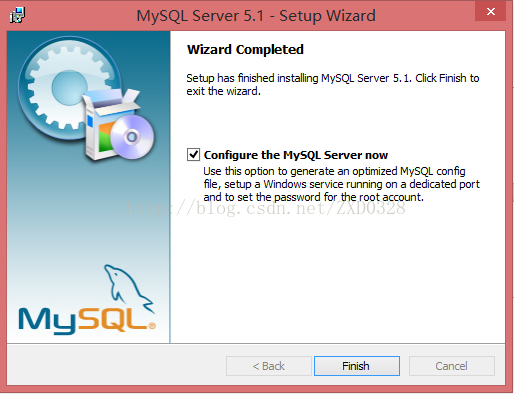
勾選「Configure the MySQL Server now」,點擊「Finish」啟動 MySQLInstanceConfig.exe。
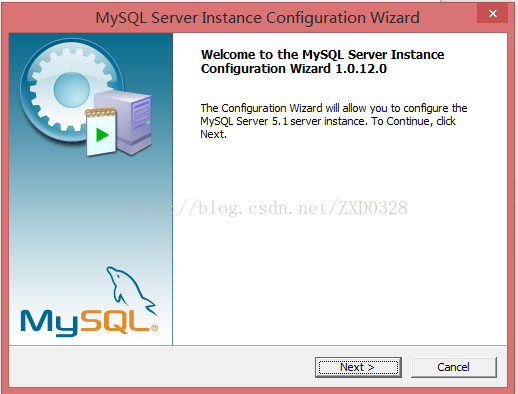
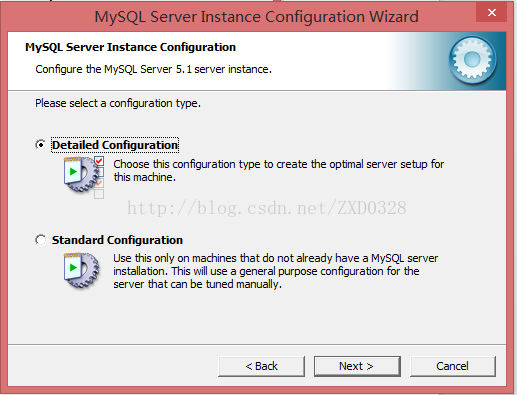
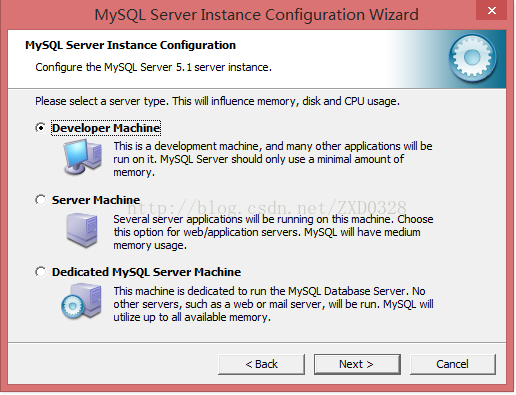
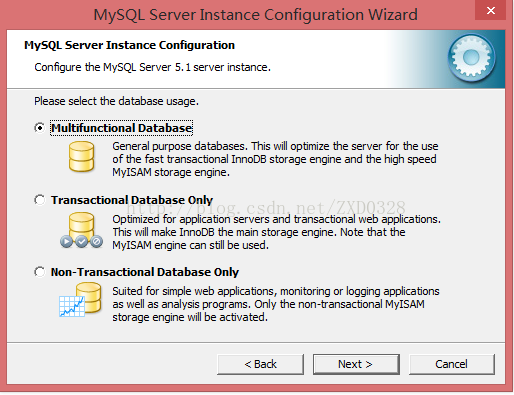
全部選擇第一項默認值:Detailed Configuration → Developer Machine → Multifunctional Database。
表空間保持默認路徑;並發選「Manual Setting」默認 15。
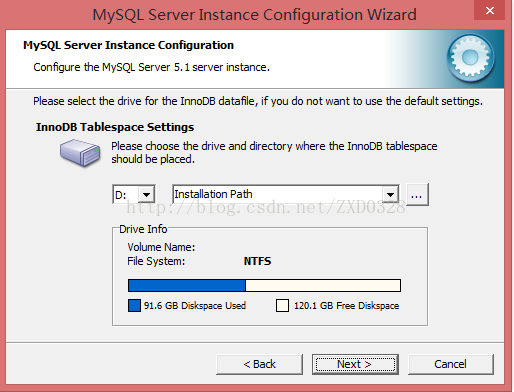
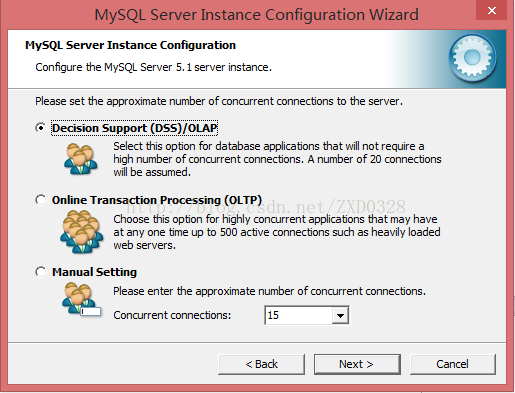
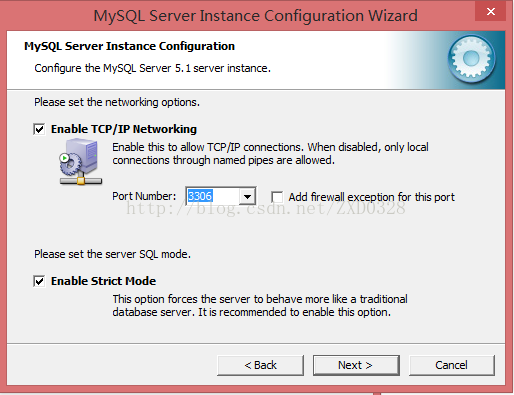
啟用 TCP/IP,端口 3306,勾選「Enable Strict Mode」。
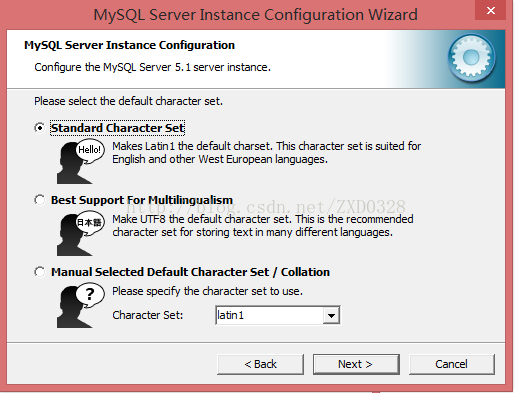
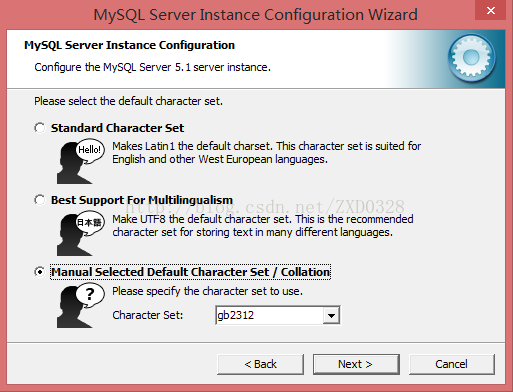
選「Manual Selected Default Character Set/Collation」,下拉選 gb2312 支持中文。
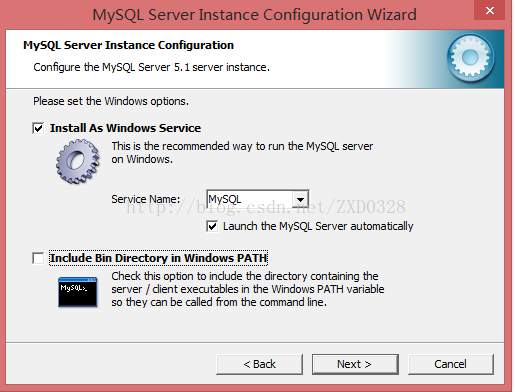
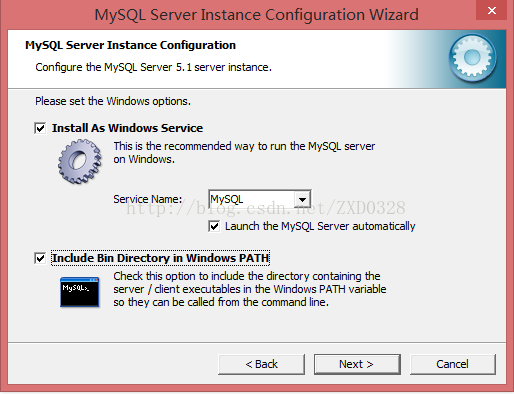
勾選「Install As Windows Service」、「Include Bin Directory in Windows PATH」。
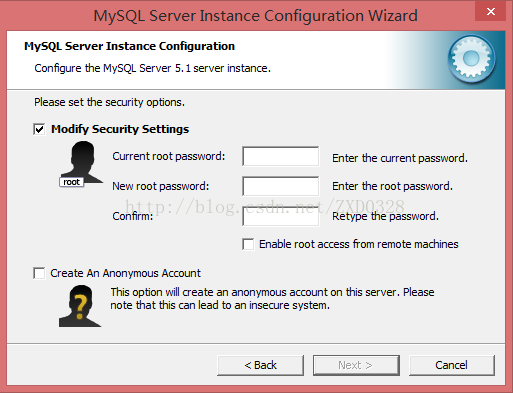
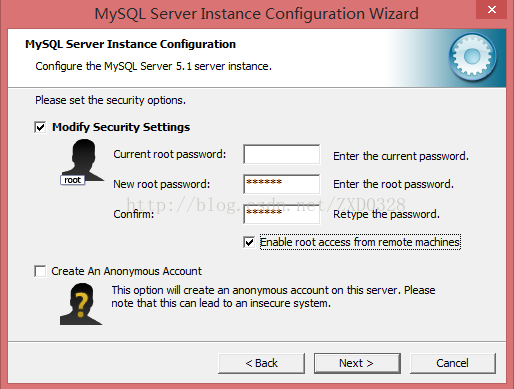
設置 root 密碼(如 123456),勾選「Enable root access from remote machines」,**不勾選**匿名賬戶。
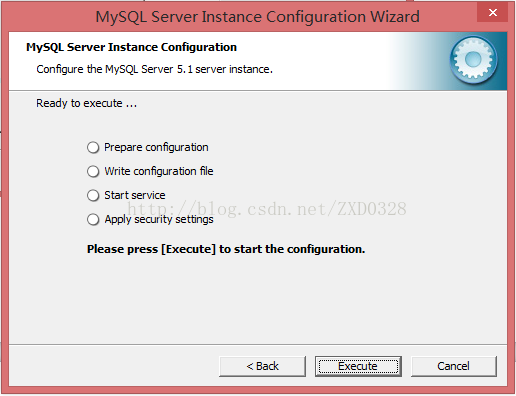
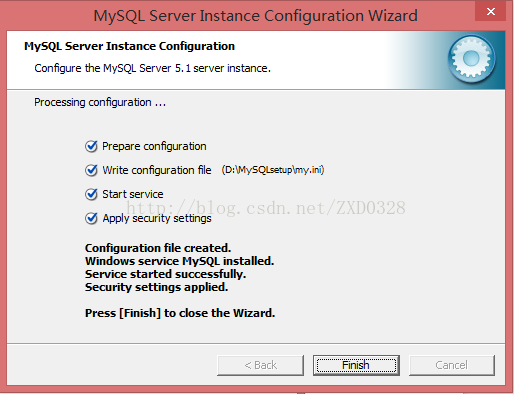
「Execute」應用配置,顯示成功後「Finish」。
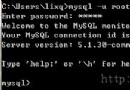
mysql -u root -p
SHOW DATABASES;utf8mb4 選項,中文環境推薦 gb2312 或 utf8。本教程適合維護老項目或學習 MySQL 安裝演進歷程的開發者參考。