針對 DB2 V8.1 Linux 環境下,啟用線上歸檔備份後,單一 DMS 表空間被誤刪除檔案導致進入 OFFLINE 狀態,本文分析為何 RESTORE ... REBUILD 報 SQL0104N 語法錯誤,並給出 V8.1 版本下正確的單表空間恢復替代方案與升級建議。
LIST TABLESPACES 顯示該表空間 OFFLINE。DB2 "restore db testdb rebuild with tablespace (SYSCATSPACE, TB1) from $HOME/online"SQL0104N an unexpected token "rebuild" was found following "<identifier>".
Expected tokens may include: "continue"RESTORE DATABASE ... REBUILD 功能在 **DB2 V9 (V9.1) 才引入**,V8.1 **完全不支援** 此語法。解析器在 RESTORE DATABASE 後預期 CONTINUE 或表空間列表,遇到 REBUILD 直接報 SQL0104N。
# 1. 確認備份映像包含目標表空間
db2ckbkp -t /backup/path/image.001
# 2. 還原單一表空間 (需歸檔模式)
db2 restore db testdb tablespace (TB1) from /backup/path taken at TS
# 3. 前滾該表空間至日誌尾
db2 rollforward db testdb to end of logs tablespace (TB1) and stop
# 4. 若表空間為 OFFLINE,可能需先 SET TABLESPACE CONTAINERS 重定義容器路徑 (REDIRECT 模式)
db2 restore db testdb tablespace (TB1) from /backup/path taken at TS redirect
db2 set tablespace containers for  using (path "/new/container/path")
db2 restore db testdb continue
db2 rollforward db testdb to end of logs tablespace (TB1) and stop db2 restore db testdb from /backup/path taken at TS
db2 rollforward db testdb to end of logs and stop若備份也不可用,可嘗試 db2dart 從受損表空間提取殘留資料頁 (參考文章 225743)。
| 能力 | DB2 V8.1 | DB2 V9.1+ |
|---|---|---|
| RESTORE REBUILD | ❌ 不支援 | ✅ 支援 (無需全備重建整庫) |
| 表空間級還原 | ✅ 支援 (TABLESPACE 子句) | ✅ 支援 |
| 線上表空間還原 | ✅ 支援 (需歸檔模式) | ✅ 支援 |
| 部分表空間恢復上線 | ❌ 整庫必須一致 | ✅ REBUILD 允許關鍵表空間優先上線 |
LIST TABLESPACES 掃描 OFFLINE/DROP PENDING 狀態並告警。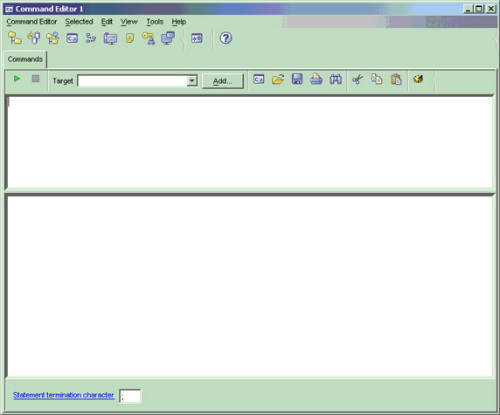
版本限制是硬性邊界,V8.1 無 REBUILD 只能走標準表空間還原路徑。善用 REDIRECT 重定義容器路徑,配合完整歸檔日誌,單表空間恢復同樣可靠。