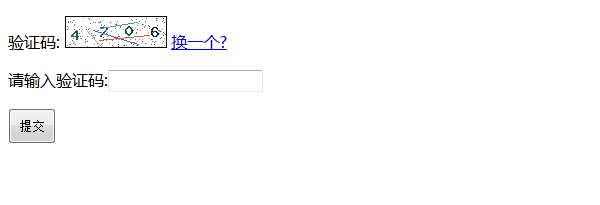
在 Web 開發中,常需要動態生成包含特定字型的圖片,例如驗證碼、水印、海報等。PHP 內建的 GD 函式庫提供了強大的圖形處理能力,配合 imagettftext() 函式即可實現 TrueType 字型繪製。本文將詳細說明如何載入外部字型檔案、繪製文字並輸出或儲存為 PNG/JPEG 格式。
<?php
// 設定輸出標頭為 PNG 圖片
header("Content-type: image/png");

// 建立 400x100 的真彩色圖片畫布
$im = imagecreatetruecolor(400, 100);

// 分配顏色:白(背景)、灰(陰影)、黑(文字)
$white = imagecolorallocate($im, 255, 255, 255);
$grey  = imagecolorallocate($im, 128, 128, 128);
$black = imagecolorallocate($im, 0, 0, 0);

// 填滿白色背景
imagefilledrectangle($im, 0, 0, 399, 100, $white);

// 要繪製的文字內容
$text = '字典網';

// 字型檔案路徑(請替換為實際 .ttf 檔案路徑)
$font = 'fontName.ttf';

// 繪製陰影文字(略微偏移)
// imagettftext($im, 60, 0, 11, 21, $grey, $font, $text);

// 繪製主文字
imagettftext($im, 60, 0, 0, 70, $black, $font, $text);

// 輸出 PNG 格式(文字銳利度優於 JPEG)
imagepng($im);

// 釋放記憶體
imagedestroy($im);
?>
若需將生成的圖片存檔而非直接輸出至瀏覽器,可利用輸出緩衝區捕獲二進位資料:
<?php
ob_start();
imagejpeg($im);           // 或 imagepng($im)
$img = ob_get_contents();
ob_end_clean();

$size = strlen($img);
$fp2 = @fopen('tst.jpg', "a");
fwrite($fp2, $img);
fclose($fp2);
?>
$font 路徑正確,建議使用絕對路徑(如 __DIR__ . '/fonts/msjh.ttf')掌握此技術後,您可輕鬆實現動態圖片生成、個性化海報製作、驗證碼系統等功能。