下載 XAMPP Lite(WordPress 足夠用,無需完整版)。官網提供 ZIP(安裝版)與 EXE(自解壓版),選擇較小的 EXE。
xampplite 資料夾setup_xampp.bat,成功後按任意鍵關閉xampp-control.exe,啟動 Apache 和 MySQL: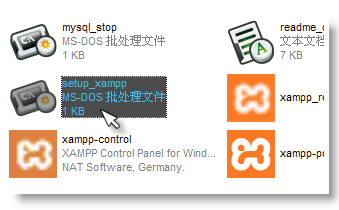
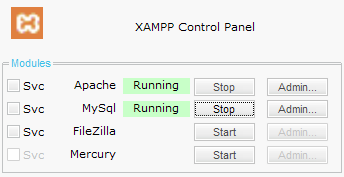
瀏覽器輸入 https://localhost/xampp/splash.php,選擇 Chinese 進入歡迎頁。以後直接輸入 https://localhost 即可。
點擊左欄工具 phpMyAdmin,建立名為 wordpress 的資料庫:

wp-config-sample.php 修改設定,另存為 wp-config.php:
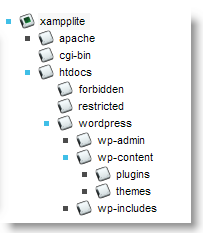
htdocs(如 D:\xampplite\htdocs)https://localhost/wordpress/wp-admin/install.php 完成安裝