itextpdf-5.5.x.jar (核心庫)itext-asian-5.5.x.jar (亞洲字體支援,**解決中文亂碼關鍵**)
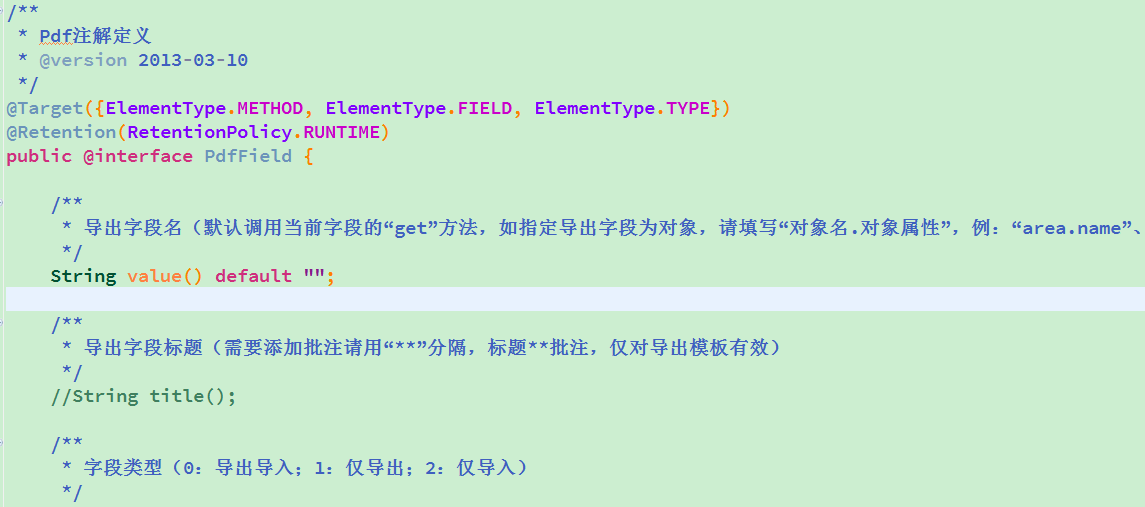
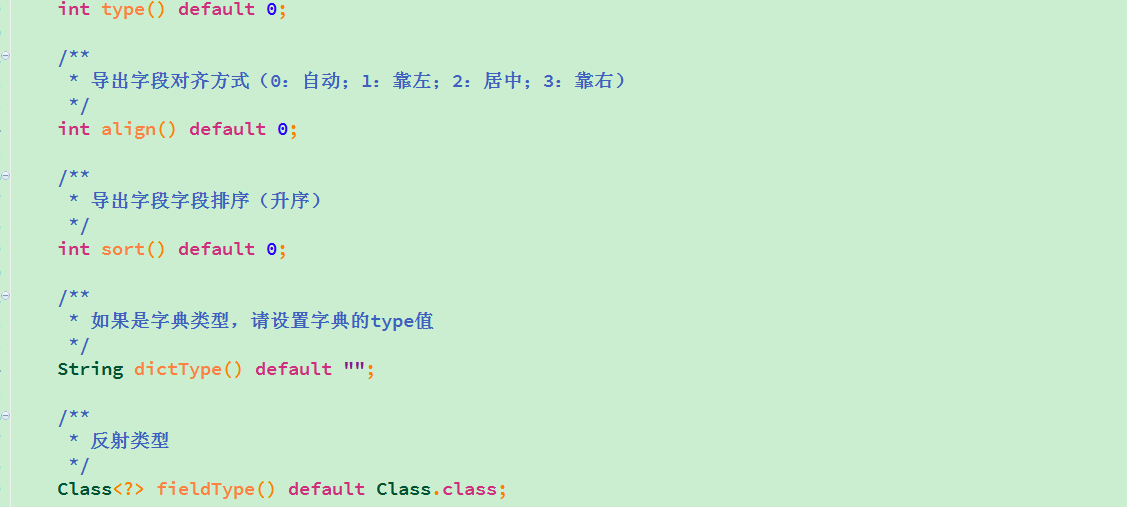
@Target(ElementType.FIELD)
@Retention(RetentionPolicy.RUNTIME)
public @interface PDFColumn {
    String header();      // 表頭名稱
    int order() default 0; // 列順序
    String format() default ""; // 格式化模板 (如日期)
}
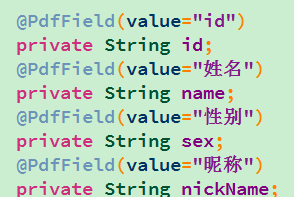
public class Employee {
    @PDFColumn(header = "員工編號", order = 1)
    private String empNo;

    @PDFColumn(header = "姓名", order = 2)
    private String name;

    @PDFColumn(header = "入職日期", order = 3, format = "yyyy-MM-dd")
    private Date hireDate;

    @PDFColumn(header = "薪資", order = 4, format = "#,##0.00")
    private BigDecimal salary;
    // getter/setter 省略
}
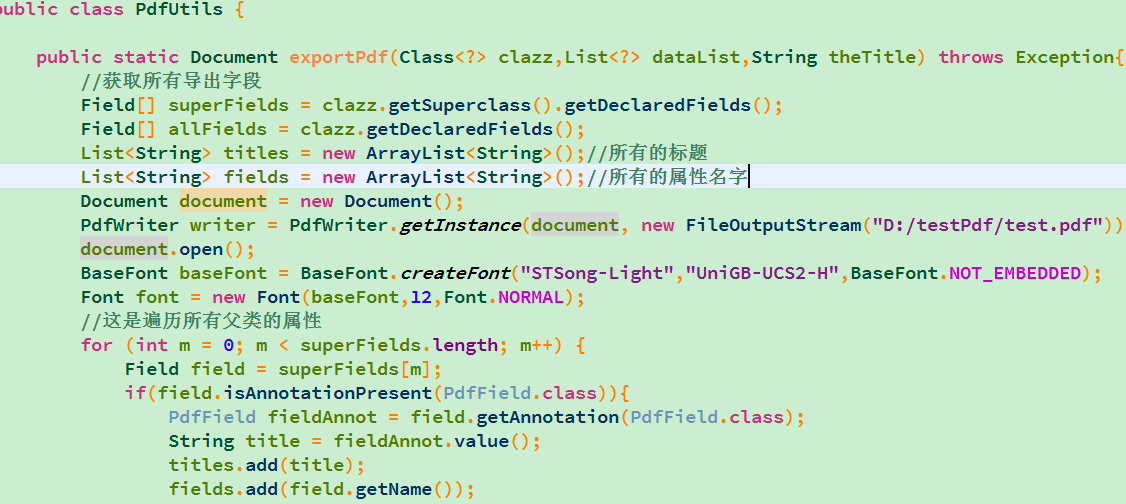
public class PDFExporter {
    private static final Font CHINESE_FONT = new Font(
        BaseFont.createFont("STSong-Light", "UniGB-UCS2-H", BaseFont.NOT_EMBEDDED), 12);

    public static <T> void export(List<T> data, String filePath) throws Exception {
        Document doc = new Document(PageSize.A4.rotate()); // 橫向
        PdfWriter.getInstance(doc, new FileOutputStream(filePath));
        doc.open();

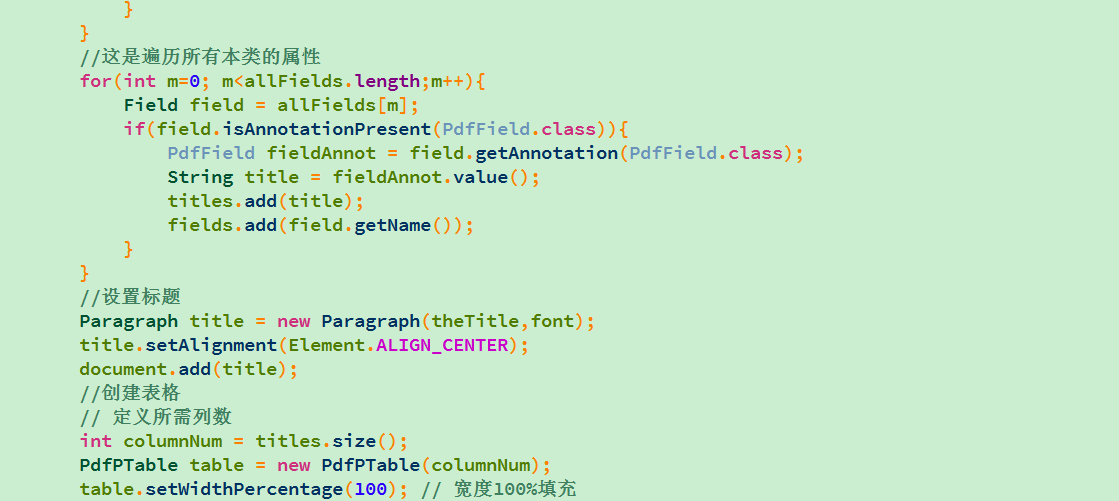
        // 1. 反射獲取註解欄位,按 order 排序
        List fields = Arrays.stream(data.get(0).getClass().getDeclaredFields())
            .filter(f -> f.isAnnotationPresent(PDFColumn.class))
            .sorted(Comparator.comparingInt(f -> f.getAnnotation(PDFColumn.class).order()))
            .collect(Collectors.toList());

        // 2. 建立表格
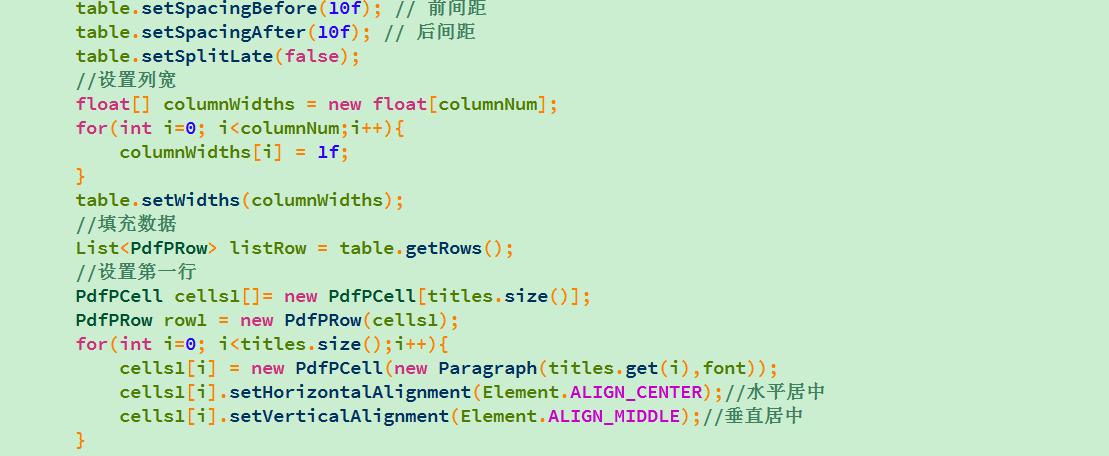
        PdfPTable table = new PdfPTable(fields.size());
        table.setWidthPercentage(100);

        // 3. 寫入表頭
        for (Field f : fields) {
            PDFColumn ann = f.getAnnotation(PDFColumn.class);
            PdfPCell cell = new PdfPCell(new Phrase(ann.header(), CHINESE_FONT));
            cell.setHorizontalAlignment(Element.ALIGN_CENTER);
            table.addCell(cell);
        }

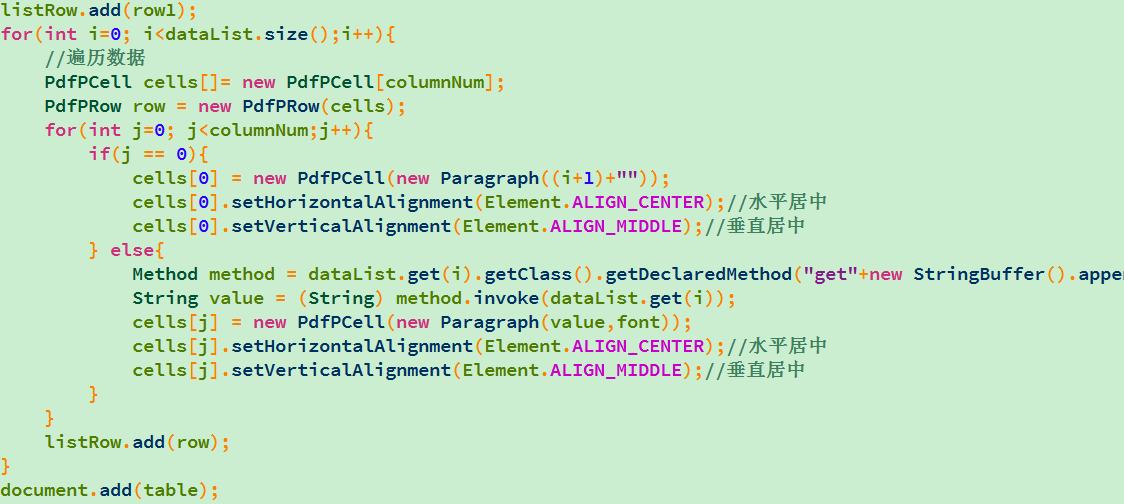
        // 4. 寫入數據行
        for (T obj : data) {
            for (Field f : fields) {
                f.setAccessible(true);
                Object val = f.get(obj);
                String text = formatValue(val, f.getAnnotation(PDFColumn.class).format());
                PdfPCell cell = new PdfPCell(new Phrase(text, CHINESE_FONT));
                table.addCell(cell);
            }
        }

        doc.add(table);
        doc.close();
    }

    private static String formatValue(Object val, String pattern) {
        if (val == null) return "";
        if (val instanceof Date && !pattern.isEmpty())
            return new SimpleDateFormat(pattern).format(val);
        if (val instanceof Number && !pattern.isEmpty())
            return new DecimalFormat(pattern).format(val);
        return val.toString();
    }
} 

@Test
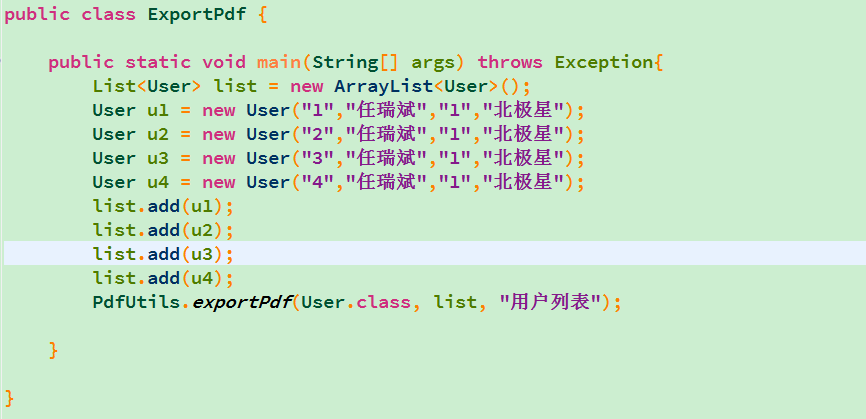
public void testExport() throws Exception {
    List<Employee> list = Arrays.asList(
        new Employee("E001", "張三", new Date(), new BigDecimal("8500.50")),
        new Employee("E002", "李四", new Date(), new BigDecimal("12000.00"))
    );
    PDFExporter.export(list, "D:/employee.pdf");
}
itext-asian 並使用 STSong-Light / UniGB-UCS2-H 字體編碼PageSize.A4.rotate() 適應寬表格