HBase 原生僅支持 RowKey 單一維度查詢,業務常需按非 RowKey 列查詢,故需構建二級索引。本文基於 MapReduce 批量構建索引表的完整方案,詳細記錄兩類生產級異常(Container 內存超限、類加載失敗)的根因分析與解決路徑,並附帶建表、寫數據、驗證全流程命令。
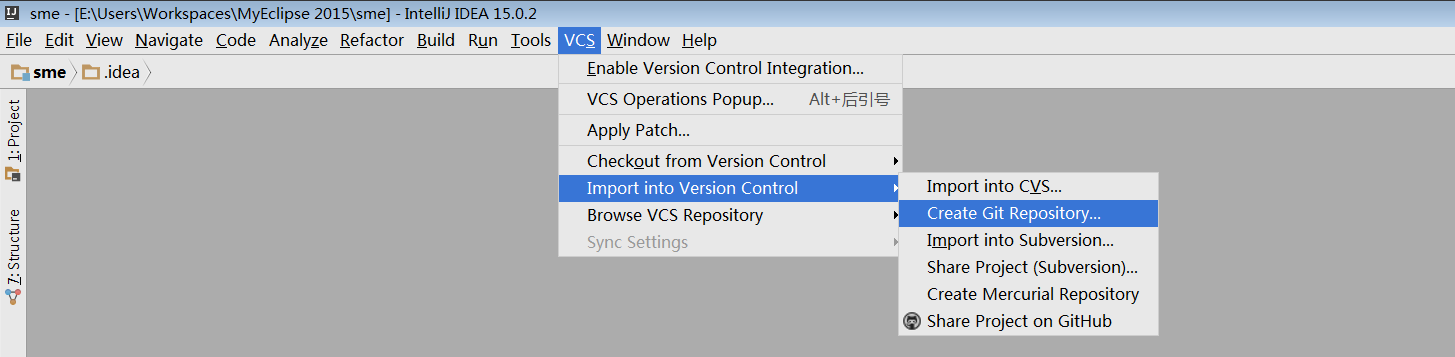
studentinfo,列族 f1,RowKey 為學生 IDname)建一張索引表 studentinfo-name,列族 f1,RowKey 為該列值,列限定符 id 存主表 RowKeypublic class IndexCreateExample extends TableMapper<ImmutableBytesWritable, Put> {
private static Configuration conf;
private String familyName;
private Map<byte[], ImmutableBytesWritable> indexes = new HashMap<>();
static {
conf = new Configuration();
conf.addResource(new Path("hbase-site.xml"));
conf = HBaseConfiguration.create(conf);
}
@Override
protected void setup(Context context) throws IOException, InterruptedException {
String tableName = conf.get("tableName");
familyName = conf.get("familyName");
String[] qualifiers = conf.getStrings("qualifiers");
for (String qualifier : qualifiers) {
// 索引表名 = 主表名 + "-" + 列名
indexes.put(Bytes.toBytes(qualifier),
new ImmutableBytesWritable(Bytes.toBytes(tableName + "-" + qualifier)));
}
}
@Override
protected void map(ImmutableBytesWritable key, Result value, Context context)
throws IOException, InterruptedException {
for (byte[] qualifier : indexes.keySet()) {
byte[] cellValue = value.getValue(Bytes.toBytes(familyName), qualifier);
if (cellValue != null) {
Put put = new Put(cellValue); // 索引表 RowKey = 列值
put.addColumn(Bytes.toBytes("f1"), Bytes.toBytes("id"), key.get()); // 存主表 RowKey
context.write(indexes.get(qualifier), put); // MultiTableOutputFormat 路由到對應索引表
}
}
}
public static void main(String[] args) throws Exception {
// 參數:tableName, columnFamily, qualifier1, qualifier2...
// 配置 Job:TableInputFormat 讀主表,MultiTableOutputFormat 寫多張索引表
// Mapper = IndexCreateExample,Reducer = 0
}
}
Container [pid=3984] is running beyond physical memory limits.
Current usage: 285.6 MB of 256 MB physical memory used;
1.5 GB of 537.6 MB virtual memory used. Killing container.
yarn.scheduler.minimum-allocation-mb),MapTask JVM 堆(-Xmx)+ 非堆(Metaspace、線程棧、Direct Memory、JNI 等)超過物理限制。HashMap<byte[], ImmutableBytesWritable> indexes 若列數極大,或 Result 對象較大,會佔用較多堆外/堆內內存。mapred-site.xml 或提交命令設置mapreduce.map.memory.mb=1024mapreduce.map.java.opts=-Xmx819m(堆約 80% 容器內存)-XX:MaxDirectMemorySize=128mindexes 改為 List 避免 byte[] 作鍵的哈希開銷;map 方法中及時釋放大對象引用。Caused by: java.lang.ClassNotFoundException: org.apache.hadoop.hbase.ipc.controller.ServerRpcControllerFactory at java.net.URLClassLoader.findClass(URLClassLoader.java:354) ... at org.apache.hadoop.hbase.util.ReflectionUtils.instantiateWithCustomCtor(ReflectionUtils.java:32)
hbase-client,而集群運行低版本 HBase(或相反)。ServerRpcControllerFactory 屬於 HBase 2.x+ 引入的 RPC 控制器工廠,舊版本無此類。mvn dependency:tree 檢查 hbase-client、hbase-common、hbase-server 版本,強制對齊集群版本(如 <hbase.version>1.4.9</hbase.version>)。pom.xml 中 <exclusions> 剔除衝突的 hbase-* 傳遞依賴。mvn shade 或 assembly 打包後,解壓 JAR 確認 org/apache/hadoop/hbase/ipc/controller/ServerRpcControllerFactory.class 存在且版本正確。# 1. 建主表並寫入測試數據 create 'studentinfo','f1' put 'studentinfo','1','f1:name','zhangsan' put 'studentinfo','2','f1:name','lisi' put 'studentinfo','3','f1:name','wangwu' scan 'studentinfo' # 2. 建索引表(手動預建,或由 MR 自動建表需啟用 AutoCreateTable) create 'studentinfo-name','f1' # 3. 提交 MR 任務構建索引 hadoop jar hbase-index-mr.jar com.example.IndexCreateExample studentinfo f1 name # 4. 驗證索引表數據 scan 'studentinfo-name' # 預期輸出: # ROW COLUMN+CELL # lisi column=f1:id, timestamp=..., value=2 # wangwu column=f1:id, timestamp=..., value=3 # zhangsan column=f1:id, timestamp=..., value=1
| 優化點 | 建議配置/代碼 |
|---|---|
| MapTask 內存 | mapreduce.map.memory.mb=2048 / -Xmx1600m |
| 減少 GC | -XX:+UseG1GC -XX:MaxGCPauseMillis=100 |
| 輸入切片大小 | Scan.setCaching(1000) / TableMapReduceUtil.initTableMapperJob 設置合適分片 |
| 併發寫入 | MultiTableOutputFormat 批量寫入,可調 hbase.client.write.buffer |
| 容錯重試 | MapReduce 內建重試;關鍵路徑加冪等待 |
| 監控告警 | YARN Container 內存/虛擬內存指標接入 Prometheus + Alertmanager |
HBase 二級索引構建的核心難點不在 MapReduce 邏輯,而在於**集群資源配置(內存/CPU)與客戶端版本對齊**。掌握 Container 內存模型、YARN 資源調度參數、HBase RPC 版本兼容性矩陣,是解決「跑得通、跑得穩」的關鍵。建議將索引構建納入定時調度(Airflow/DolphinScheduler),並建立索引數據質量校驗任務(主表行數 vs 索引表行數)。