從他人導入的 Java 項目,編輯器大面積紅錯,提示:
Syntax error on token "enum", @ expected
enum cannot be resolved to a type
但代碼明明使用了 JDK 5+ 的 enum 關鍵字。
項目編譯器合規級別(Compiler Compliance Level)設置為 **1.4 或 1.5 以下**,導致編譯器不識別 enum、@Override、泛型、自動拆箱裝箱等 JDK 5+ 語法。
若需批量修改或版本控制共享,直接編輯該文件:
eclipse.preferences.version=1
org.eclipse.jdt.core.compiler.codegen.targetPlatform=1.8
org.eclipse.jdt.core.compiler.compliance=1.8
org.eclipse.jdt.core.compiler.source=1.8
org.eclipse.jdt.core.compiler.problem.assertIdentifier=error
org.eclipse.jdt.core.compiler.problem.enumIdentifier=error
# 其餘保持默認...關鍵三項:targetPlatform、compliance、source 必須一致,且 ≥ 1.5。
<properties>
    <maven.compiler.source>1.8</maven.compiler.source>
    <maven.compiler.target>1.8</maven.compiler.target>
</properties>
<!-- 或 -->
<plugin>
    <groupId>org.apache.maven.plugins</groupId>
    <artifactId>maven-compiler-plugin</artifactId>
    <version>3.8.1</version>
    <configuration>
        <source>1.8</source>
        <target>1.8</target>
        <encoding>UTF-8</encoding>
    </configuration>
</plugin>
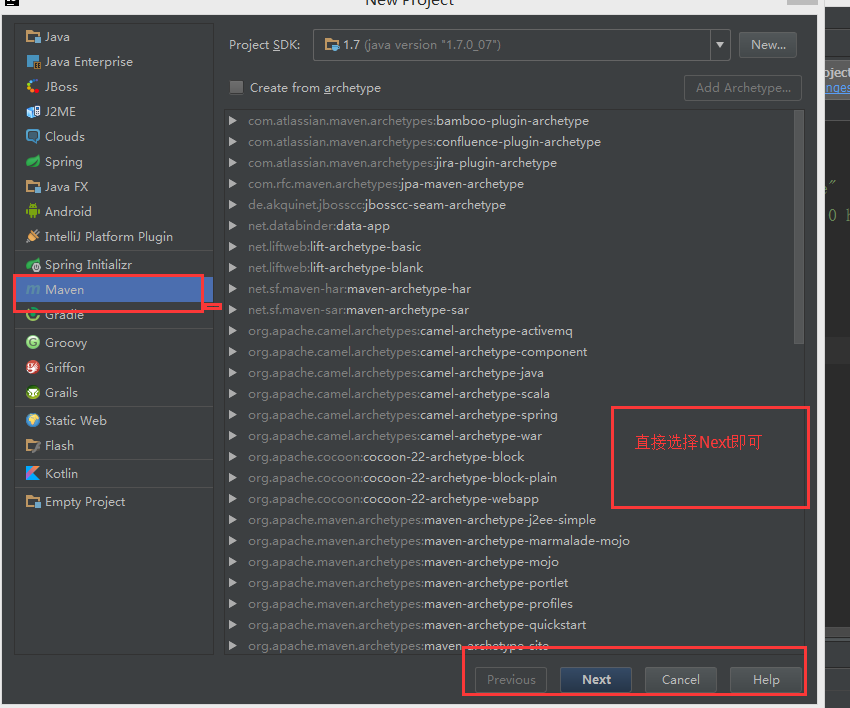
執行 mvn eclipse:eclipse 或 IDE 重新導入 Maven 項目,同步編譯器設置。
「enum 識別符錯誤」99% 是編譯器合規級別過低。一鍵調整至 1.8+,問題秒解。建議團隊統一 .settings 文件納入版本控制,避免「我機器上好使」的環境差異。