在 Eclipse 中編輯 pom.xml 時,點選「Add Dependency」搜尋框輸入關鍵字(如 spring-boot),結果列表長期顯示「No matches found」或空白,導致無法透過圖形介面快速新增依賴,只能手動複製 XML 片段。
Eclipse Maven 插件 (m2e) 預設不會自動下載中央倉庫索引。索引檔約 100-200 MB,包含所有 artifact 的 groupId、artifactId、version 元資料,搜尋功能強依賴此本地索引。
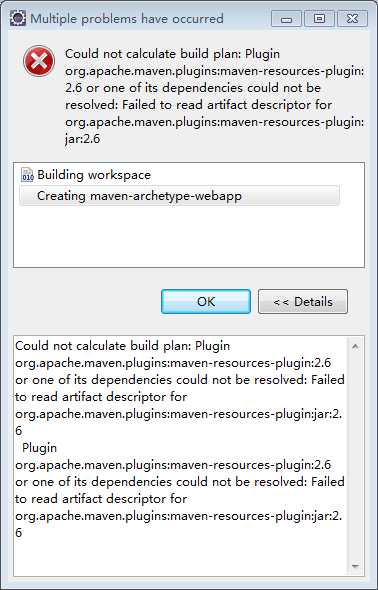
Window → Preferences → Maven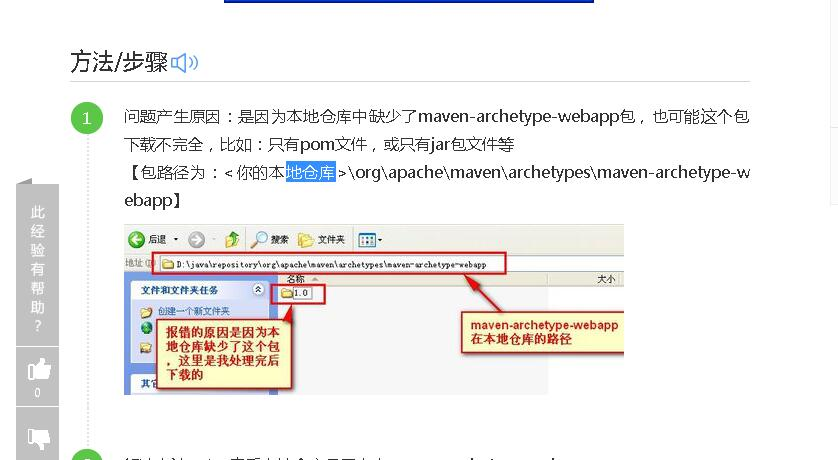
Window → Show View → Other → Maven → Maven Repositories
重新開啟 pom.xml → Dependencies 分頁 → Add... → 輸入 spring-boot-starter-web → 應顯示完整版本列表。
| 場景 | 解決方案 |
|---|---|
| 企業內網無法連外 | 配置 settings.xml <mirror> 指向內部 Nexus,同步中央索引至私服 |
| 索引損壞/異常 | 右鍵 central → Rebuild Index 或刪除 ~/.m2/repository/.cache 重來 |
| 多儲存庫管理 | 對每個啟用的 Remote Repository 都執行 Full Index Enabled |
| 離線環境 | 從有網機器複製 ~/.m2/repository/.cache/m2e/ 目錄 |
若急需新增依賴不想等索引,可直接編輯 pom.xml 或使用命令列:
# 搜尋 artifact (需網路)
mvn dependency:search -DsearchTerm=spring-boot

# 或使用線上搜尋網站
# https://mvnrepository.com / https://search.maven.org~/.m2/repository/.cache/m2e/ 下的索引段Full Index Enabled 觸發下載 nexus-maven-repository-index.gz 並解壓建立