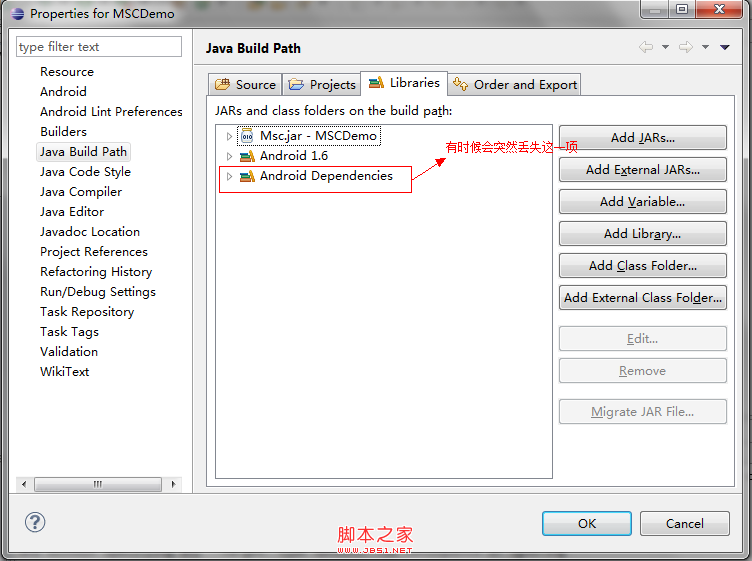
welcome.jsp 頁面,顯示「附件下載日誌」連結Content-Type: application/octet-stream、Content-Disposition: attachment; filename="xxx.log"ServletOutputStream 以二進制流輸出檔案內容byte[] buffer = new byte[4096] 循環寫入finally 關閉流)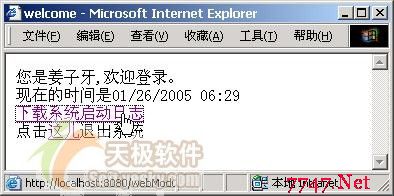
圖 1:welcome.jsp 頁面,提供「下載系統日誌」超連結
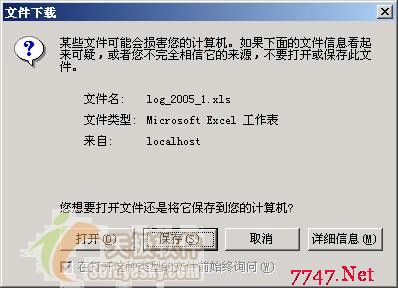
圖 2:瀏覽器彈出的檔案下載確認對話框,使用者可選擇開啟或儲存
// DownloadServlet.java 核心邏輯
response.setContentType("application/octet-stream");
response.setHeader("Content-Disposition", "attachment; filename=\"system.log\"");

ServletOutputStream out = response.getOutputStream();
FileInputStream fis = new FileInputStream(logFilePath);
byte[] buffer = new byte[4096];
int len;
while ((len = fis.read(buffer)) > 0) {
    out.write(buffer, 0, len);
}
fis.close();
out.flush();
out.close();
完整專案結構、web.xml 配置與 JBuilder 專案設定請參考系列前文。