https://httpd.apache.org/download.cgihttps://dev.mysql.com/downloads/mysql/5.0.htmlhttps://www.php.net/downloads.phpopenssl-devel、zlib-devel、pcre-devel、libxml2-devel、curl-devel、gd-devel 等(使用 up2date 或 RPM)。./configure --prefix=/usr/local/mysql --with-charset=utf8 --with-collation=utf8_general_ci \
--with-extra-charsets=all --enable-thread-safe-client
make && make install
/usr/local/mysql/bin/mysql_install_db --user=mysql
chown -R mysql:mysql /usr/local/mysql
cp support-files/my-medium.cnf /etc/my.cnf
/usr/local/mysql/bin/mysqld_safe --user=mysql &
./configure --prefix=/usr/local/apache2 --enable-so --enable-rewrite --enable-ssl --with-mpm=prefork
make && make install
./configure --prefix=/usr/local/php5 --with-apxs2=/usr/local/apache2/bin/apxs \
    --with-mysql=/usr/local/mysql --with-mysqli=/usr/local/mysql/bin/mysql_config \
    --with-pdo-mysql=/usr/local/mysql --with-gd --with-jpeg-dir --with-png-dir \
    --with-freetype-dir --with-zlib --with-curl --with-openssl --enable-mbstring \
    --enable-sockets --enable-ftp --enable-bcmath
make && make install
cp php.ini-dist /usr/local/php5/lib/php.ini
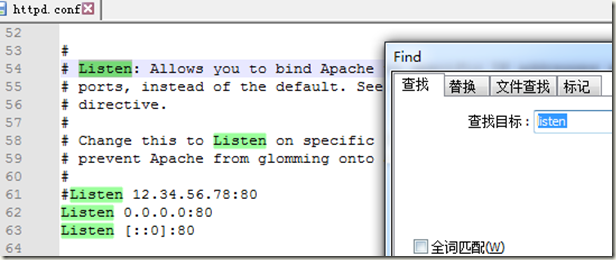
httpd.conf 添加 AddType application/x-httpd-php .php,重啟 Apache,瀏覽 phpinfo() 確認模塊載入。將 /usr/local/apache2/bin/apachectl start、/usr/local/mysql/bin/mysqld_safe --user=mysql & 加入 /etc/rc.d/rc.local。