預設 PHP 會在 HTTP 回應標頭發送 X-Powered-By: PHP/x.y.z,暴露版本資訊增加被攻擊風險。關閉 expose_php 即可隱藏。
php.ini:
vi /etc/php.ini
expose_php,修改為:
expose_php = Off
systemctl restart php-fpm
systemctl restart nginx
$ curl -I https://example.com/
HTTP/1.1 200 OK
Server: nginx
X-Powered-By: PHP/5.3.3
Content-Type: text/html; charset=UTF-8
...
$ curl -I https://example.com/
HTTP/1.1 200 OK
Server: nginx
Content-Type: text/html; charset=UTF-8
... (無 X-Powered-By 標頭)
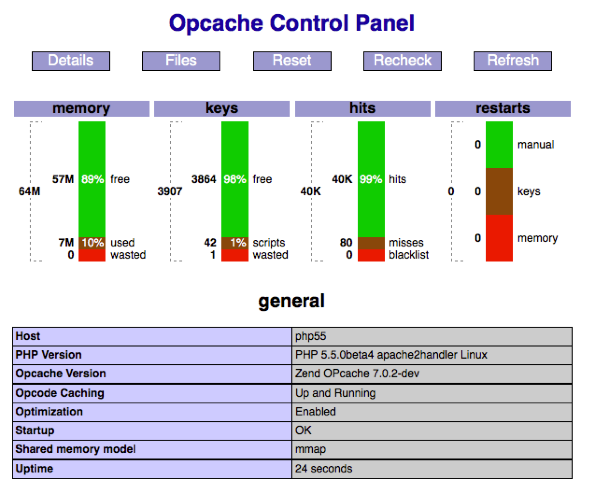
server_tokens off; (Nginx) / ServerTokens Prod (Apache)。disable_functions = exec,passthru,shell_exec,system,proc_open,popen,curl_exec,curl_multi_exec,parse_ini_file,show_source。open_basedir 限制腳本存取目錄。opcache.validate_timestamps=0(生產環境)提升效能。