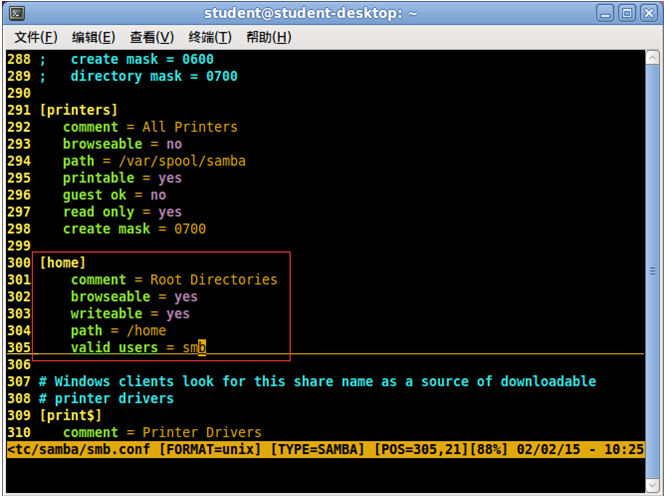
在 Windows Server 2008 R2、2012 以及 Windows 7 等系統上,若 MySQL 設定檔 my.ini 指定了 bind-address=127.0.0.1,PHP 使用 localhost 連線本地資料庫會異常緩慢(超過 1 秒),而改用 127.0.0.1 則只需幾毫秒。這是因為 localhost 在 IPv6 環境下會優先解析為 ::1,導致連線嘗試 IPv6 後再 fallback 到 IPv4,造成嚴重延遲。
<?php
$start = microtime(true);
$mysqli = new mysqli('127.0.0.1', 'root', '', 'mysql'); // 約 0.0025 秒
// $mysqli = new mysqli('localhost', 'root', '', 'mysql'); // 超過 1 秒,慢 400 倍
echo microtime(true) - $start;
?>
localhost 連線極慢,用 127.0.0.1 正常。localhost 正常,用 127.0.0.1 反而異常。localhost 與 127.0.0.1 皆正常。my.ini 中註解或移除 bind-address,讓 MySQL 同時監聽 IPv4/IPv6,兼容所有連線方式。localhost 改為 127.0.0.1。Windows 7、Windows Server 2008 R2、Windows Server 2012 及更新版本皆存在此現象。調整後可顯著提升 PHP 應用的資料庫連線效能。