通過 JavaBean 封裝文件讀取邏輯,JSP 頁面使用 <jsp:useBean> 調用,實現文本文件逐行讀取並顯示行號。
package pkg; // 假設包名
import java.io.*; import java.util.StringTokenizer;
public class DelimitedDataFile {
    private String currentRecord; private BufferedReader file;
    private String path; private StringTokenizer token;

    public DelimitedDataFile() { file = new BufferedReader(new InputStreamReader(System.in),1); }
    public DelimitedDataFile(String filePath) throws FileNotFoundException {
        path = filePath; file = new BufferedReader(new FileReader(path));
    }
    public void setPath(String filePath) { /* 同構造器 */ }
    public String getPath() { return path; }
    public void fileClose() throws IOException { file.close(); }

    // 讀取下一行,返回 token 數,無數據返回 -1
    public int nextRecord() {
        try { currentRecord = file.readLine(); }
        catch(IOException e) { return -1; }
        if(currentRecord==null) return -1;
        token = new StringTokenizer(currentRecord);
        return token.countTokens();
    }
    public String returnRecord() { return currentRecord; }
}<html><body>
<jsp:useBean id="reader" class="pkg.DelimitedDataFile" scope="request">
<jsp:setProperty name="reader" property="path" value="/test/afile.txt"/>
</jsp:useBean>
<h3>文件內容:</h3>
<% int count=0; while(reader.nextRecord()!=-1) { count++; %>
<b>第<%=count%>行:</b> <%=reader.returnRecord()%><br>
<% } %>
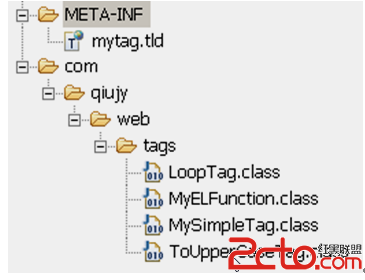
</body></html>.class 放入 WEB-INF/classes/pkg/afile.txt 放在 Web 根目錄 /test/ 下