相比舊版 swagger-springmvc 需手動複製靜態資源,springfox-swagger2 提供開箱即用的 UI 界面,版本 2.4.0 穩定可靠。
<dependency>
    <groupId>io.springfox</groupId>
    <artifactId>springfox-swagger2</artifactId>
    <version>2.4.0</version>
</dependency>
<dependency>
    <groupId>io.springfox</groupId>
    <artifactId>springfox-swagger-ui</artifactId>
    <version>2.4.0</version>
</dependency>
<mvc:default-servlet-handler />
確保 Swagger UI 靜態資源(HTML、JS、CSS)正確訪問。
@Configuration
@EnableSwagger2
public class SwaggerConfig {

    @Bean
    public Docket buildDocket() {
        return new Docket(DocumentationType.SWAGGER_2)
            .apiInfo(buildApiInfo())
            .select()
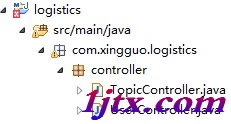
            .apis(RequestHandlerSelectors.basePackage("com.xingguo.logistics.controller"))
            .paths(PathSelectors.any())
            .build();
    }

    private ApiInfo buildApiInfo() {
        return new ApiInfoBuilder()
            .title("xingguo 大標題")
            .termsOfServiceUrl("https://blog.csdn.net/u014231523")
            .description("springmvc swagger2")
            .contact(new Contact("diaoxingguo", "https://blog.csdn.net/u014231523", "diaoxingguo@163.com"))
            .build();
    }
}
關鍵點:
@EnableSwagger2 啟用自動配置Docket 核心配置:文檔類型、API 信息、掃描包路徑、路徑過濾ApiInfoBuilder 鏈式構建文檔元信息啟動項目後訪問:https://{ip}:{port}/{projectName}/swagger-ui.html#/
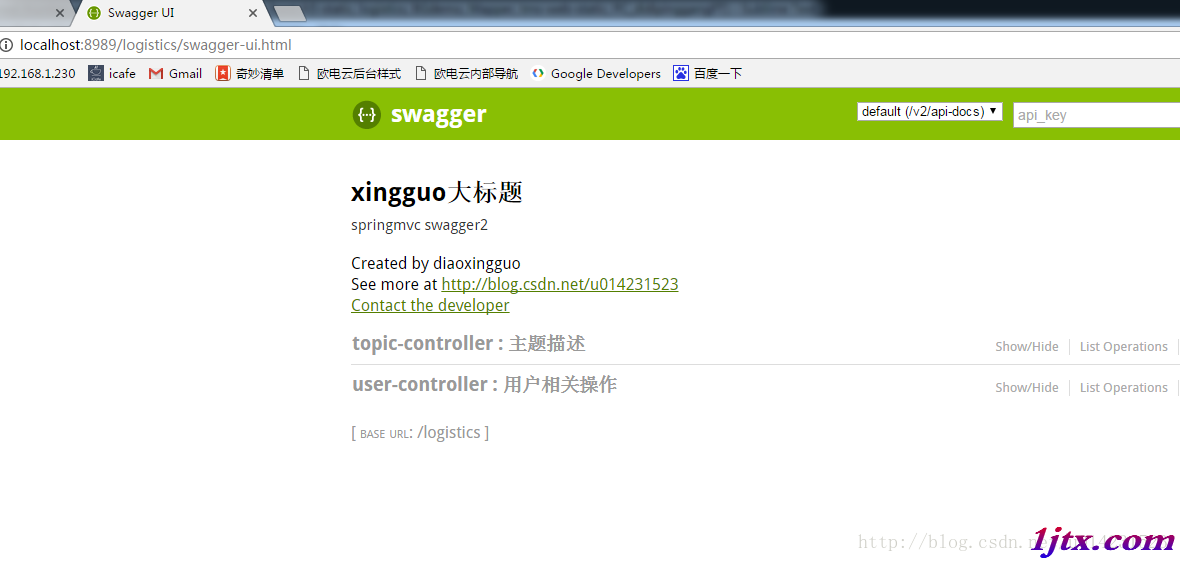
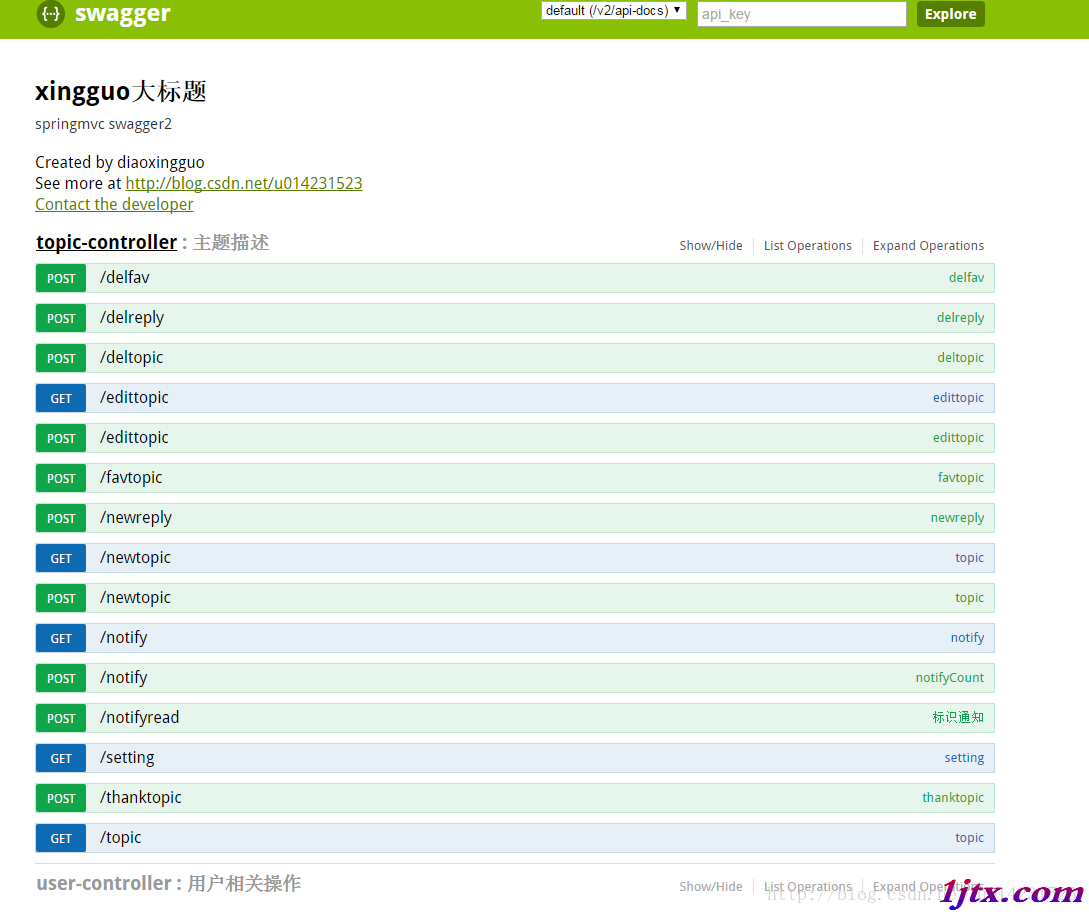
| 註解 | 作用位置 | 說明 |
|---|---|---|
@Api | Controller 類 | 標識 API 分組,value=分組名,description=描述 |
@ApiOperation | 方法 | 接口說明,value=摘要,notes=詳細說明 |
@ApiParam | 方法參數 | 參數說明,name、value、required |
@ApiModel | 實體類 | 模型說明,value、description |
@ApiModelProperty | 實體屬性 | 屬性說明,value、required、example |
@Controller
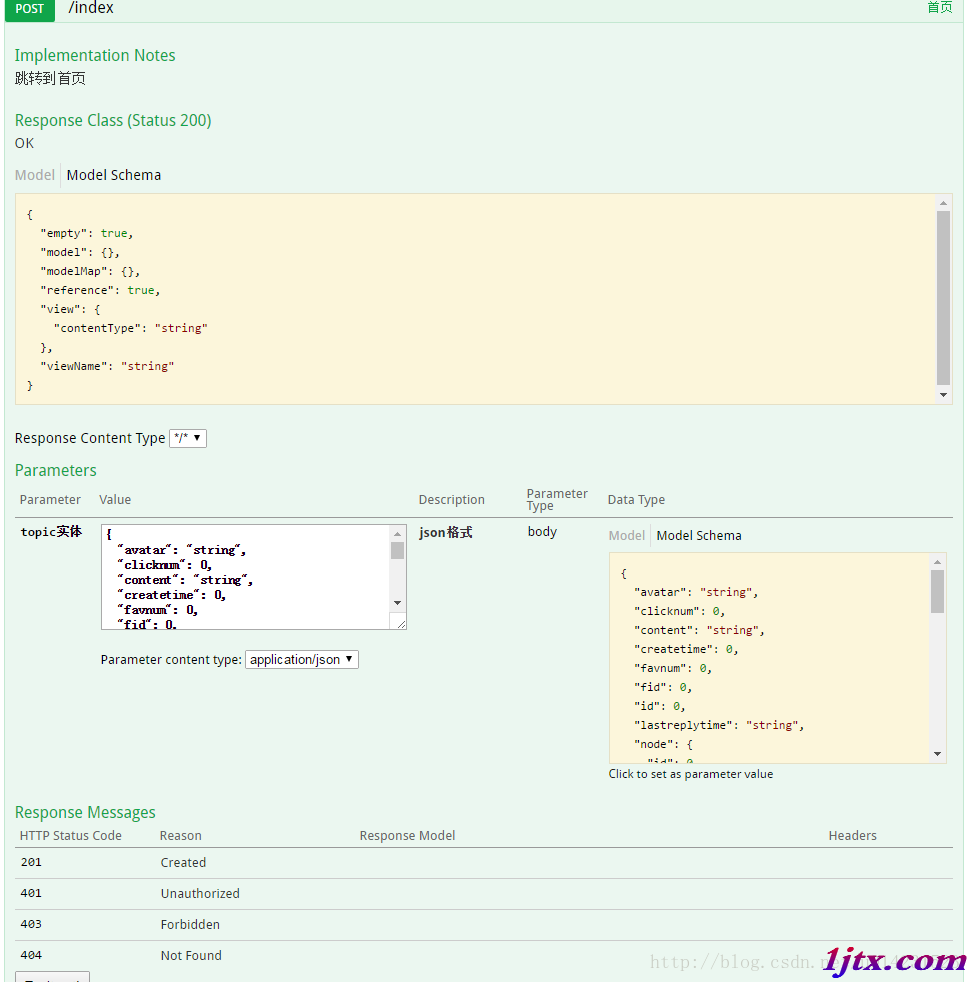
@Api(value = "用戶控制器", description = "用戶相關操作")
public class UserController {

    @RequestMapping(value = "index", method = RequestMethod.POST)
    @ApiOperation(value = "首頁", notes = "跳轉到首頁")
    public Object getIndex(
        @ApiParam(name = "topic實體", value = "json格式", required = true)
        @RequestBody Topic topic) {
        // 業務邏輯
        return new Object();
    }
}
@ApiModel(value = "Topic", description = "主題實體")
public class Topic {
    @ApiModelProperty(value = "標題", required = true)
    private String title;

    @ApiModelProperty(value = "內容")
    private String content;
    // getter/setter 省略
}
Spring Boot 集成方式基本一致,參考《Spring Boot 集成 springfox-swagger2 構建 RESTful API 方法教程》。